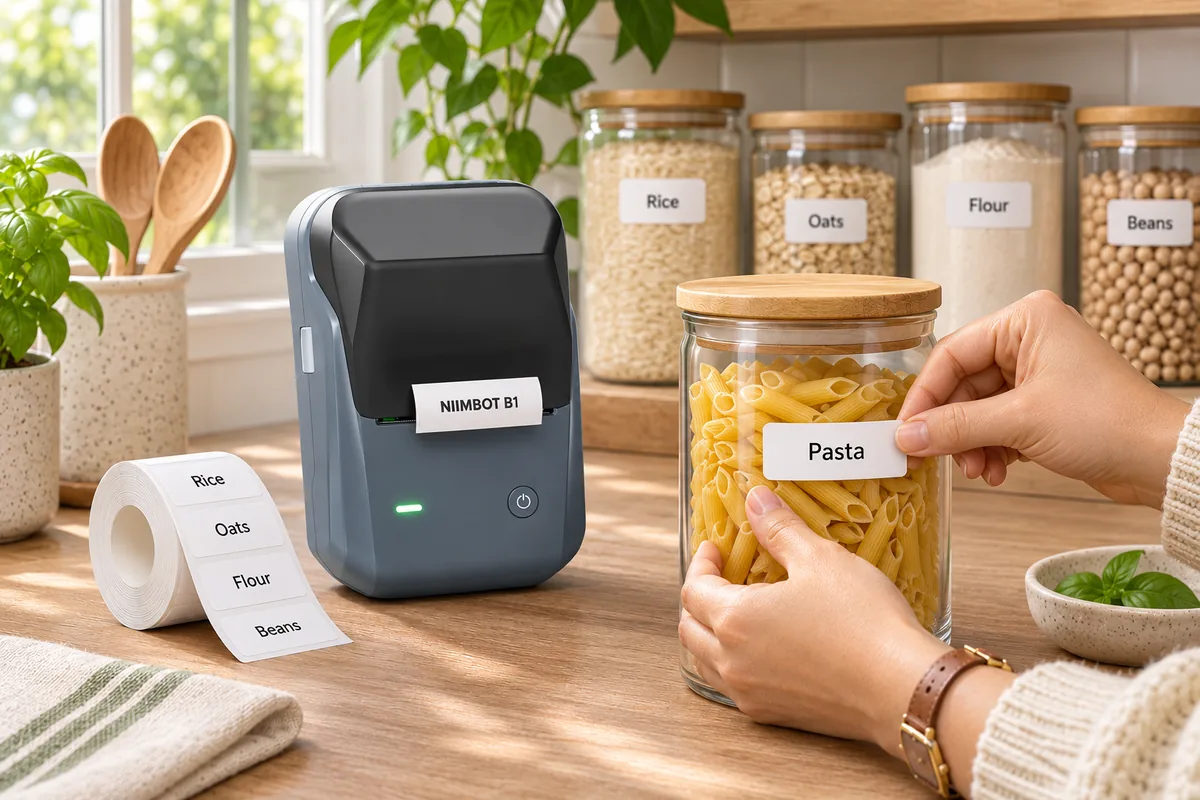
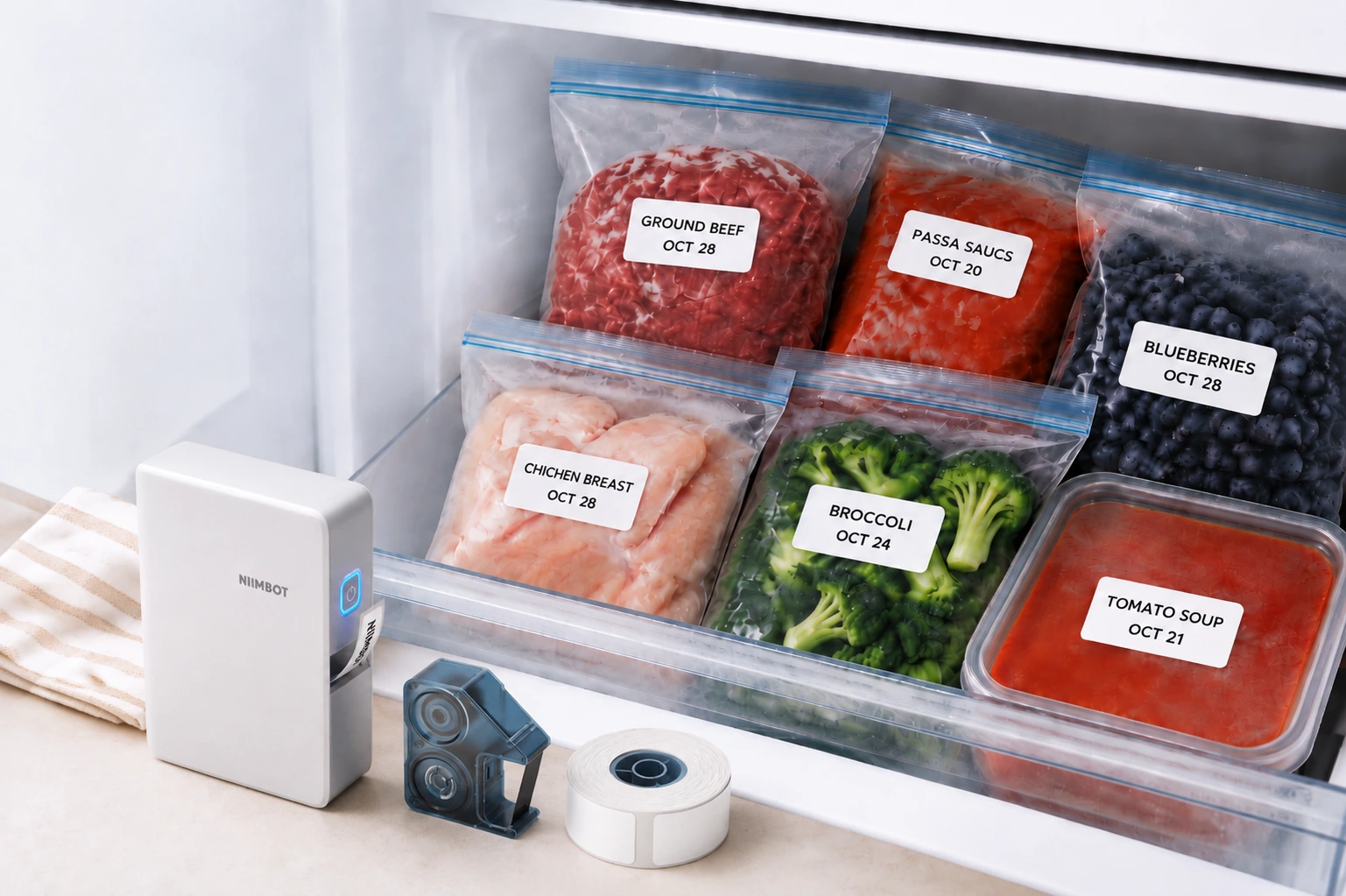
A good product label answers a customer’s first questions quickly: What is this? What does it cost? Which version should I choose? For a small shop, market stall, bakery, craft business, or home studio, a thermal label printer for small business can make those answers easier to present and easier to keep consistent. The NIIMBOT B1 is a compact direct thermal printer designed for everyday labeling, with Bluetooth and USB connectivity and support for label widths from 20 to 50 mm.
Here’s a practical guide to planning product labels, organizing stock, and deciding where a desktop label printer fits into a small business workflow.
Why thoughtful product labels matter
Labels do a small job with an outsized effect: they connect the product to the information a shopper needs. A clear name, size, variant, price, or short instruction can reduce confusion at a display and help staff find the right item during packing. Consistent labels also make a collection look considered, even when products are handmade or sold in small batches.
That does not mean every label needs to be elaborate. In many cases, a readable product name and one useful detail are enough. A candle might need its scent and size. A craft supply might need a color or material. A packaged item might need a product name and SKU for internal handling. Start with the information that matters most at the moment someone sees or picks up the item.
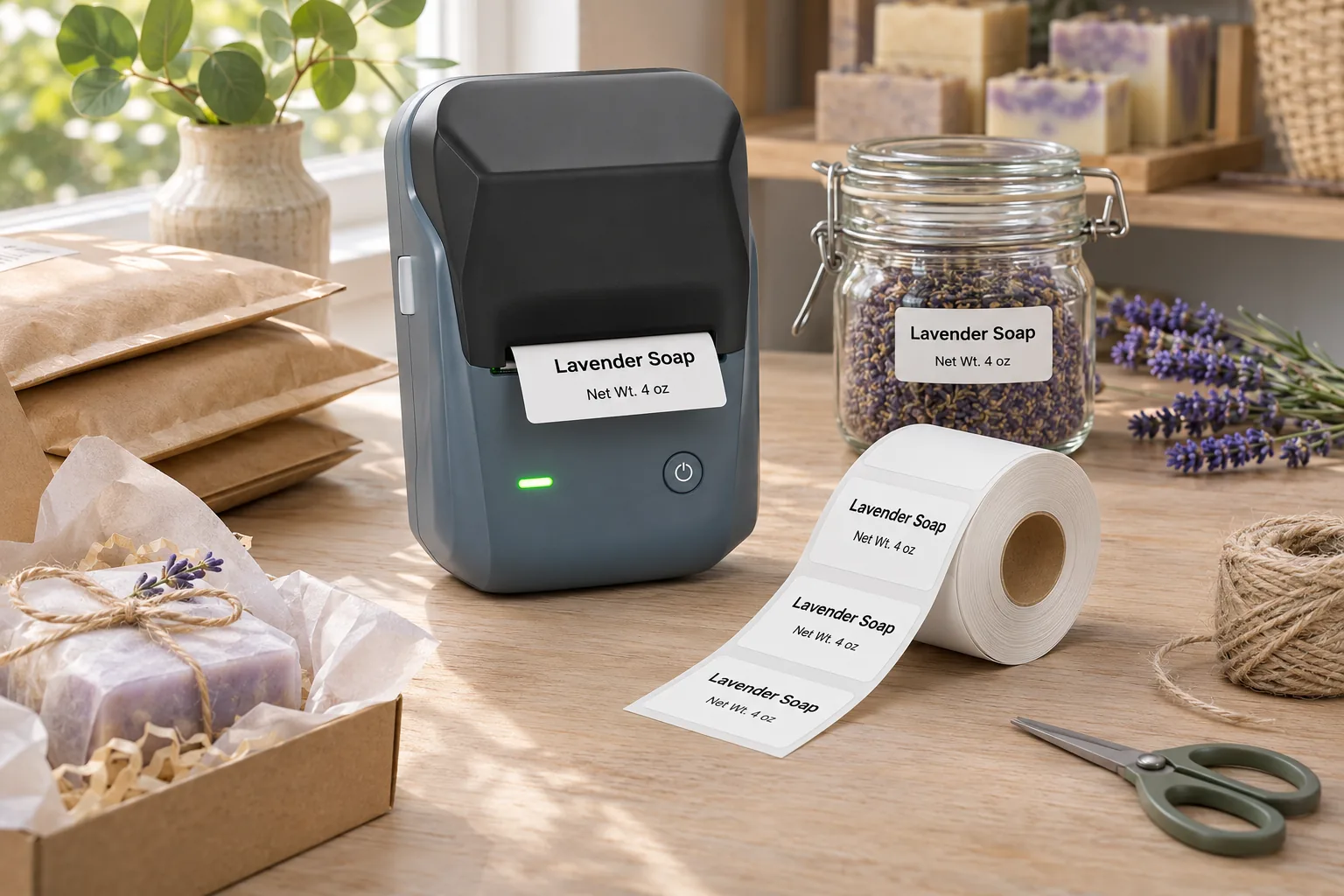
Printed labels can also help a business repeat its process. When a design is saved in an app or template, you can reuse it across a new batch rather than recreating each label from scratch. That consistency is helpful when several people prepare orders or replenish shelves.
Plan a useful product label
Before choosing a label size or opening a design tool, write down what the label must communicate. Separate customer-facing details from internal tracking details. Customers may need a name, flavor, scent, size, or price; your team may need a SKU, bin location, or batch identifier. If space is limited, prioritize what needs to be read at a glance.
Use a simple information hierarchy
- Lead with the product. Make the product or variant name the most prominent line.
- Add one or two decision-making details. Consider size, color, scent, material, or quantity.
- Include operational information only where useful. A barcode or SKU can help inventory processes, but it should not crowd out the customer-facing text.
- Leave breathing room. A little white space can make small type easier to scan.
Try printing one sample and placing it on the actual package before producing a full roll. Check whether the important words are readable from a normal viewing distance, whether the label fits the surface, and whether its placement looks balanced. A label that looks clear on a phone screen may feel crowded on a small jar or pouch.
Label ideas for different small businesses
Market stalls and retail displays
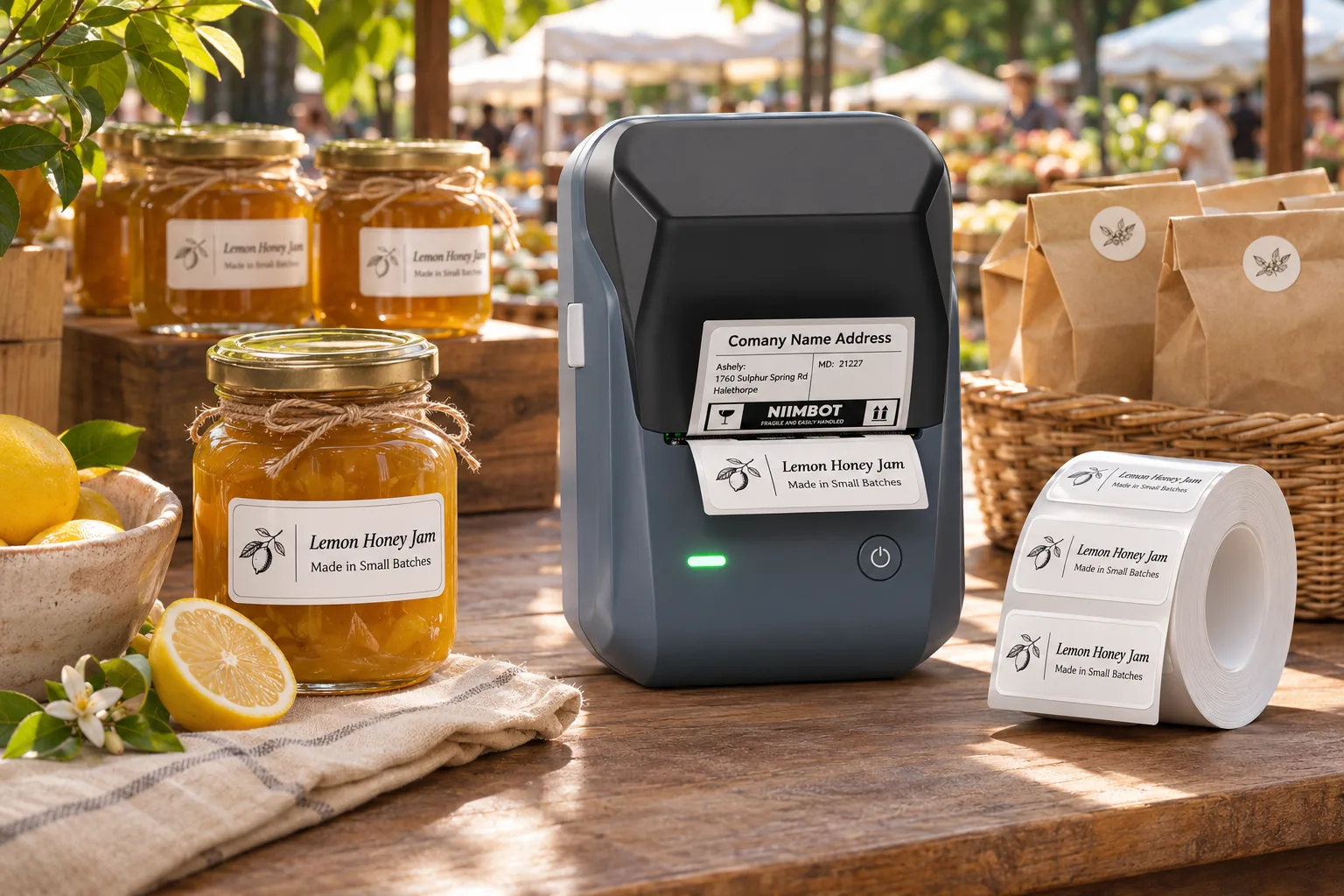
Price tags and shelf labels can make browsing simpler. Keep the product name and price easy to find, and use a consistent layout across sizes or colors. For a display with many variations, a short code or SKU can help you match a customer’s choice to the correct stock item while keeping the visible design uncluttered.
Handmade goods and gift packaging
Small product labels can add a tidy finishing detail to candles, soaps, stationery, accessories, or gift bundles. Use them to identify the scent, collection, material, or maker. A separate package seal can carry a simple brand mark or thank-you message, while a product label focuses on useful identification.
Food and beverage businesses
Labels can identify a flavor, product name, package size, or preparation date field when appropriate to your process. Keep required ingredient, allergen, net quantity, and other regulated information aligned with the rules that apply to your product and location; a small thermal printer does not determine compliance or food safety. For perishable products, follow authoritative food safety guidance for storage and date marking.
Home studios and back-room organization
Not every useful label faces a customer. Storage bins, supply drawers, sample folders, and order staging areas can all benefit from clear names. A compact printer can help you use the same naming pattern across shelves and containers, so the system remains understandable as inventory grows.
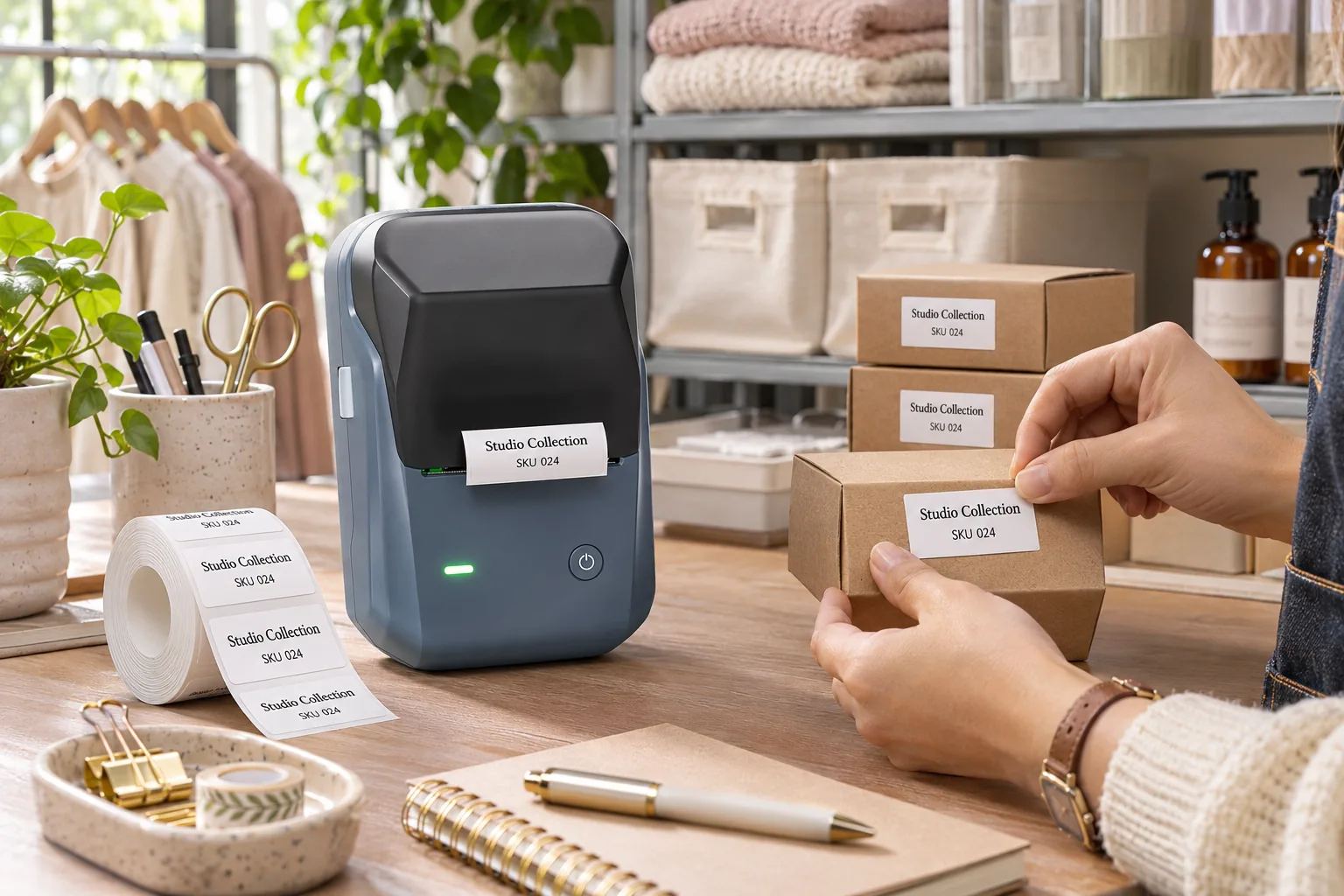
Build a repeatable labeling workflow
A simple workflow reduces last-minute printing and inconsistent naming. First, choose a naming convention for products and variations. For example, use the same order each time: collection, product, size, then color. Next, decide which information belongs on the product itself and which belongs in your inventory system. Then save a reusable design for each label family.
- Prepare: Confirm the product name, variant, and any internal code before printing.
- Preview: Check spelling, line breaks, and print size on the screen.
- Sample: Print one label and test its fit on the package or shelf edge.
- Batch: Print only the number you need for the current production or restock run.
- Review: Keep a master list of label names and update it when products change.
When a label is revised, remove outdated versions from the work area so they are not accidentally used. For seasonal or limited-run products, include the collection or variant clearly enough that an old design is easy to distinguish from the current one.
Choosing label sizes and materials
Measure the usable flat surface, not just the package width. Curved jars, narrow edges, folds, and seams reduce the space available for a label. Leave a margin around the text and check that the label does not wrap over a corner unless that placement is intentional.
| Label need | What to consider |
|---|---|
| Small product identifier | Short name, variant, or SKU; prioritize readable type. |
| Price or shelf label | Make the price prominent and use a consistent layout. |
| Jar or container label | Measure the flat area and consider how the label sits on a curve. |
| Storage bin label | Choose a size that can be read from the distance where it is used. |
Material matters too. Paper, clear, and specialty labels have different appearances and intended uses. Confirm that a chosen label roll is compatible with the printer and suitable for the surface and environment. NIIMBOT’s product page lists support for 20–50 mm wide gap, transparent, and black-mark labels; check the compatible consumables and application details before ordering a particular roll.
Where the NIIMBOT B1 fits
The NIIMBOT B1 is a direct thermal label printer intended for frequent everyday labeling. Direct thermal printing uses heat-sensitive label stock, so the printer does not need ink cartridges or a ribbon. The product listing specifies 203 dpi resolution, a maximum print speed of up to 50 mm per second, an effective print width of 48 mm, and label widths from 20 to 50 mm. It connects through Bluetooth or USB.
That combination can suit a small worktable where you prepare product labels, price tags, or organization labels in batches. The listing describes use across retail and daily organization, and shows label bundles in several sizes. Since the listing includes both B1 and B1 Pro models, check that you select the standard B1 if that is the version you intend to buy: the 300 dpi and black-and-red printing features belong to the B1 Pro listing, not the standard B1 specifications.
Before buying labels, compare the roll dimensions with your layout and confirm compatibility on the product page. For an overview of the printer and current options, visit the NIIMBOT B1 thermal label printer.
Make labels part of the customer experience
A well-designed label is useful first and attractive second. It tells a shopper what they are looking at, helps your team handle inventory, and gives each package a consistent finish. Start with a short list of the questions customers ask most often, select a label size that fits the real package, and test a sample before making a full batch.
For a small business, a repeatable system can be more valuable than a complicated design. Save a few clean templates, use the same naming order across products, and update labels when details change. The NIIMBOT B1 offers a compact way to print everyday labels from compatible label stock, helping you bring those small operational details into one simple routine.
Frequently asked questions
Does the NIIMBOT B1 need ink?
No. The product listing identifies the B1 as a direct thermal printer. It prints on compatible heat-sensitive label stock without ink or a ribbon.
What label widths does the B1 support?
The listed label width range is 20–50 mm. Confirm the specific roll type and dimensions are compatible before purchasing.
Can I use the B1 with a phone or computer?
The listing specifies Bluetooth and USB connectivity. Check the current NIIMBOT app and device compatibility information for your phone or computer before setup.
Is the B1 the same as the B1 Pro?
No. The listing presents them as separate models. It specifies 203 dpi for the standard B1; 300 dpi and black-and-red printing are described for the B1 Pro.
Can I use thermal labels for food date marking?
Labels can display dates as part of a business process, but printing a date does not establish food safety or shelf life. Follow the food safety requirements and procedures that apply to your product and location.