❄️ Table of Contents
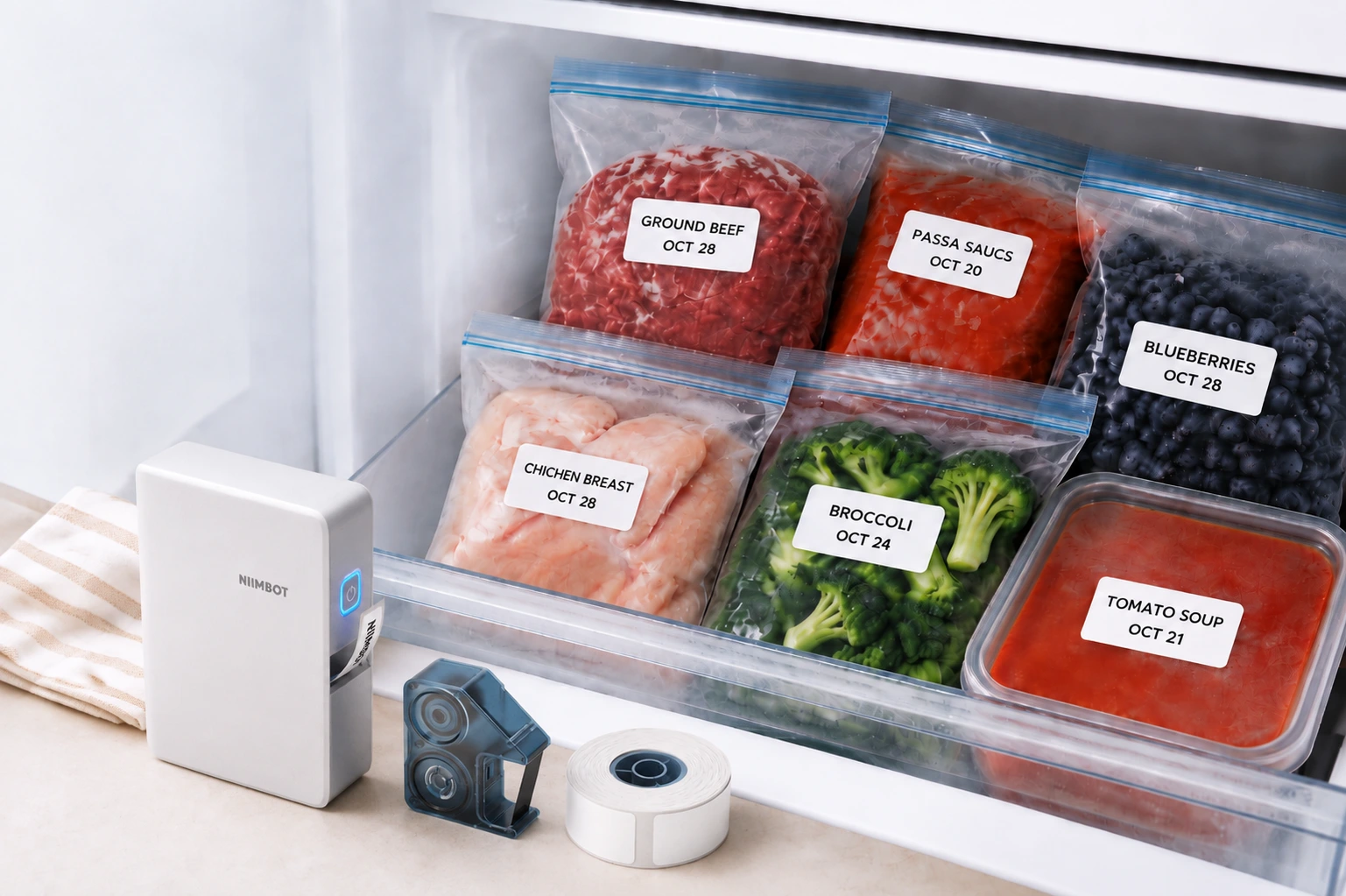
There's nothing quite like opening the freezer to grab something for dinner, only to find three or four bags that all look exactly the same. Is that ground beef you bought last week? The leftover pasta sauce? Or the blueberries you froze for smoothies?
If you've ever had to guess what's inside a freezer bag, you're not alone.That's where freezer labels come in. A simple label with a food name and date can save you time, help you use what you already have, and make the most of your freezer space.
❄️ Let's take a look at:
- 🧊 How to Choose Freezer Labels:Check materials, adhesive, and temperature ratings for cold survival.
- 🏷️ How to Make Freezer Labels: Create and print your own labels with a mini label maker.
- 📅 How to Label Frozen Food: Choose useful information to include on each label.
- 🧊 Keep Frozen Food Organized with NIIMBOT N1: Keep your freezer bags and containers neat, organized, and easy to identify.
❄️ Why Do You Need Waterproof Freezer Labels for Food Storage?
You buy chicken in bulk, divide it into freezer bags, and put it away. A few weeks later, it's hard to remember when each bag went into the freezer.
A simple label with the food name and date saves you the guesswork.You won't have to open every bag or rely on your memory to figure out what's inside.
📅 Know What's Inside and When You Froze It
The simplest freezer label is often the most useful. Just write down the food name and the date it went into the freezer.
For example:
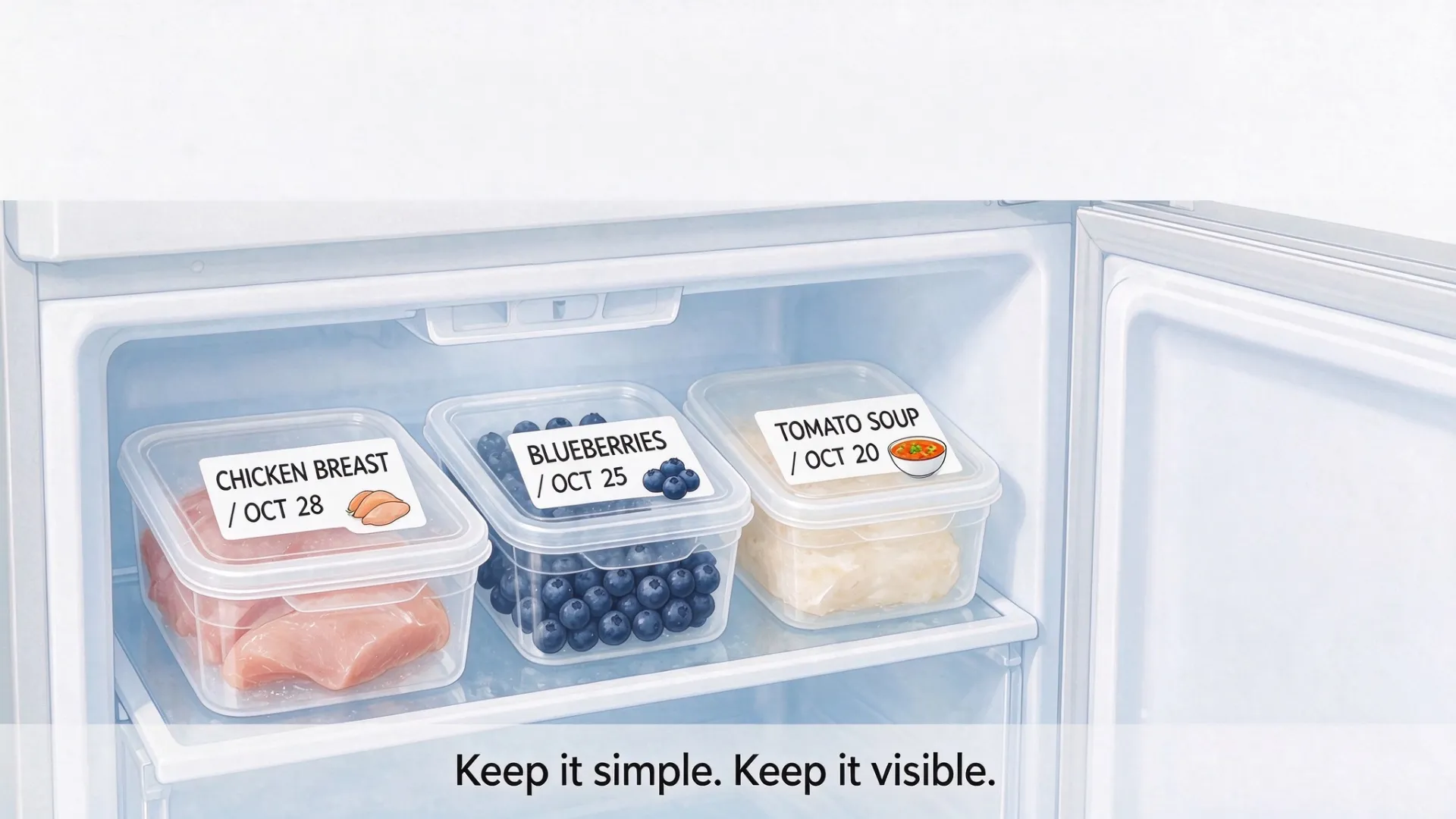
This is especially useful when buying food in bulk or prepping meals for the week. Labeling each portion with a date helps you use older food first and avoid buying more than you need.
✅ Prevent Food Mix-Ups and Reduce Food Waste
Use simple category labels to sort frozen food and find ingredients quickly. Labels such as MEAT, VEGETABLES, FRUIT, and READY-TO-EAT make it easier to identify what's in each bag or container, avoid mix-ups, and use stored food before it gets forgotten.
🧊 What Should You Look for in Freezer Labels?
Here's something worth remembering: not every label that works on a pantry jar will work just as well in the freezer.
Before choosing freezer labels, keep these things in mind:
🏷️ How to Make Waterproof Freezer Labels with a Mini Label Maker
Once you've got the right label supplies,making freezer labels is easy with a mini label maker.You can create a consistent look for all your frozen food, whether you're labeling a few leftovers or preparing twenty portions for the week.
📝 Decide What to Write on Your Freezer Labels
You don't need to turn every freezer label into a detailed food record. Most of the time, a food name and date are enough.
Here are some everyday examples:
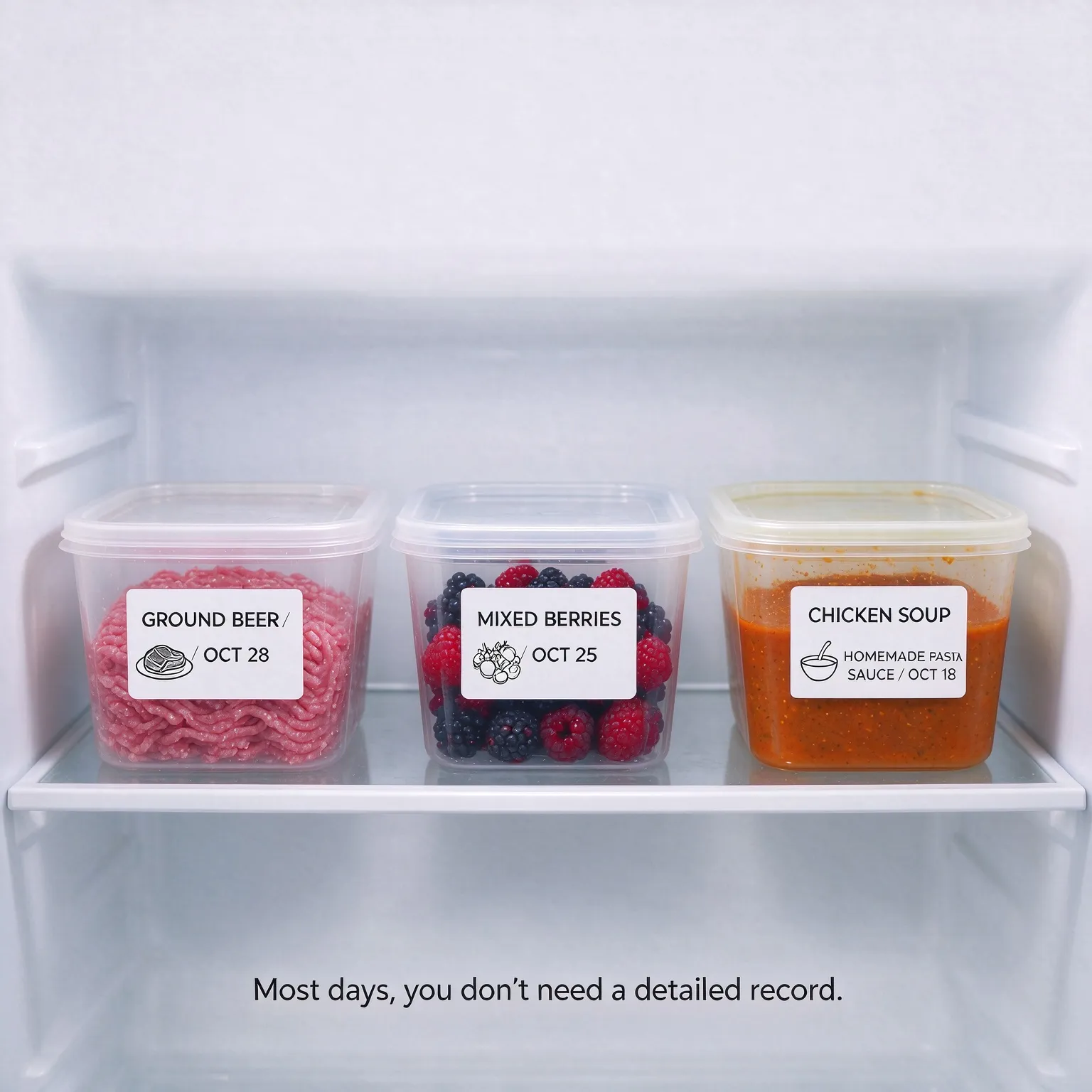
If you're dividing food into portions, you can add a little more information:
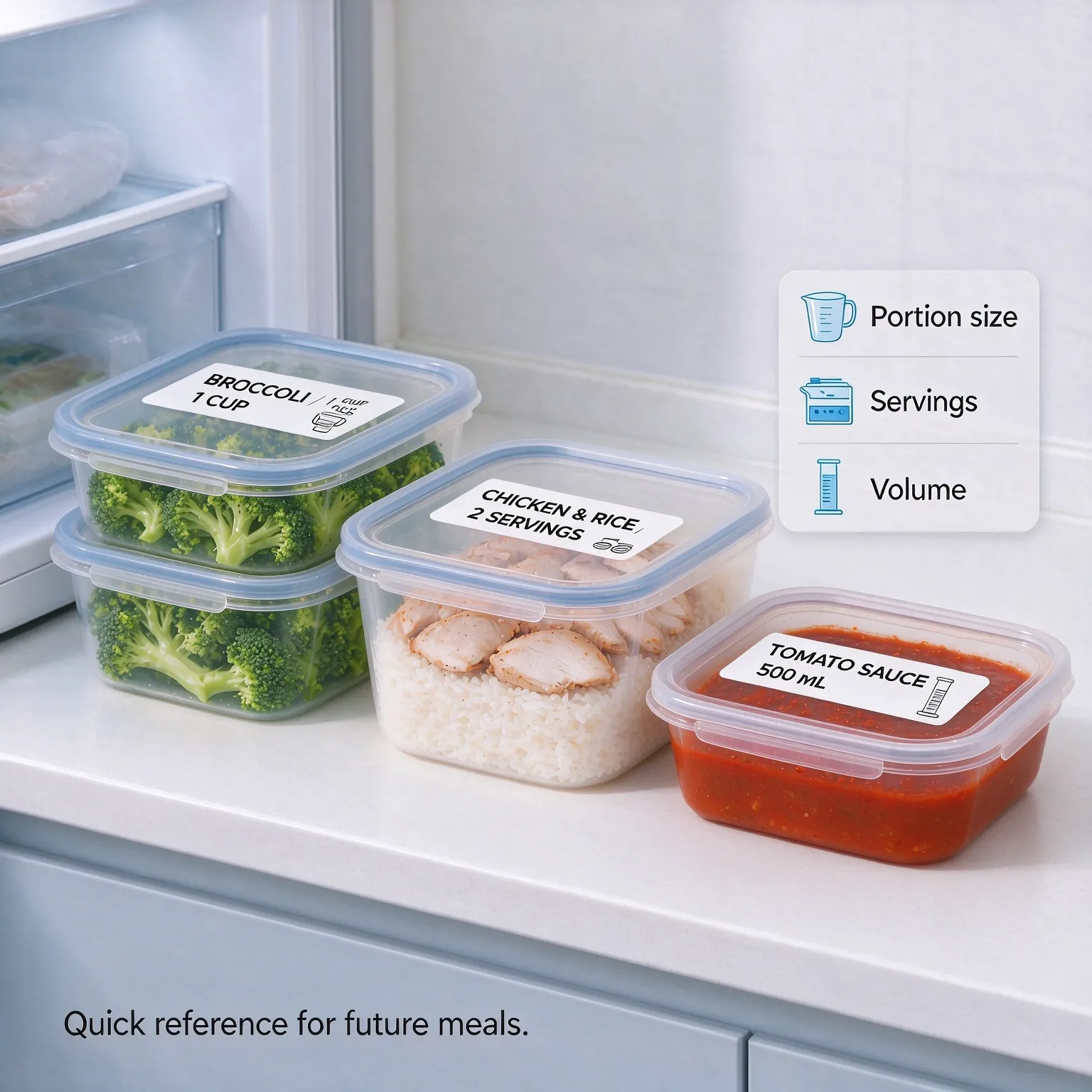
If you've prepared several containers of homemade soup, you might want to know whether they need thawing before reheating. Or perhaps you've frozen a batch of pasta sauce and want to remember how you planned to use it. Short notes can help:
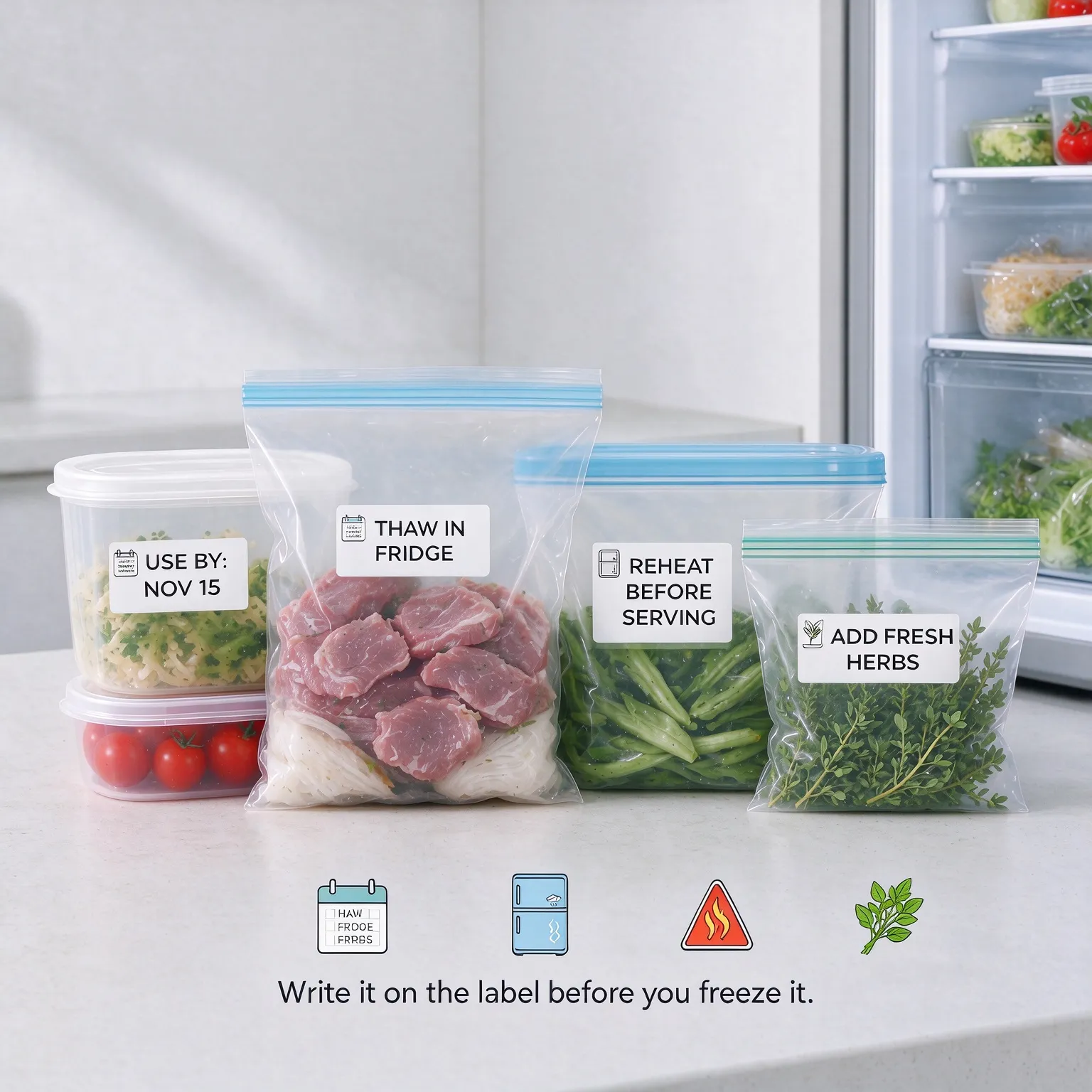
Think about what you'll want to know when you take the food out. For a family-sized container, the serving size might be useful. For a bag of berries, the food name and date may be all you need.
There's no need to over complicate it. Short labels are easier to read and leave more room on your freezer bags.
🖨️ Print and Apply Labels Using a Mini Label Maker
Now it's time to print. A mini label maker like the NIIMBOT N1 lets you create custom labels from your phone. Instead of writing the same information repeatedly, you can type everything in the app and print labels as you prepare your food.
Step 1: Connect Your Label Maker
Open the NIIMBOT app on your phone, turn on your N1 label maker, and connect it via Bluetooth.
Step 2: Create and Print Your Labels
Enter your food names, storage dates, or category names in the app. Adjust the text to fit your label, then tap Print.
Step 3: Apply Labels to Food Bags and Containers
Once printed, peel off the label and place it on a clean, dry, and flat surface. Press gently to make sure it sticks evenly. For freezer bags, choose a smooth spot away from the seal or opening.
🧊 Keep Frozen Food Organized with NIIMBOT N1
The NIIMBOT N1 Mini Label Maker works with thermal transfer label rolls, helping you create clear, durable labels for everyday freezer food organization.
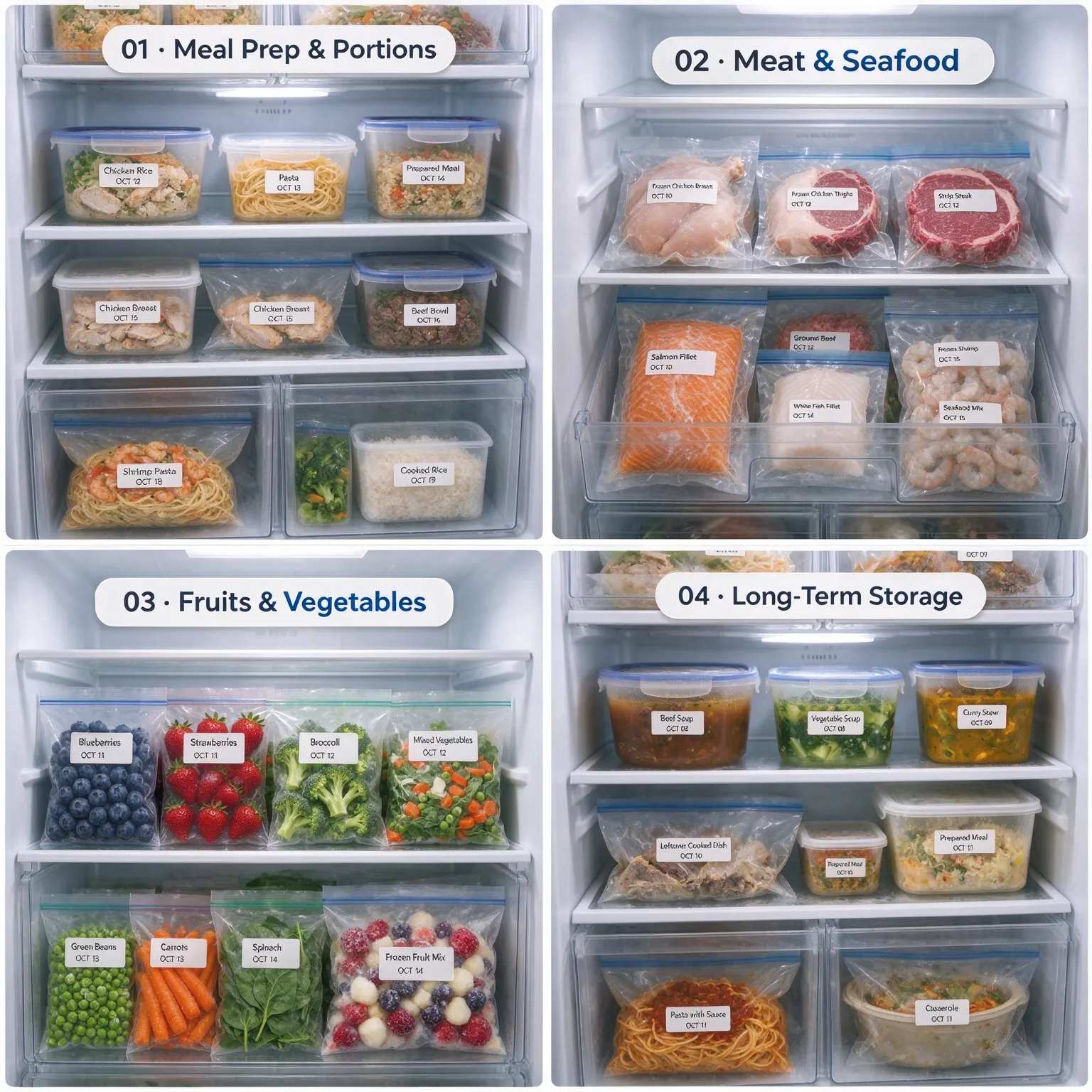
❄️ Durable Thermal Transfer Labels for Freezer Storage
The compatible NIIMBOT N1 thermal transfer labels are designed to handle demanding everyday storage conditions, with useful properties including:
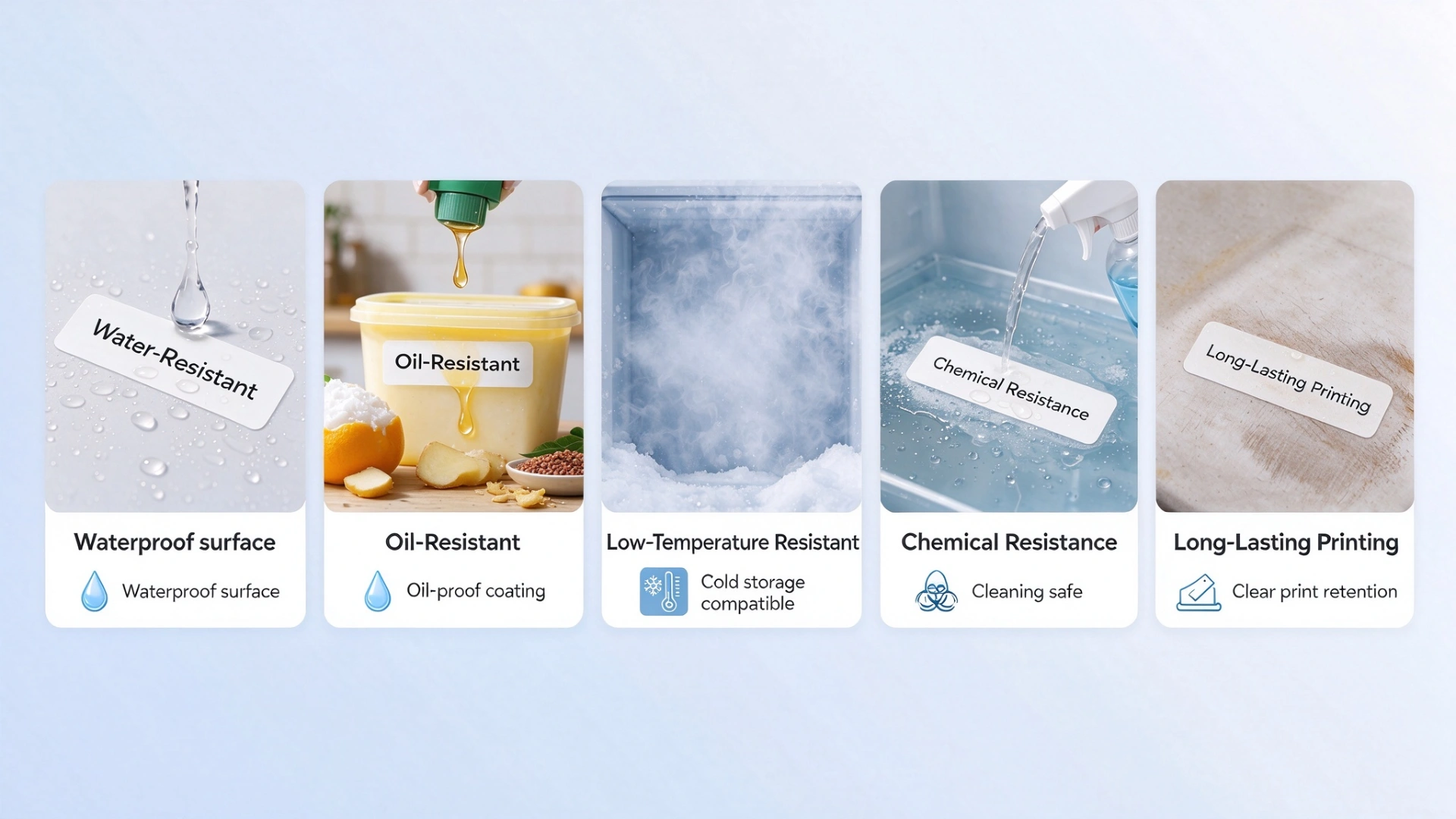
Not every label roll has the same properties, so check the specifications of your chosen material before using it in the freezer. For the best results, pay attention to both the adhesive's application temperature and its recommended service temperature.
Ready to give your freezer a little refresh?
Start with a few simple labels and see how much easier it becomes to find what you need.
Explore the NIIMBOT N1 Mini Label Maker and compatible NIIMBOT N1 Thermal Transfer Label Rolls to make your own labels for meal prep, frozen groceries, and everyday kitchen organization.
SHOP NOW