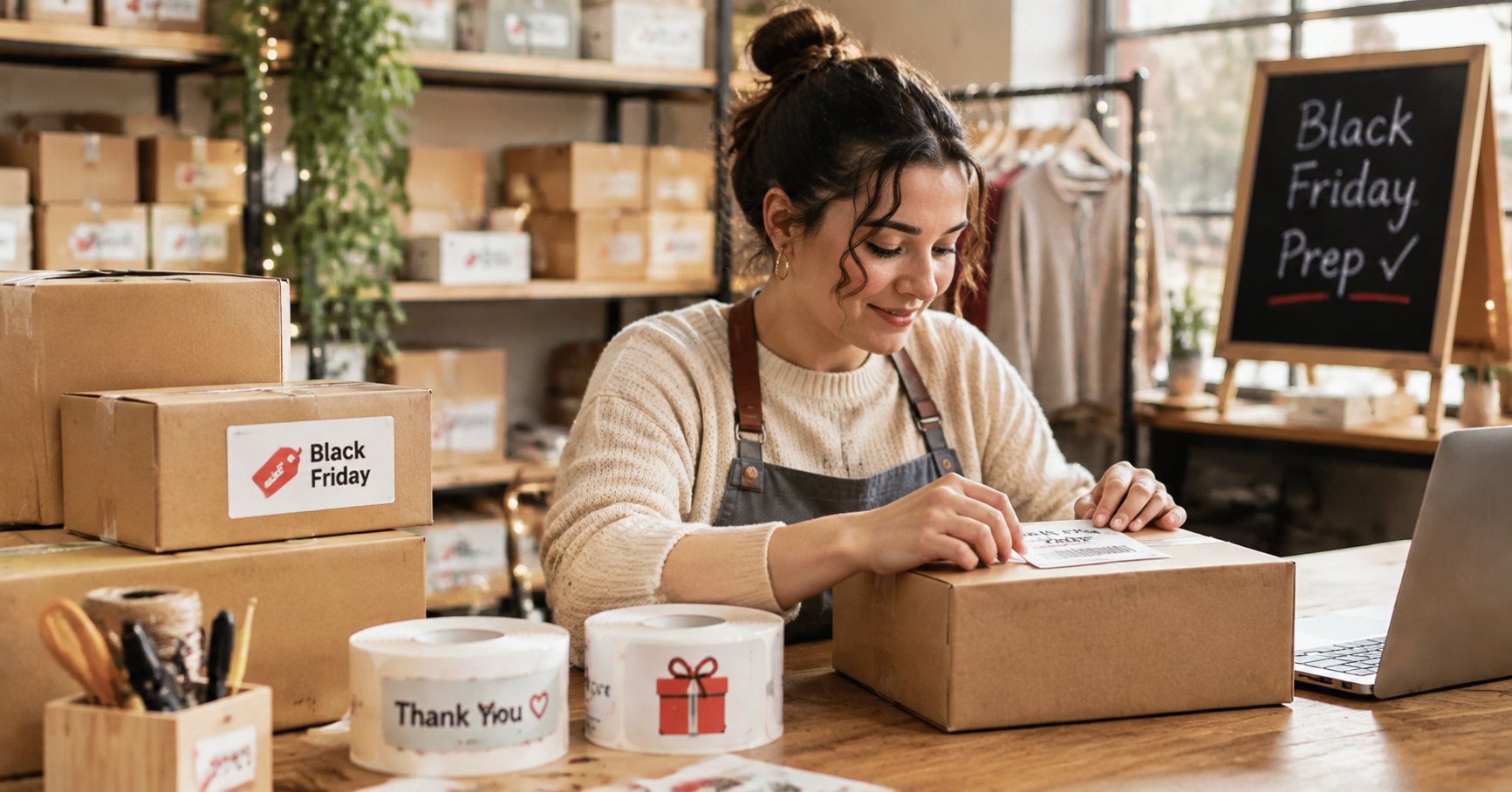
For a small business, Black Friday can be exciting and a little overwhelming. Orders may come in faster than usual, popular products can sell out, and suddenly the packing table is covered with boxes, labels, and shipping supplies. If you sell handmade products on Etsy or run your own online store, getting organized before the rush can save you a lot of last-minute work.
Labeling might not be the first thing on your holiday checklist, but it has a role in almost every part of the process. It helps you find products, keep track of stock, update prices, and give outgoing packages a finished look. Here are a few practical ways to make labels work harder for your business this Black Friday.
How Small Businesses Can Prepare for Black Friday
A busy sales weekend is much easier to handle when you know what you have, where it is, and what needs to go out. Before changing your store displays or announcing a promotion, spend some time looking at your current setup. A few simple preparations can prevent the familiar holiday-season scramble.
1. Create a Holiday Inventory Checklist
Start with the products you expect to sell most. Check current stock, note which variations are running low, and make a list of supplies you'll need for packing. If you sell candles in several scents, for example, record each scent separately rather than treating them as one product. The same goes for jewelry sizes, clothing colors, or different versions of a handmade item.
A spreadsheet is useful for quantities and restocking dates. Labels help with the physical side of the job. You can mark boxes as ready to sell, low stock, or seasonal stock so you don't have to open every container to find out what's inside.
2. Organize Products Before Orders Start Rolling In
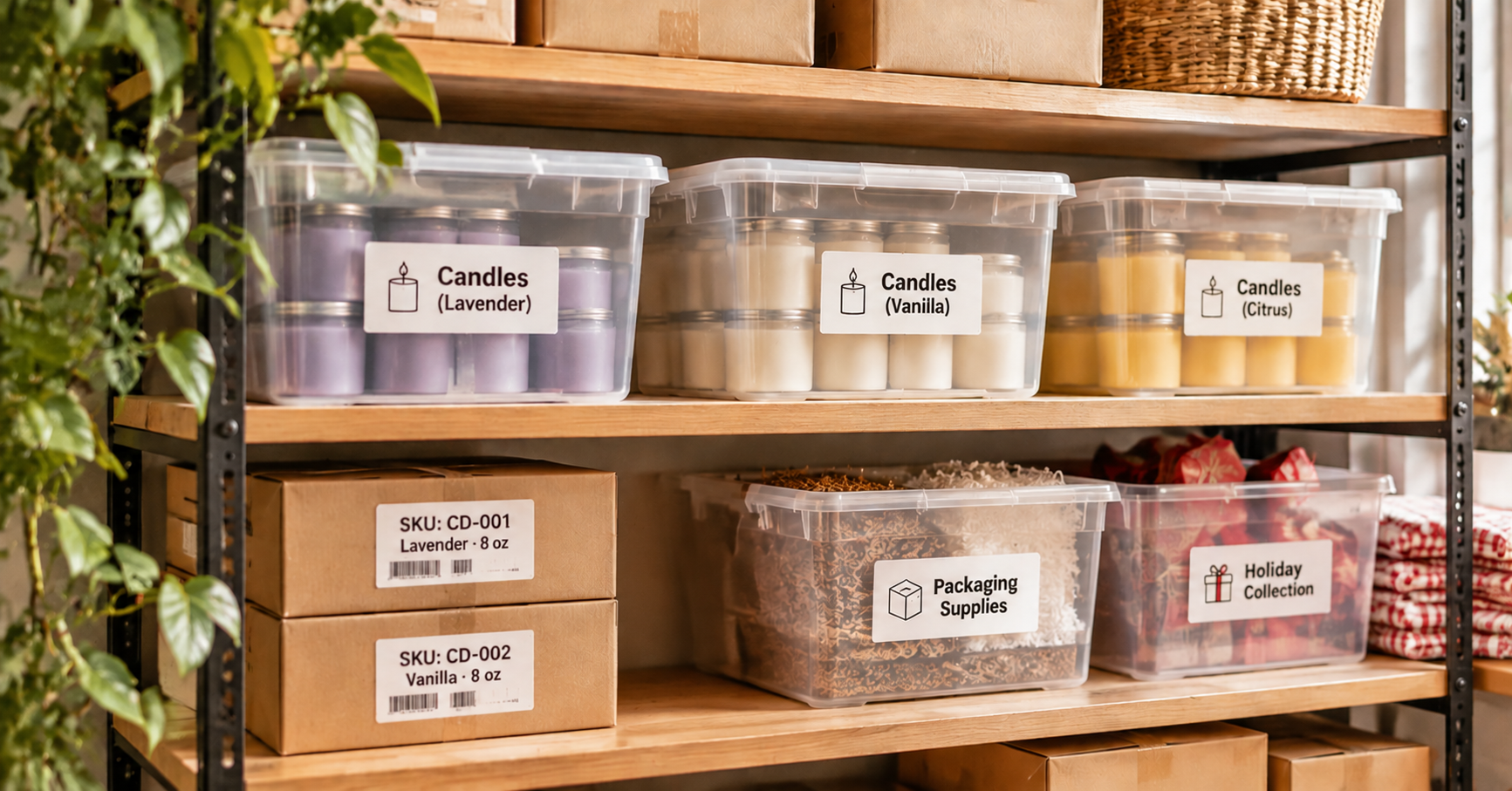
Think about what happens when you receive five orders for different products at the same time. If your stock is stored in unmarked boxes, you'll spend a surprising amount of time looking for things. Label shelves, drawers, and storage bins with the product name or SKU. For products with several variations, include the size, color, or scent.
This is particularly helpful if you prepare orders yourself or have a family member helping during the holiday season. Everyone can find the right item without having to ask where it belongs.
3. Get Your Prices and Promotions Ready
Black Friday pricing can get complicated when you have regular products, discounted items, and special bundles on display. Make a list of the prices you plan to use and check that your product pages, shelf labels, and promotional signs agree.
For a physical shop, clear price labels are especially useful when customers are browsing several similar items. Online sellers can use product and SKU labels to keep discounted variations separate from regular stock. It is a small detail, but it can prevent avoidable mix-ups when things get busy.
Worth doing before the sale: Print a small batch of your most-used product and price labels in advance. Keep the templates available so you can make changes without starting over.
Organizing Products with Custom Labels
The best product labels are useful first and attractive second. A candle label might need a scent and size. A jewelry box might need a collection name or item code. A storage bin may only need a short product name. There's no reason to squeeze every detail onto one sticker.
1. Product Labels for Handmade and Etsy Businesses
Handmade sellers often work with lots of small variations. A soap maker might offer lavender, citrus, and unscented bars. A candle shop may have different scents in the same jar size. If the labels look almost identical, it's easy to pick the wrong one while packing an order.
Give each variation a clear name and keep the layout consistent. You can change the scent or product name while leaving the brand information in the same place. This also makes your product range look more cohesive when everything is displayed together.
2. Use Holiday Inventory Labels to Keep Stock Straight
Seasonal products tend to create extra storage problems. You may have gift sets, limited-edition packaging, regular stock, and spare supplies all sharing the same shelves. A few well-placed labels can make those areas easier to manage.
3. Keep Product Information Consistent
If you print product labels regularly, settle on a format and stick with it. Put the product name in a familiar position, use the same style for SKU numbers, and make sure important details are easy to read. You don't need a different design for every product.
Consistency is particularly useful when you have a growing product range. A new item can be added to the system without having to rethink the whole label design.
Creating Professional Price and Product Labels
When customers browse a shop, they shouldn't have to guess what something costs or which version they're looking at. The same applies when you're packing online orders: a clear product label makes it easier to check that the right item is going into the right box.
1. Make Price Changes Easier to Handle
If you run a physical store, prepare your promotional price labels before putting discounted products on display. Keep the regular price and sale price easy to distinguish. For bundle offers, state exactly what's included so customers aren't left trying to work it out.
Prices can change at short notice, especially when you're testing a promotion. Printing labels as needed is more flexible than ordering a large quantity of pre-printed stickers that may become outdated.
2. Give Best-Selling Products Clear Labels
Popular products often come in several variations. A simple label with the product name, size, or item code can help customers and staff tell them apart. If you sell gift sets, for example, make sure the label identifies the contents rather than relying on the packaging alone.
3. Keep Your Display Neat
A label doesn't need to be large to do its job. Choose a size that fits the packaging, use readable text, and leave enough space around the information. If you have a lot to say, put the extra details on a separate product card instead of trying to fit everything onto a tiny sticker.
Packaging Orders with Personalized Stickers
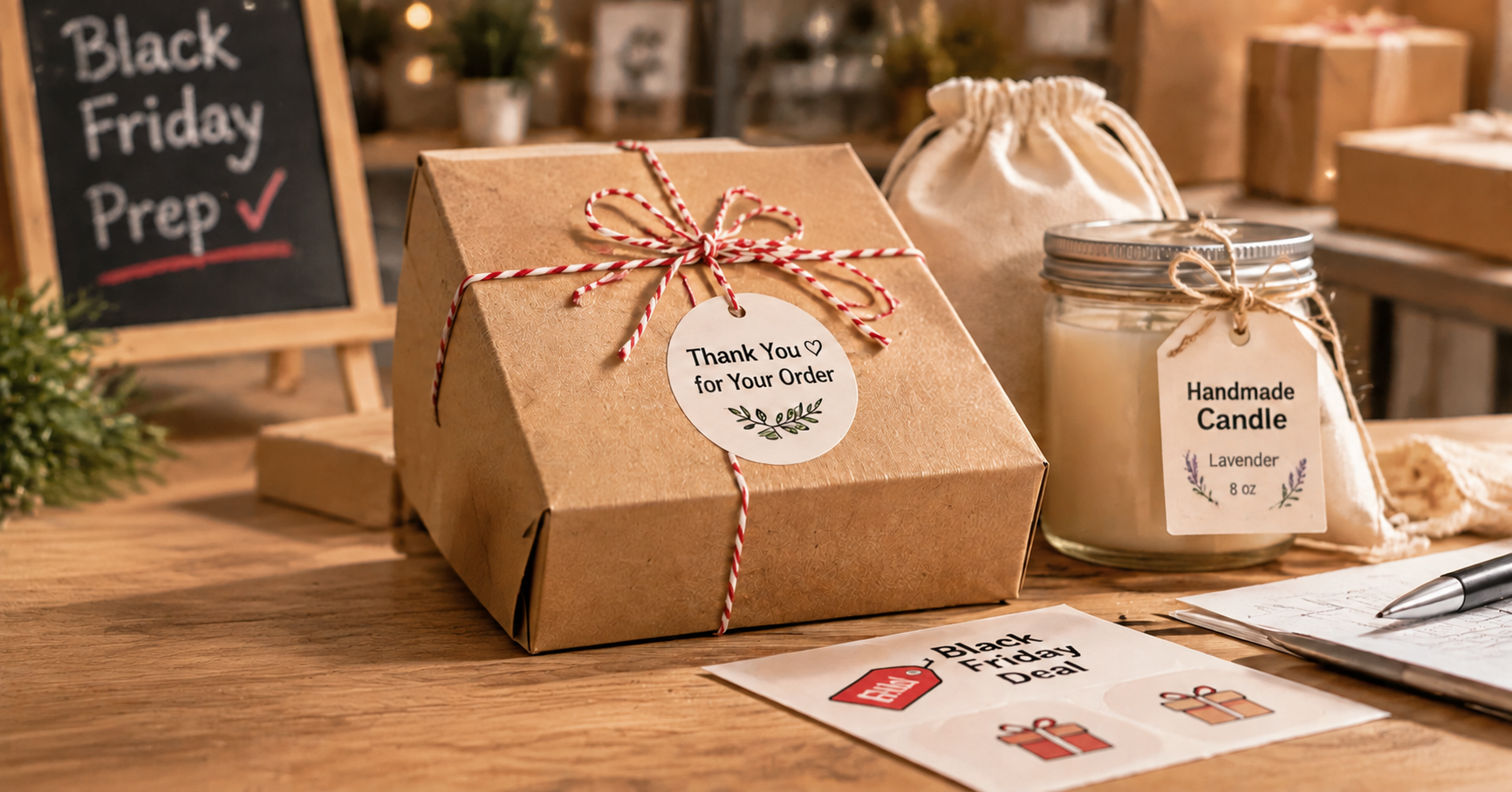
The shipping box may be the last thing you prepare, but it's often the first physical thing your online customer sees. A branded sticker or a small thank-you message can make an ordinary mailer feel more thoughtful. You don't need custom-printed boxes to achieve that.
1. Put Your Brand on the Package
A logo sticker on a kraft box, a brand name on a paper bag, or a simple seal on tissue paper can make packaging feel more complete. For a small shop, this is an affordable way to create a recognizable look without investing in a full range of custom packaging materials.
Keep one main brand design for everyday orders. It can be used on different box sizes and bags, so you don't have to maintain several completely different packaging styles.
2. Add a Seasonal Touch
Black Friday orders may be followed by Christmas gifts and holiday shopping, so it makes sense to prepare a few seasonal label designs at the same time. A small gift illustration, a festive border, or a short greeting can make the package feel more personal.
You could keep the same brand sticker and add a separate seasonal one for holiday orders. That gives you some variety without making the whole packaging process more complicated.
3. Make Room for Personal Details
Some businesses have products that benefit from a more decorative finish. A handmade gift shop might add a personalized message. A candle seller could use a label with a small illustration. A photo gift business may want to turn customer images into keepsake stickers.
For these designs, the detail matters. Fine lines, small graphics, and grayscale images need to print clearly. A label printer with more detailed grayscale output gives you additional options beyond basic text and simple symbols.
Building a Faster Holiday Labeling Workflow
Once your products and packaging are organized, think about how you'll keep labels coming when orders pick up. If you're printing the same design dozens of times, recreating it for every batch is unnecessary work. A few reusable templates and the right printer can make the process much simpler.
1. Choose a Label Printer That Fits Your Work
Think about the labels you actually print. If most of them are product names, prices, and SKU numbers, you may not need lots of decorative features. If your products rely on custom artwork or photo labels, print detail becomes more important.
The NIIMBOT B21 and B21 Pro serve slightly different needs. Both are designed for inkless label printing, but the B21 is a straightforward option for everyday product identification, while the B21 Pro is better suited to sellers who want more detailed grayscale designs.

NIIMBOT B21
A practical choice for regular product labels, price stickers, SKU numbers, and stock organization.
- Inkless thermal printing
- 300 DPI printing resolution
- Bluetooth mobile printing
- Customizable label templates
The B21 is a good match for sellers who print similar labels throughout the week. Once you've created a layout for a product or storage category, you can reuse it instead of designing a new label every time stock changes.

NIIMBOT B21 Pro
A suitable option for businesses that print photo labels, grayscale graphics, and more personalized packaging designs.
- 300 DPI high-resolution printing
- 16-level grayscale printing
- Inkless thermal printing
- Detailed graphics and photo-style labels
The B21 Pro is worth considering if your labels are part of the product presentation. Its 16-level grayscale printing helps show more tonal detail in photos and graphics than a basic black-and-white design. That can be useful for custom gift stickers, illustrated product labels, and packaging that needs a more personal touch.
Which Label Printer Is Right for Your Business?
If you're deciding between the two, start with your most common printing task rather than the longest feature list.
| What You Need | NIIMBOT B21 | NIIMBOT B21 Pro |
|---|---|---|
| Product & SKU Labels | Great fit | Great fit |
| Price & Inventory Labels | Great fit | Great fit |
| Photo & Grayscale Designs | Basic designs | 16-level grayscale |
| Personalized Packaging | Simple custom labels | More detailed designs |
| Best For | Everyday business labeling | Detailed creative labels |
2. Save Time with Reusable Templates
Most small businesses have a handful of labels they print again and again. It might be a product name, a price, a scent, or a thank-you sticker. Save those designs as templates so you can bring them back whenever you need another batch.
It's also worth keeping a separate template for seasonal packaging. When Christmas orders begin, you can update the artwork or message without rebuilding your regular product labels.
3. Print Multiple Labels for Larger Batches
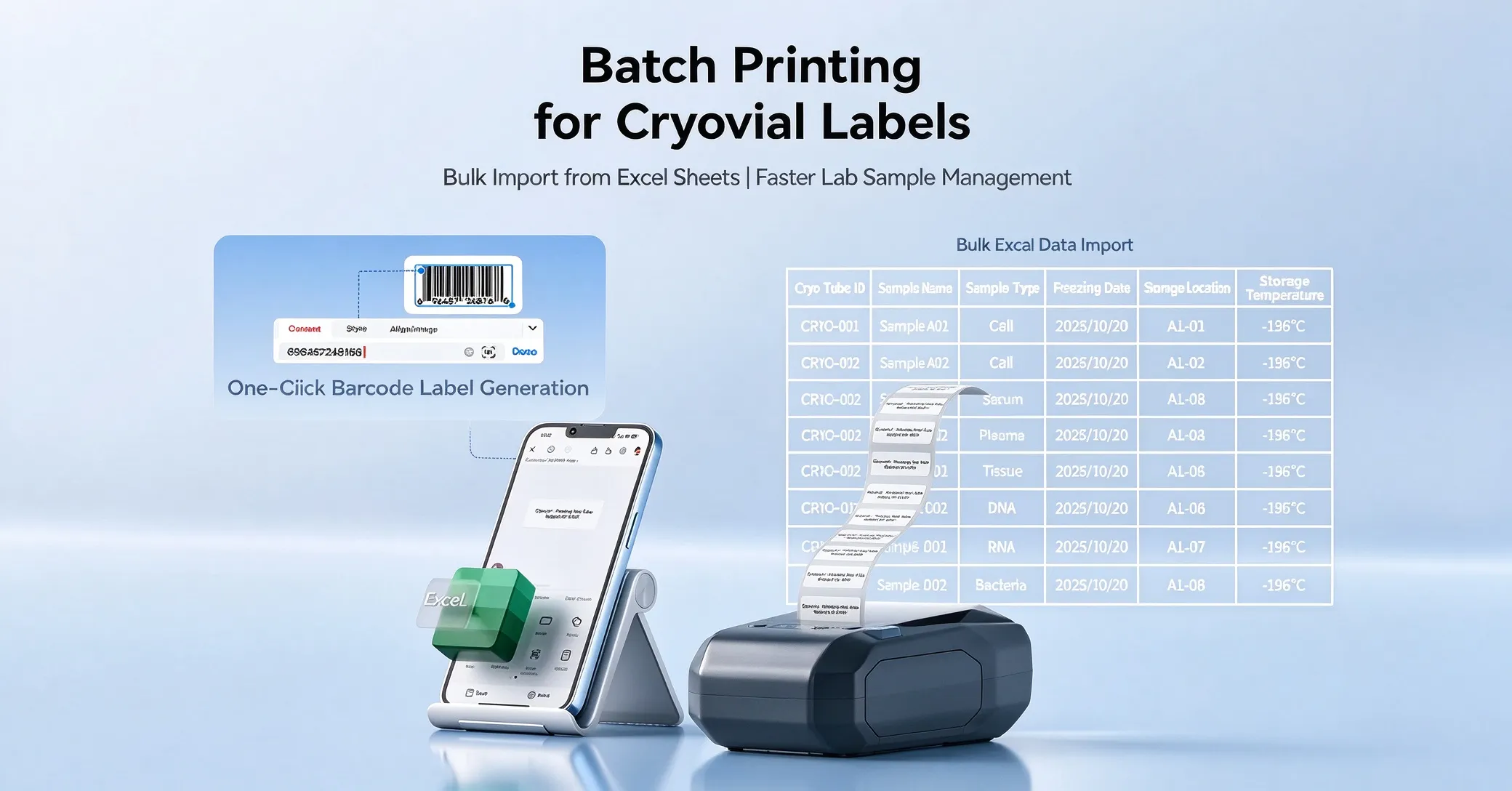
If you have a long list of product variations, entering each label individually can take longer than the actual printing. For compatible workflows, prepare the information in a file and import it for batch printing. This is useful when you need labels for several scents, sizes, colors, or product codes.
A little preparation makes a difference here. Check your product names and quantities before printing, and run a small test batch first. It's much easier to correct a spreadsheet than to discover that you've printed fifty labels with the wrong product name.
Get Your Business Ready for the Holiday Rush
You don't need a completely new system to get ready for Black Friday. Start with the things that slow you down most. Maybe it's finding the right product, keeping track of different variations, or preparing the same packaging stickers every week. Fixing those small problems can make the busy season feel much more manageable.
Set up your inventory labels, get your pricing ready, and prepare a few packaging designs before orders start coming in. Once the basics are in place, you'll have more time to focus on making products, answering customers, and getting orders out on schedule.
Whether you're looking for a printer for everyday product labels or something that can handle more detailed custom designs, take a look at the NIIMBOT B21 and B21 Pro and see which one fits your workflow.
Get Your Business Ready for the Holiday Rush.
Spend less time sorting out labels and more time getting orders ready. Find a NIIMBOT printer that suits your business.
Get the practical details sorted now, so you're ready when the orders come in.