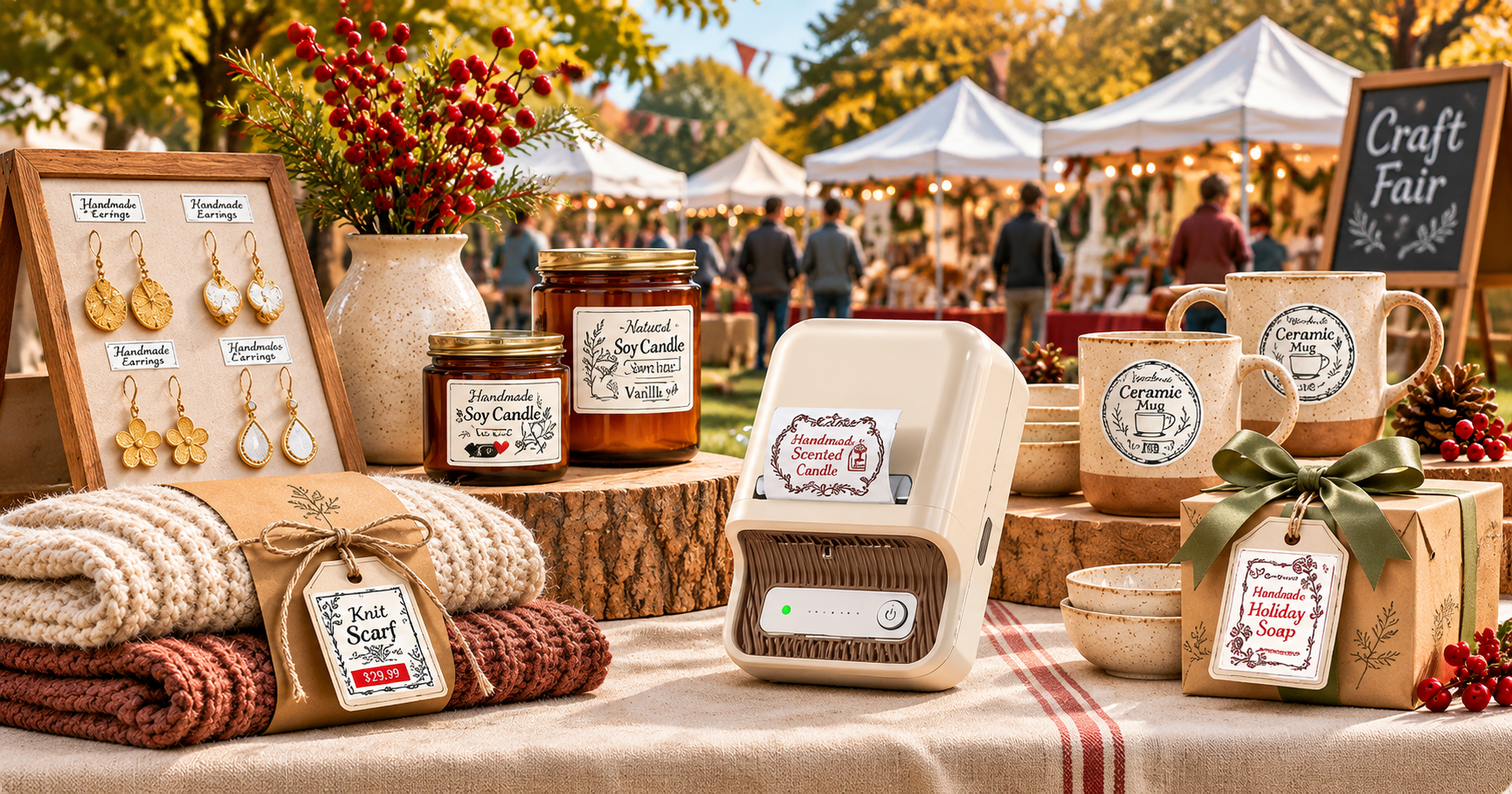
Handmade with care deserves packaging to match. From soap and candles to jewelry and little gift boxes, here are practical label ideas for your next craft fair.
A craft fair table can fill up quickly. A few soaps, a row of candles, some jewelry cards, perhaps a basket of gift sets. Each item may have taken hours to make, but shoppers often make their first decision in just a few seconds.
That is where packaging comes in. A good label tells people what they are looking at, gives your brand a recognizable look, and saves you from explaining every single product. It does not need to be elaborate. It just needs to fit the thing you made.
Why Spend Time on Handmade Product Labels?
Think about what happens when someone picks up a candle at your booth. They want to know the scent. If it is a gift, they may also look at the packaging. A label can answer both questions without taking up much space.
A label should do more than carry your logo
For a small handmade business, the useful details usually come first: product name, scent or variation, size, and brand name. Decorative elements can come after that.
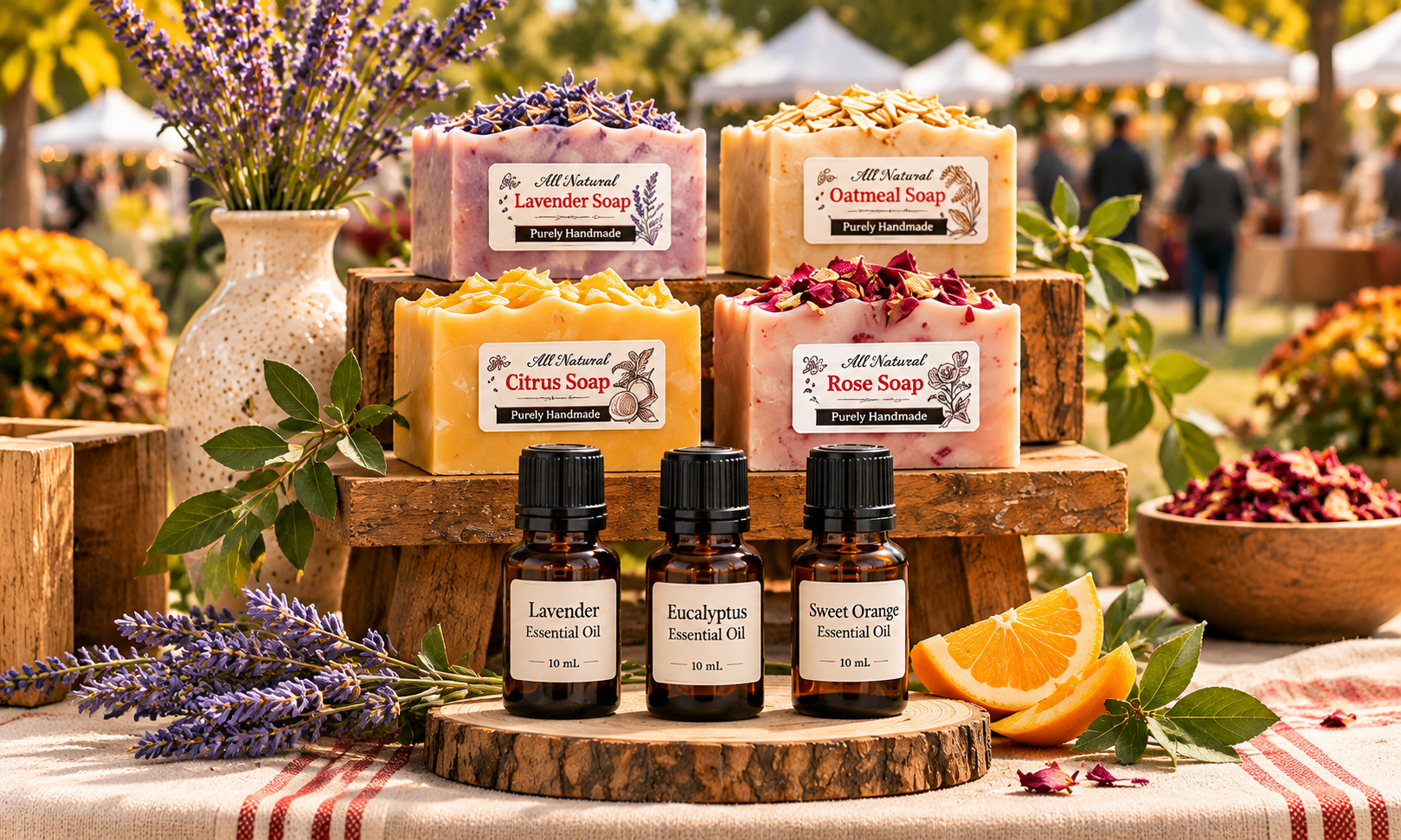
Consistency also helps. If your lavender soap, citrus soap and oatmeal soap all use the same layout, shoppers can recognize them as part of one collection. You only need to change the product-specific information.
Put a sample label on the actual package and step back. Can you read the product name without picking it up? If not, simplify the design before printing the rest.
Labels for the Things You Actually Make
A candle jar and a bar of soap do not need the same label. Start with the shape of the product and the information customers will look for.
Handmade Soap: Keep the Design Close to the Ingredients
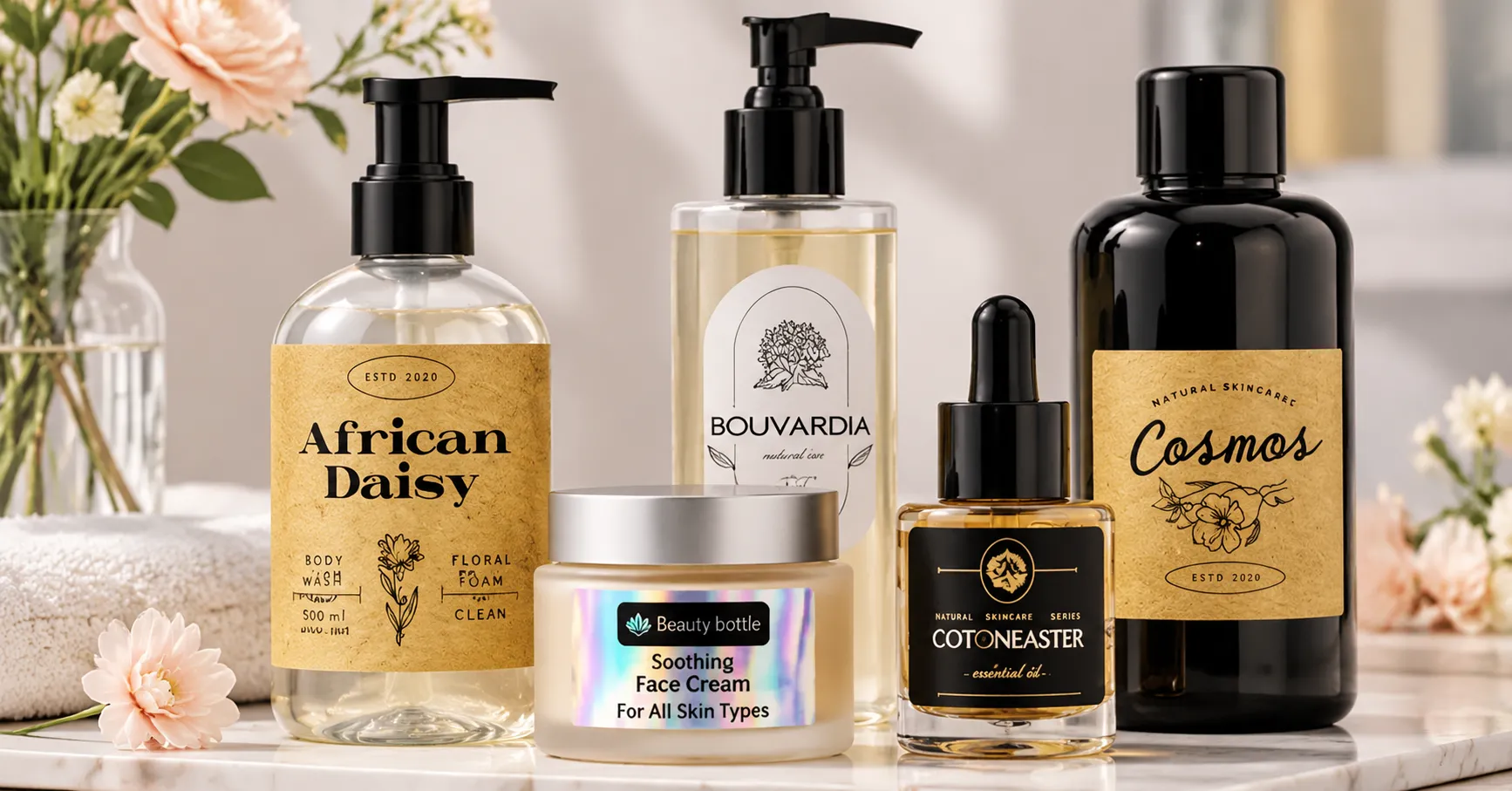
Botanical drawings, simple borders and natural-looking colors are a good fit for many handmade soap collections. A kraft label can work nicely with paper wraps, while a white label gives small text more contrast.
If you make several varieties, give each one a clear name. Lavender, citrus and oatmeal should be easy to tell apart at a glance.
Candles: Let the Scent Lead
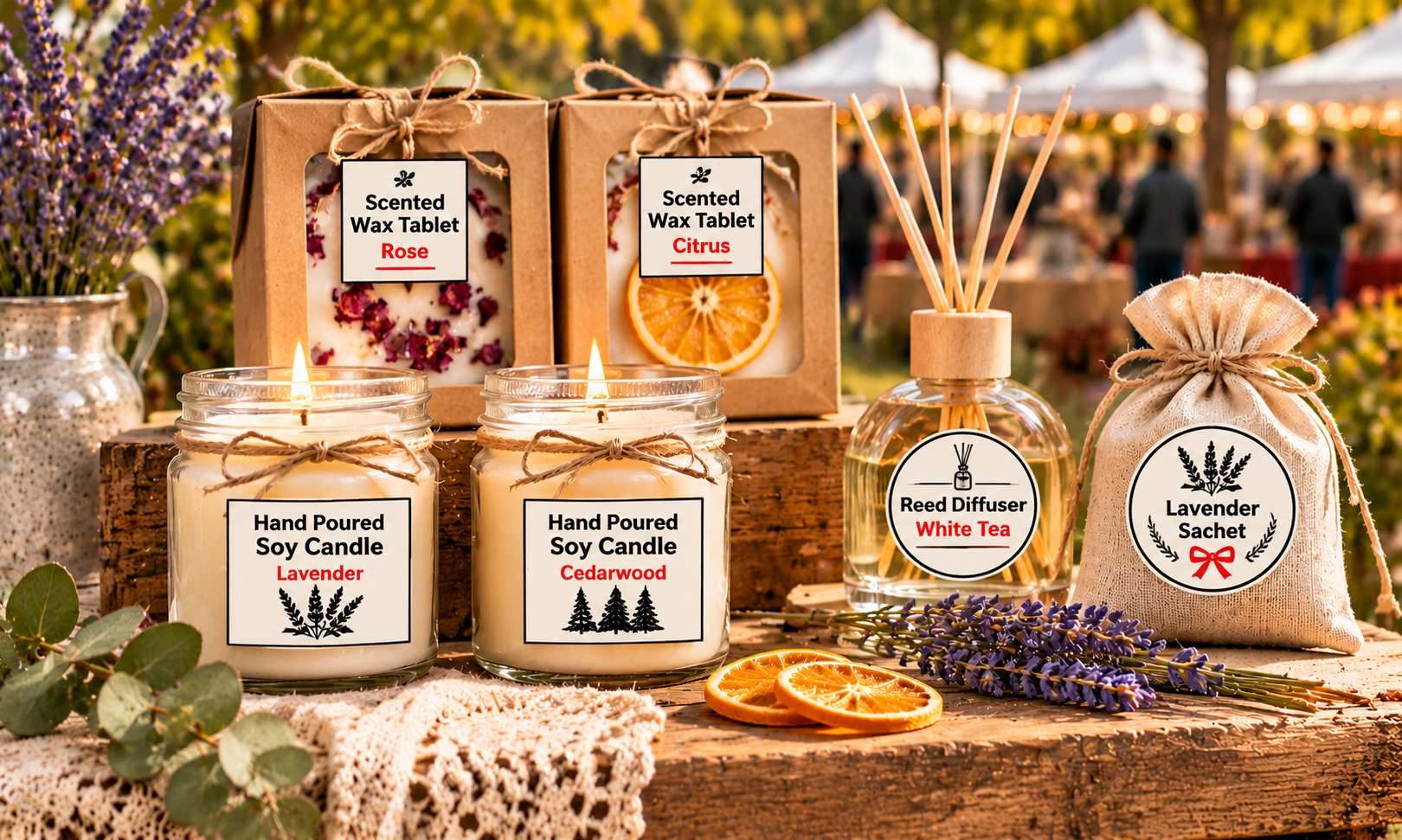
A candle label does not need a long description. Put the candle name and fragrance near the top. Add size or other product details beneath it. For a collection with several scents, keep the layout the same and change the name or accent artwork.
Check that any label material is suitable for its intended location. These design ideas are for appropriate outer packaging or cool surfaces. Do not assume ordinary thermal labels are heat-resistant or safe for a hot candle vessel. Keep required safety information visible and follow the candle maker's guidance.
Jewelry and Small Gifts: Think Beyond the Product Box
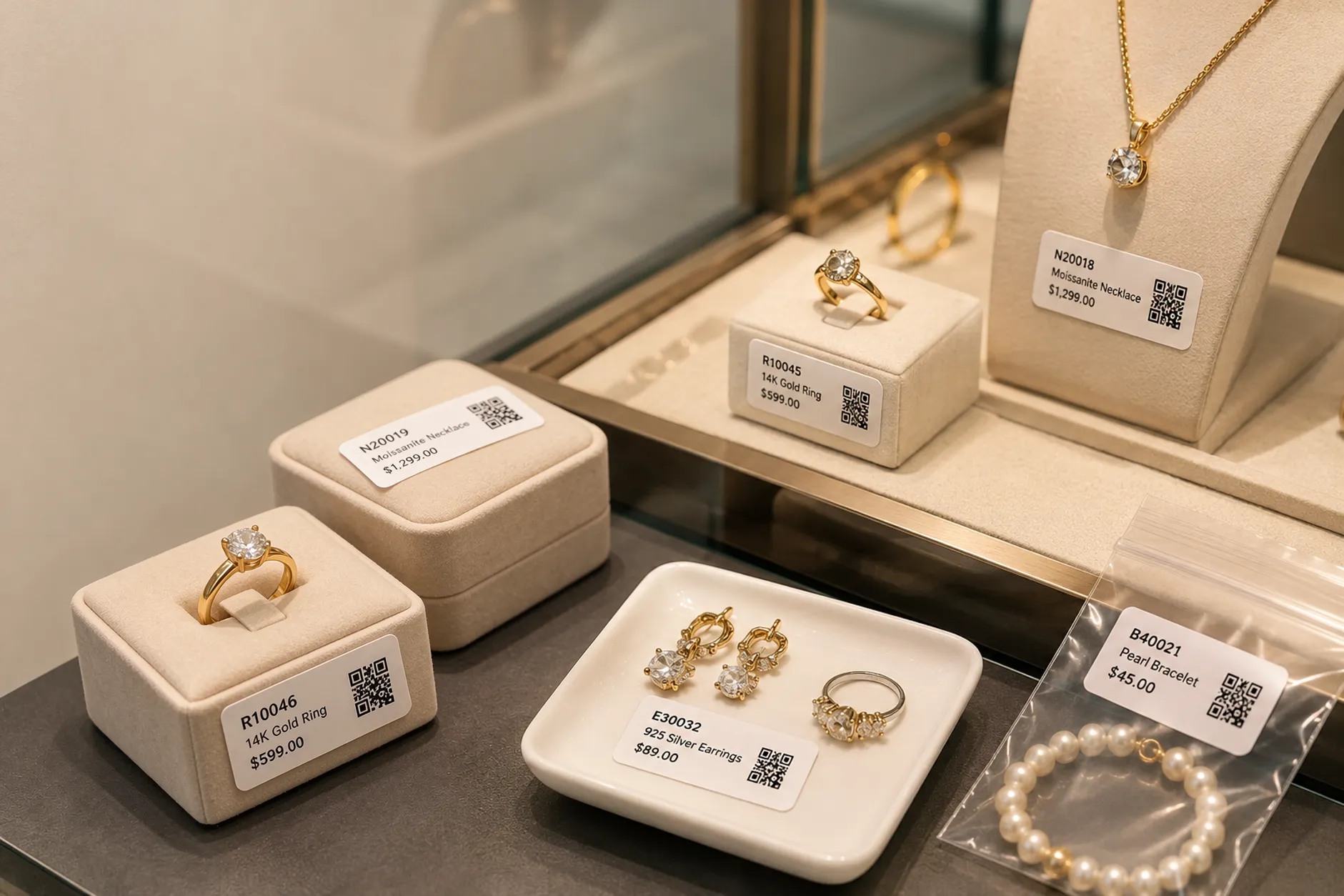
A small brand sticker on a jewelry card, a seal on a pouch, or a thank-you label inside a gift box can tie the whole package together. The label does not have to compete with the item itself. Often, a small logo and a short message are enough.
Thank-You Stickers: A Useful Extra
Keep a separate design for orders and gift packaging. Messages such as "Thanks for Shopping Small" or "Made with Care" work well on tissue paper, bags and mailer boxes.
Four Label Styles to Try for Your Handmade Brand
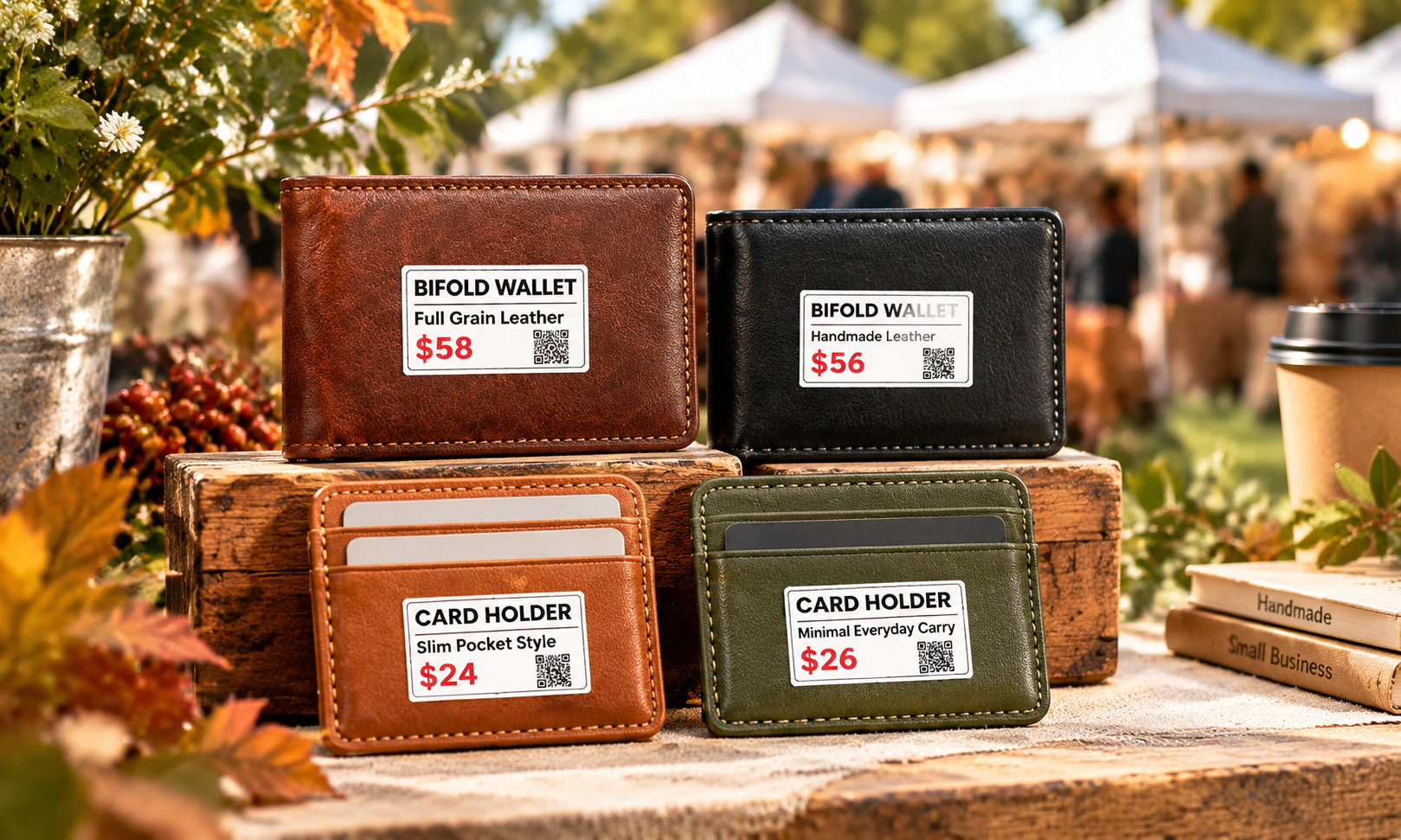
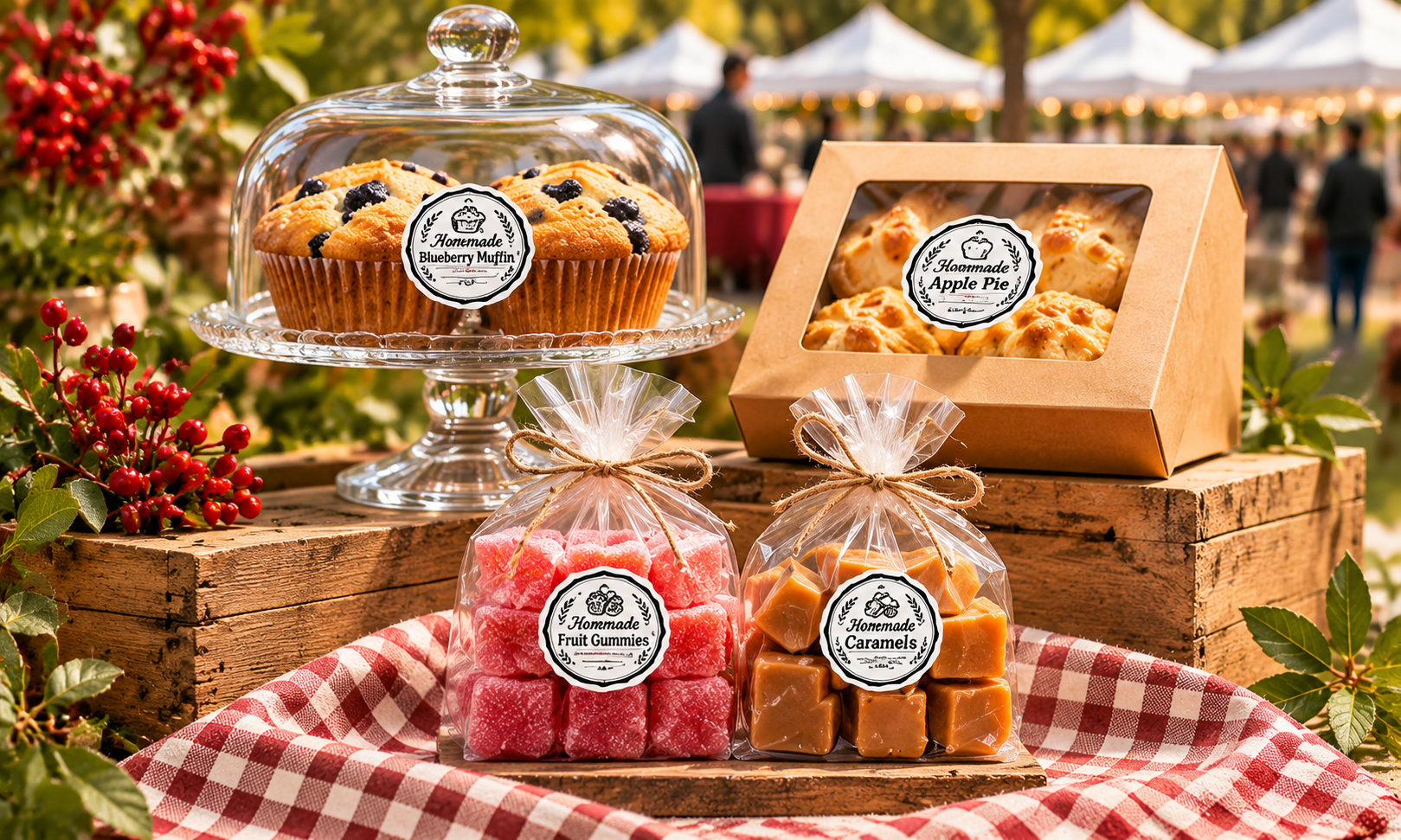
Different products call for different looks. Use these four spaces to compare your own label designs, materials or finished examples.
Choose a Label Material That Fits the Packaging
The same design can look quite different on white, clear or kraft material. It is worth testing a few samples before settling on one style for your whole product range.
| Label Type | Works Well For | Design Direction |
|---|---|---|
| White | Soap wraps, gift boxes, product names | Clean, flexible, easy to read |
| Kraft | Handmade gifts, rustic packaging | Vintage, botanical, warm |
| Transparent | Suitable clear containers and smooth packaging | Minimal, understated |
Keep the Important Words Easy to Read
Decorative fonts are lovely, but they can be difficult to read at small sizes. Use them for a short product name if you like. Keep scent names, sizes and other details in a simpler typeface.
Try Red and Black for a Stronger Contrast
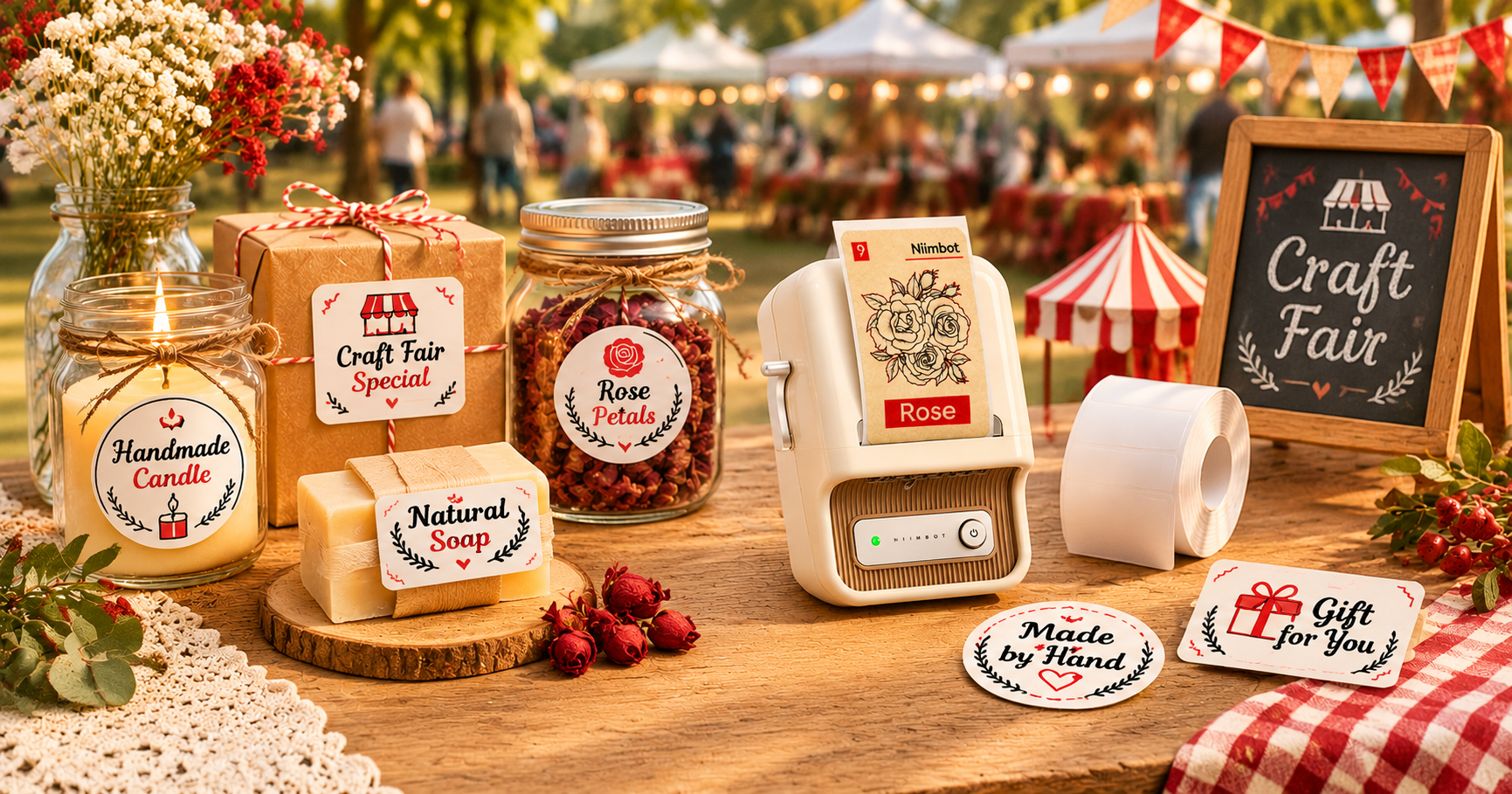
Red and black can give a kraft label a more distinctive look. Use one color for the main wording and the other for a small accent, border or illustration. There is no need to fill every available space.
With compatible red-and-black label materials, B21 Pro can produce two-color designs. The exact result depends on the material and the artwork you choose.
Product name in the center, a small botanical or handmade illustration above it, and the scent or variation underneath. Print one sample first and check the spacing on the real package.
What Information Belongs on a Handmade Product Label?
Small labels have limited room. Decide what a customer needs to know before adding decorative text.
| Product | Useful Label Details |
|---|---|
| Soap | Product name, variety, maker or brand |
| Candle | Scent, product name, size, relevant warnings |
| Jewelry | Brand, collection or material details |
| Gift Set | Set name, contents, thank-you message |
Depending on the product and where you sell it, additional information or specific labeling rules may apply. Check the relevant requirements for your product category rather than relying on a decorative label alone.
Leave Some Space for Your Brand
Your brand name or social handle can help customers find you after the market. A QR code is another option, but test it at its final printed size before using it on a whole batch.
Get Your Labels Ready Without Printing More Than You Need
The tricky part of a small handmade collection is that it rarely stays the same for long. You might add a new scent, change a package, or make a limited batch for the next event.
Keep One Template for Each Product Collection
Save the layout and change only the details that need updating. For example, a candle collection can share one design while each scent gets its own name.
Print a Sample Before Making a Batch
Check the spelling, size and alignment on the actual package. This is especially useful for small jars, curved containers and narrow boxes. A label that looks fine on screen may be too large once it is applied.
Make a Few Extras, Not a Mountain of Spares
If you are testing a new product, print a small quantity first. Keep a few extras for last-minute packaging changes, then adjust the next batch based on what sold and what needs improving.
- Check product names and spelling.
- Test the label on the real packaging.
- Keep designs grouped by collection.
- Prepare a small number of spare labels.
- Update old templates when product details change.
Making Your Own Labels with NIIMBOT B21 Pro
If you regularly change product names, scents or packaging, being able to make a small batch when you need it can be useful. The NIIMBOT B21 Pro is designed for creative labeling, journaling and personalized sticker projects.
300 DPI for Small Designs
Fine text and small illustrations need a clear print. B21 Pro offers 300 DPI resolution for product names, decorative graphics and other detailed label designs.
16-Level Grayscale for Photos and Artwork
For makers who use photographs or shaded illustrations in their designs, 16-level grayscale offers more tonal variation than basic black-only artwork. It is grayscale printing, not full-color photo printing.
Red and Black for More Distinctive Labels
Compatible red-and-black label materials allow you to introduce a second color into your packaging designs. It can be used for a product name, a small graphic or a simple decorative detail.
Design and Print from Your Phone
Use the NIIMBOT App to edit text, add artwork and prepare different label templates. B21 Pro supports label widths from 20 to 50 mm, giving you room to try different layouts for your products.
NIIMBOT B21 Pro
Create your own product labels, packaging stickers and personalized designs for your next craft fair.
- 300 DPI thermal printing
- 16-level grayscale printing
- Red-and-black printing with compatible materials
- 20–50 mm label width support
- Bluetooth connection and NIIMBOT App
- No ink or toner cartridges
EXPLORE NIIMBOT B21 PRO →
A Little Label Goes a Long Way
Your products are made by hand. Their labels can be, too. Start with one design, test it on your packaging, and build a collection that feels like your brand.
DISCOVER B21 PRO