A charging cable is easy to recognize when it's connected to the device you use every day. Take it off the desk and leave it beside a few similar cords, though, and it's not always so obvious. The same USB-C cable could belong to a phone, a tablet, or a pair of headphones.
A wire label maker offers a straightforward way to tell them apart. Instead of checking each connector or tracing a cable back to its device, you can put its purpose right on the label. It's a small change, but it can make a shared charging area much easier to manage.
Start with the Cables Everyone Uses
Family Charging Area
In a family charging area, cables rarely stay in one place. Someone takes one to the living room, another person uses it for a tablet, and later it turns up on a different shelf. When several cables look alike, it's easy to lose track of who was using which one.
Home Office Desk
A home office often has a different cable problem. The laptop charger may sit on the desk, while the monitor connection and other cords run behind it or underneath the table. Everything works fine until you need to move a device, change a connection, or unplug something.
Drawer Spare Cables
Spare cables tend to accumulate without much planning. One may have come with an old phone, another belongs to a camera, and a third was bought for travel. They all have a purpose, but it's not always easy to remember which is which once they're in the same drawer.
Mark the Owner or the Device
The best way to label a shared cable depends on how your household uses it.
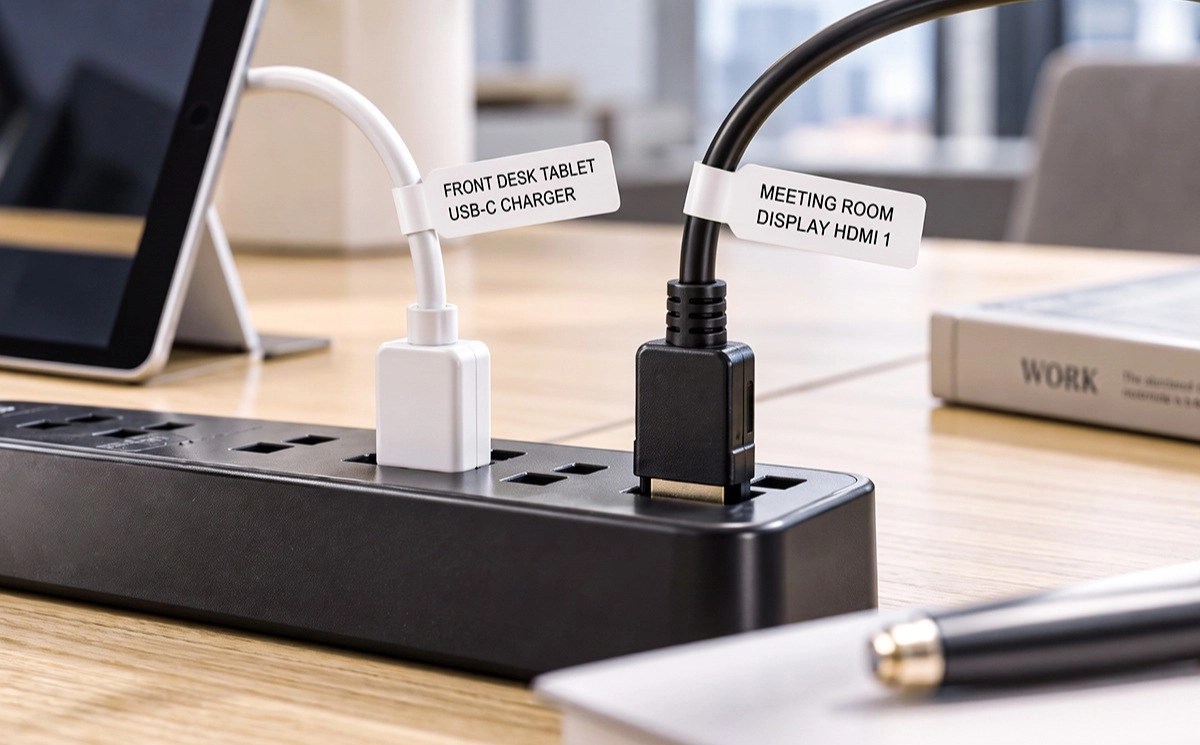
If everyone has their own charger, a name or set of initials may be enough. A short label such as “Mom” or “Alex” is easy to recognize at a glance. There's no need to squeeze a full description onto a small label.
For chargers that everyone shares, the device name makes more sense. A charging shelf might have a phone, tablet, smartwatch, and wireless earbuds plugged in at the same time. Labels such as “Phone,” “Tablet,” and “Watch” help distinguish the cords without assigning each one to a particular person.
You can use either approach, or combine them where necessary. The point is to make the cables easier to identify without adding another complicated system to your home.
The Cables Behind Your Desk Deserve Attention, Too
A home office often has a different cable problem. The laptop charger may sit on the desk, while the monitor connection and other cords run behind it or underneath the table. Everything works fine until you need to move a device, change a connection, or unplug something.
Identify Important Connections Before You Need To
A label near the end of a cable can save you from tracing it back through a tangle. Names such as “Monitor” and “Laptop” tell you what you're handling before you pull anything out.
Start with the connections you are most likely to move or unplug: a monitor, laptop charger, desk lamp, or frequently used accessory. There's little reason to label every cord if you rarely touch it. Focus on the ones that look similar or are hard to follow behind the desk.
If someone else occasionally uses your workspace, clear cable labels can also help them understand which connection goes where.
Give the Cables in Your Drawer a Second Look
Spare cables tend to accumulate without much planning. One may have come with an old phone, another belongs to a camera, and a third was bought for travel. They all have a purpose, but it's not always easy to remember which is which once they're in the same drawer.
Before putting a cable away, add a short label with the device or accessory name. “Camera,” “USB-C,” or “Travel Charger” may be all you need. If you have several cables with the same connector, be a little more specific so you can tell them apart later.
It's also worth using the same names in your desk area and storage boxes. If one cable is marked “Tablet” at your charging station, use that name for its spare too. Consistent wording makes the whole collection easier to sort through.
Choosing a Label That Fits Around a Cable
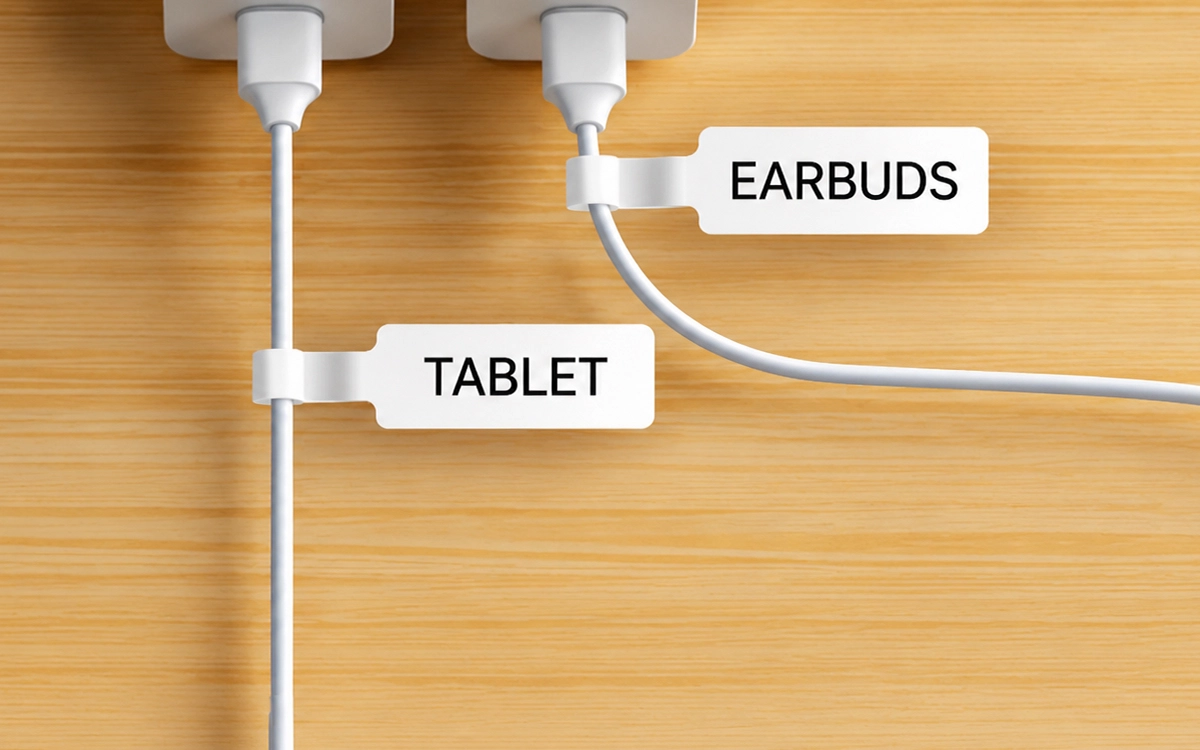
The label shape matters when you're working with round cords. A regular flat label may be hard to read once wrapped around a cable, especially if the printed area ends up facing inward.
Flag-style cable labels leave a separate section for the printed information. The label wraps around the cord, while the extended tab shows the device name clearly. This works well when several charging cables sit close together.
Choose the color that makes your cables easiest to identify.
NIIMBOT's cable labels come in white and yellow. The specified size is 12.5 × 74 + 35 mm. You can choose whichever color is easier to spot against your cables, or use the two colors to separate different groups.
Keep the wording short. “Phone,” “Monitor,” or “Camera” is faster to scan than a full sentence. If you want to tell similar cables apart, a small icon next to the name can also help.
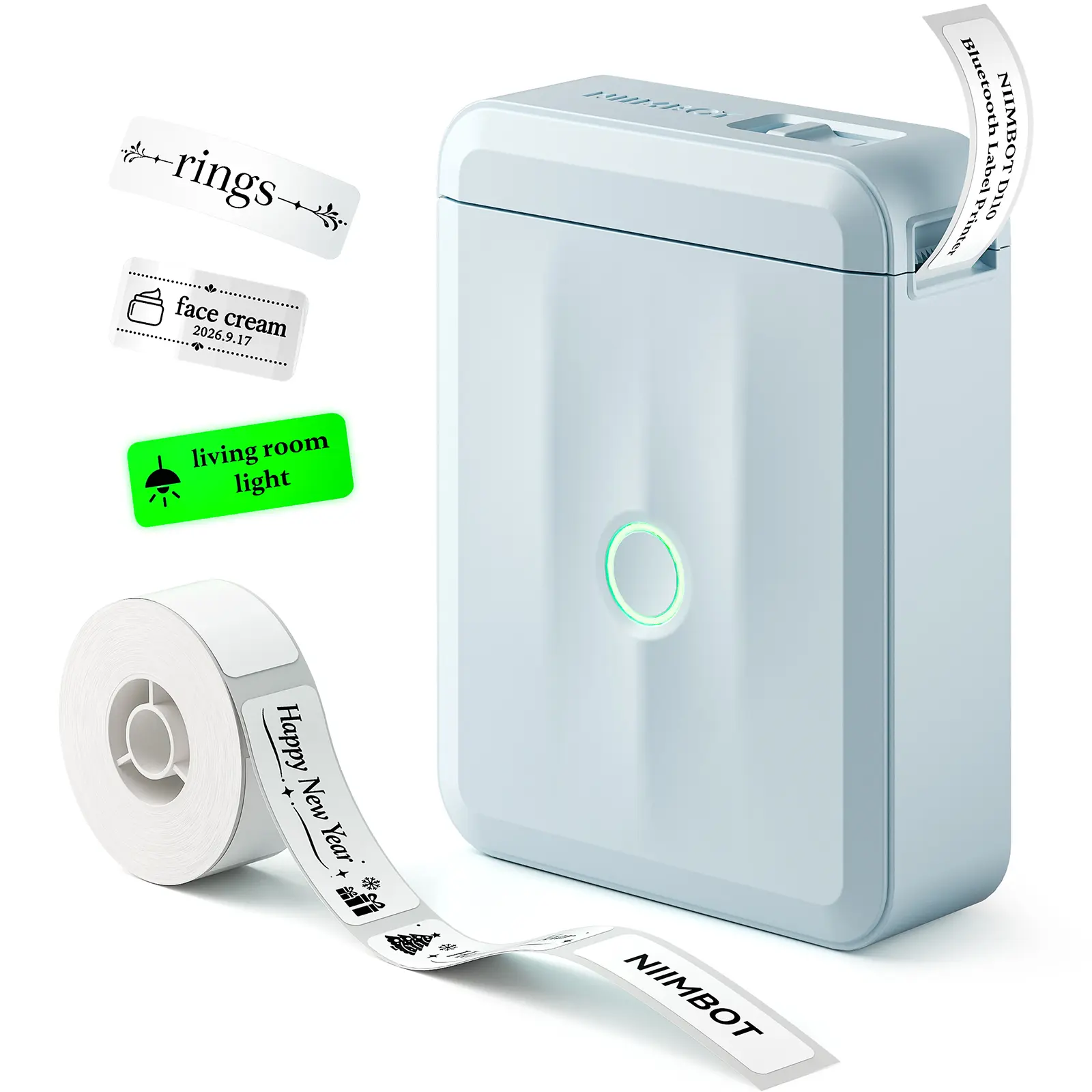
Make Custom Cable Labels with the NIIMBOT D110
Once you've worked out which cables need labels, you can create a set that fits your devices and routine. The NIIMBOT D110 connects to the NIIMBOT App, where you can type device names, add icons, and adjust fonts, sizes, and layouts.
For example, you can make one label for a phone charger, another for a monitor cable, and another for a camera cable. Add a matching icon to each design if you want the labels to be easier to tell apart. The app supports English text, numbers, and special symbols, so you can keep labels simple or add details that matter to you.
The compatible flag-style cable labels are waterproof, oil-resistant, tear-resistant, and scratch-resistant. They can also be removed without leaving adhesive residue. When a cable is reassigned or your charging setup changes, you can update the label instead of leaving old information in place.
Waterproof & Oil-Resistant
Suited for everyday moisture and spills around charging stations and desks.
Tear & Scratch Resistant
Durable flag labels stay readable even with regular handling.
Residue-Free Removal
Peel off cleanly when you need to reassign or update a cable label.
You don't need to label every cord in the house. Start with the ones that are most often mixed up, then add labels to your other cables if you find them useful. You can learn more about the NIIMBOT D110 on the NIIMBOT website.
Conclusion
Labeling charging cords is a simple, low-cost way to keep your desk, family charging station and spare cable drawer organized. With NIIMBOT D110 and flag cable labels, you can quickly mark all your cords and stop cable mix-ups for good.
FAQ
1. What Information Should Go on a Charging Cable Label?
Think about what would help you recognize the cable quickly. A device name such as “Laptop,” “Phone,” or “Camera” is usually enough. If multiple people share the charging space, you can add a name or initials too.
2. Do Flag-Style Labels Work on Charging Cables?
They are designed to wrap around a cable and leave a tab showing the printed text. That makes them much easier to read than regular wrapped labels when many cords sit together.
3. Can I Make Different Labels for Different Cables with the NIIMBOT D110?
Yes. The NIIMBOT App lets you create separate label designs with different names, icons, fonts and sizes. You can make unique labels for your phone, monitor, camera and other cords.