Two familiar designs. Two different approaches to labeling. The right choice depends less on the specifications and more on what you actually print.
Maybe you're labeling pantry jars. Maybe you run a small candle business. Or maybe you want to turn your favorite photos into stickers.
The NIIMBOT B21 and B21 Pro can both help with those everyday projects, but each has its own strengths. Here's how to decide which one belongs on your desk.
The short answer: Choose the B21 for practical, everyday labeling. Choose the B21 Pro when finer artwork, grayscale photos, or red-and-black designs are part of your plans.
Meet the B21 and B21 Pro
NIIMBOT B21
For the labels you reach for every day. Product names, pantry jars, price tags, barcodes, and simple illustrations.
What makes it appealing? Straightforward printing with the features most routine labeling jobs call for.
NIIMBOT B21 Pro
For designs with more detail. Think illustrated packaging, grayscale pet photos, decorative stickers, and special sale labels.
What makes it appealing? More options for people who enjoy experimenting with their label designs.
B21 vs B21 Pro: Side-by-Side Comparison
Let's put the main differences in one place.
| Feature | NIIMBOT B21 | NIIMBOT B21 Pro |
|---|---|---|
| Print resolution | 203 DPI | 300 DPI |
| Print style | Traditional black printing | 16-level grayscale |
| Red-and-black labels | Not supported | Supported with compatible labels |
| Print length | 20–200 mm | 8–200 mm |
| Common label widths | 25–50 mm | 25–50 mm |
| Battery capacity | 1500 mAh | 1500 mAh |
| Connection | Phone / Computer | Phone / Computer |
| Ink required | No | No |
| Everyday text and barcodes | Well suited | Well suited |
| Detailed grayscale photos | Limited tonal detail | Better suited |
Both printers use ink-free thermal printing, work with the NIIMBOT app, and offer plenty of options for customizing everyday labels.
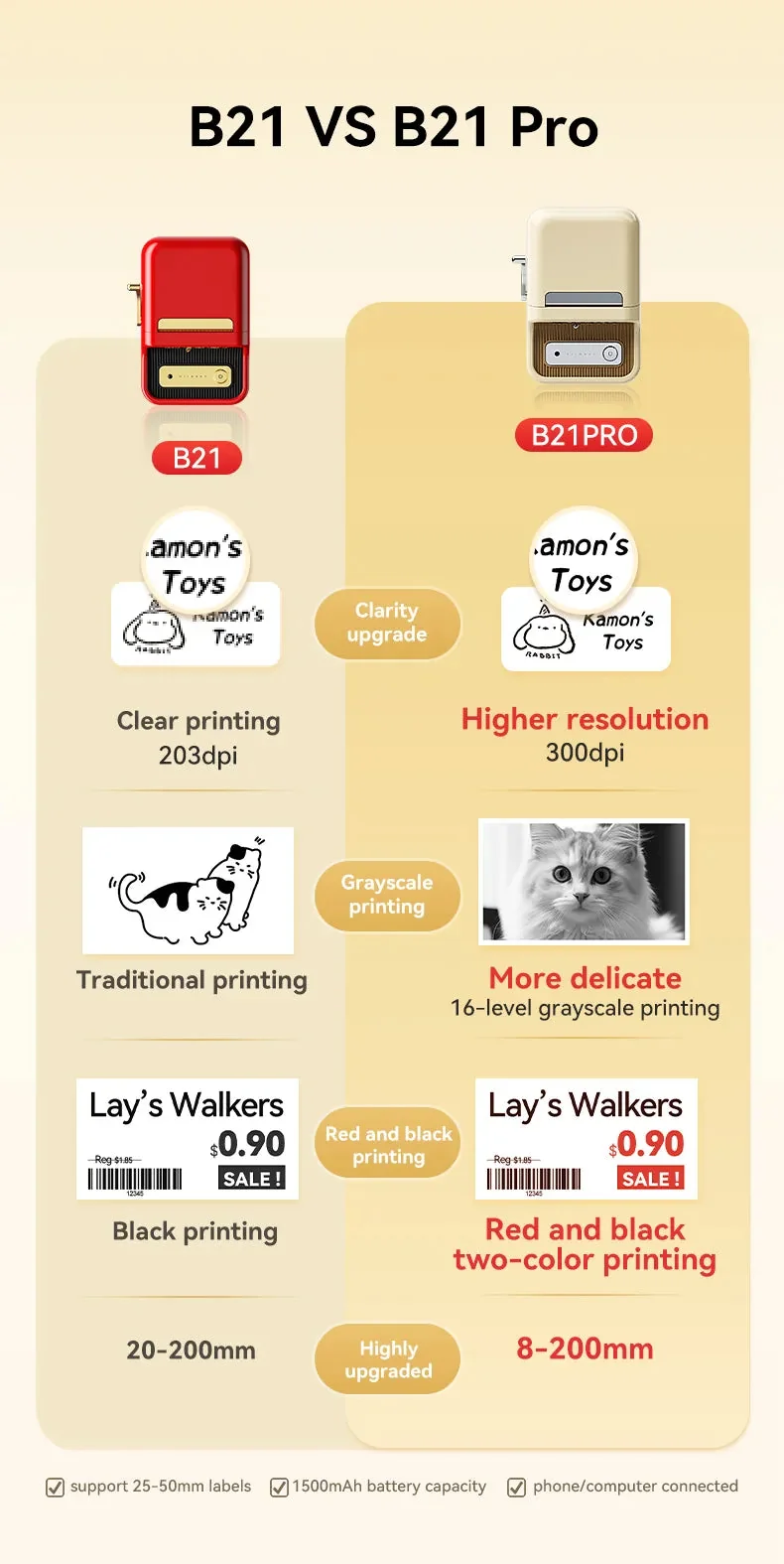
Printer specifications shown here follow the supplied model comparison. Check individual label compatibility before purchasing specialty rolls.
What Do You Actually Need to Print?
A specification sheet can only tell you so much. Think about the labels you'll make on a normal Tuesday, not just the occasional special project.
| Labeling Task | Good Fit | Why |
|---|---|---|
| Pantry and storage labels | Both | Easy-to-read names and dates |
| Price tags | Both | Clear prices and product names |
| Inventory barcodes | Both | Practical everyday identification |
| Simple logo stickers | Both | Suitable for basic graphics |
| Fine botanical drawings | B21 Pro | More detail in fine lines |
| Grayscale pet photos | B21 Pro | More tonal variation |
| Red-and-black sale tags | B21 Pro | Specialty two-color labels |
There's a lot of overlap here, and that's a good thing. You don't need the Pro just to print a nice-looking product label.

 Everyday labels for the things you use most with B21
 More creative flexibility with B21 Pro
Where Each Printer Feels at Home
At Home
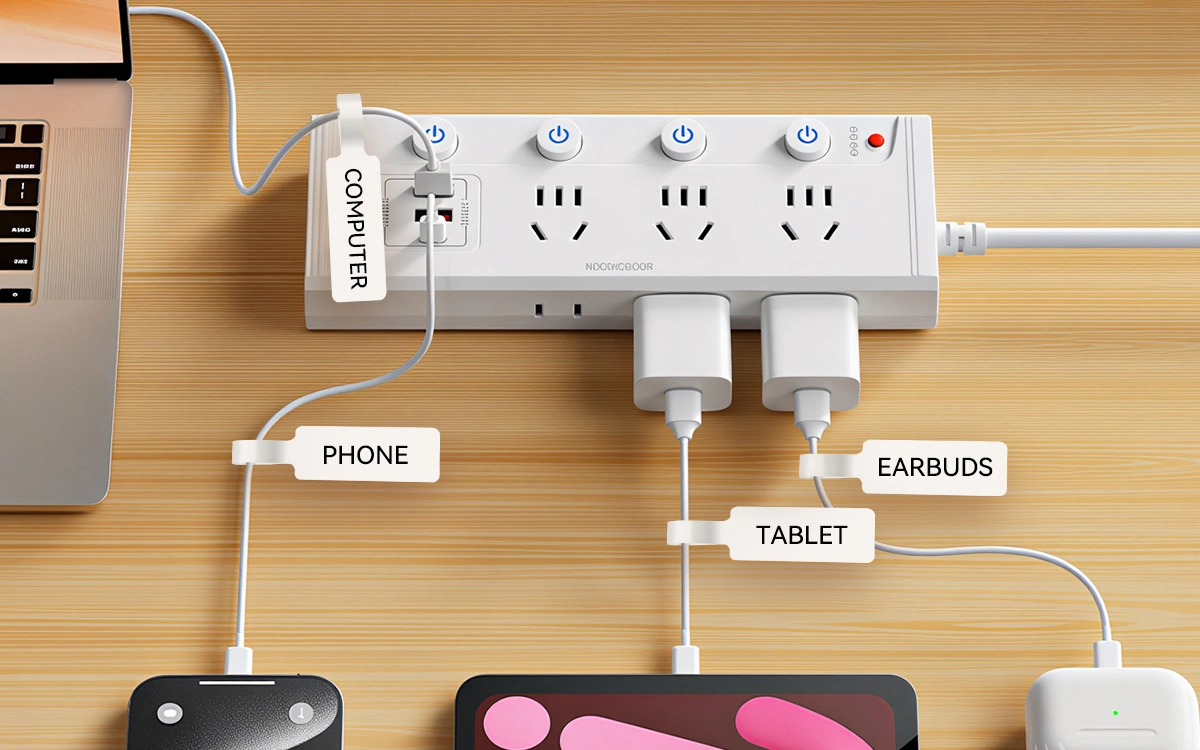
Spice jars, kids' school supplies, craft drawers, and boxes that somehow never stay organized. Most of these labels need clear words, not elaborate graphics.
At a Small Shop
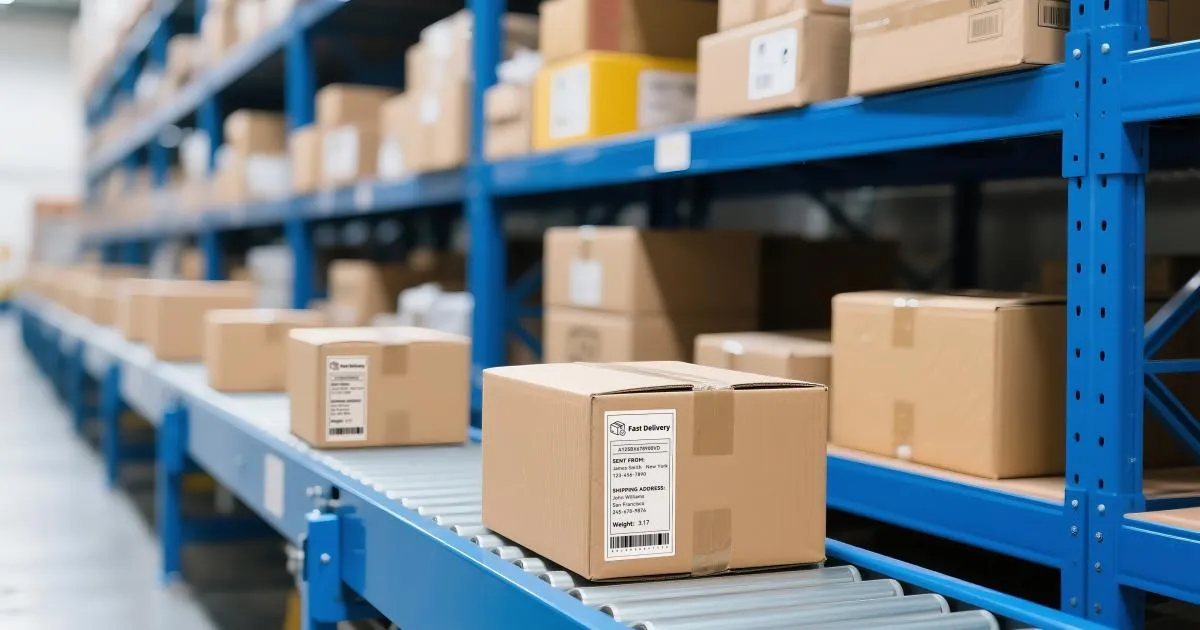
A handmade soap seller might print dozens of product names and prices before a weekend market. The B21 handles that routine work. If the packaging includes intricate artwork or red-and-black promotional labels, the Pro offers additional options.
At the Craft Table
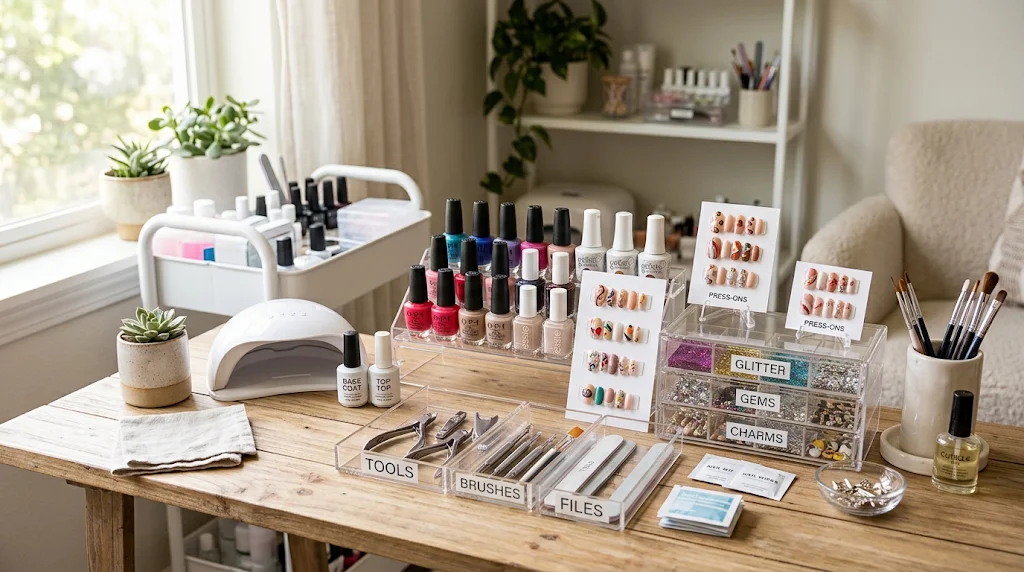
Scrapbook pages, illustrated gifts, pet photos, and tiny decorative details. This is where the B21 Pro's grayscale printing and finer resolution become especially useful.
Not necessarily.
A label that says "OAT FLOUR" doesn't need the same level of detail as a grayscale portrait of your dog.
The B21's 203 DPI resolution is a sensible match for everyday text, simple icons, prices, and barcodes. The B21 Pro's 300 DPI becomes more useful when designs include delicate lines or finer details.
And What About Grayscale?
The B21 is designed around traditional black printing. The B21 Pro supports 16 levels of grayscale, giving photos and shaded illustrations more depth.
Neither is a full-color photo printer. And for straightforward labels, you may not notice much practical difference between the two.
Three Questions Before You Choose
1. What will I print most often?
If it's mostly names, prices, dates, and barcodes, the B21 already covers those needs.
2. Will I use grayscale photos or fine artwork?
If those are regular parts of your projects, the B21 Pro is worth considering.
3. Do I need red-and-black labels?
If you want two-color sale labels or decorative packaging, the B21 Pro supports them with compatible thermal label paper.
If you answered no to the last two questions, there's no reason to feel that you're missing out by choosing the B21.
What Both Printers Have in Common
Whichever model you choose, you're getting the familiar NIIMBOT labeling experience.
- Ink-free thermal printing
- Mobile app label editing
- Phone and computer connectivity
- Custom text, icons, and templates
- Compact, retro-inspired design
- 1500 mAh battery capacity
And one practical tip: check your label sizes and paper types before ordering extra rolls. Standard labels and specialty photo or two-color labels may have different compatibility requirements.
Frequently Asked Questions
Is NIIMBOT B21 good for small businesses?
Yes. It's well suited to everyday price tags, product identification, barcodes, and inventory labels.
Is B21 Pro necessary for product labels?
No. The B21 handles many common product labeling tasks. B21 Pro adds options for more detailed designs.
Can B21 Pro print full-color photos?
No. It supports grayscale printing and compatible red-and-black thermal labels, not full-color photos.
Do B21 and B21 Pro use the same labels?
Some standard label types may work with both models. Specialty photo and two-color labels require model-specific compatibility checks.
Do I need ink for either printer?
No. Both use thermal printing, so there are no ink cartridges to replace.
So, Which One Should You Pick?
Think about the labels you make most often. That's usually the easiest way to decide.
NIIMBOT B21
A dependable choice for household organization, retail prices, inventory, and everyday product labels.
Best for: People who want straightforward labeling without paying for features they may rarely use.
Explore NIIMBOT B21NIIMBOT B21 Pro
A versatile choice for grayscale photos, intricate illustrations, personalized packaging, and specialty labels.
Best for: People who regularly work with detailed designs and want more creative printing options.
Explore NIIMBOT B21 ProTwo good printers. Different strengths. Choose the one that fits your life.