A hectic shipping day can get messy quickly – orders arrive through various channels, packages must ship on time, and an incorrectly printed label can slow everything down.
With a reliable thermal shipping label printer, small e-commerce businesses can make daily fulfillment much easier. Rather than printing labels on regular paper, cutting them out, and taping them onto boxes, you can print shipping labels in the correct size and apply them directly to your packages.
Here’s how to organize your shipping workflow, from preparing orders to getting packages ready for pickup.
1. Create a Shipping Workflow That Works
Having a consistent process helps reduce errors, particularly when you have multiple orders to pack at once.
Step 1: Review Orders Before Printing
Begin by looking over your incoming orders. Double-check the customer's name, delivery address, product quantity, and shipping method.
Check addresses before creating labels. A missing apartment number or incorrect ZIP code can delay deliveries, and these mistakes can be difficult to fix after a package leaves your warehouse.
When handling orders from multiple sales channels, keep them in one organized list. A spreadsheet can help you track order numbers, package status, and shipping dates.
Step 2: Generate and Download Shipping Labels
After confirming the order details, generate shipping labels using your e-commerce platform or shipping carrier.
Most shipping services offer downloadable label files, usually in a 4 × 6-inch format. Save these files in a dedicated folder or download them together if your shipping platform supports batch processing.
Keep in mind: Your shipping platform or carrier generates the shipping label and tracking information. The printer simply prints the label file.
Step 3: Print and Attach Labels
Load compatible shipping label paper into your printer and make sure the label size matches the downloaded file.
Print one sample before printing a large batch. Check that the barcode, delivery address, and tracking number are clear and readable.
After printing, place the label on a flat surface of the package. Avoid covering box edges, seams, or curved areas. Make sure the barcode is easy to scan.
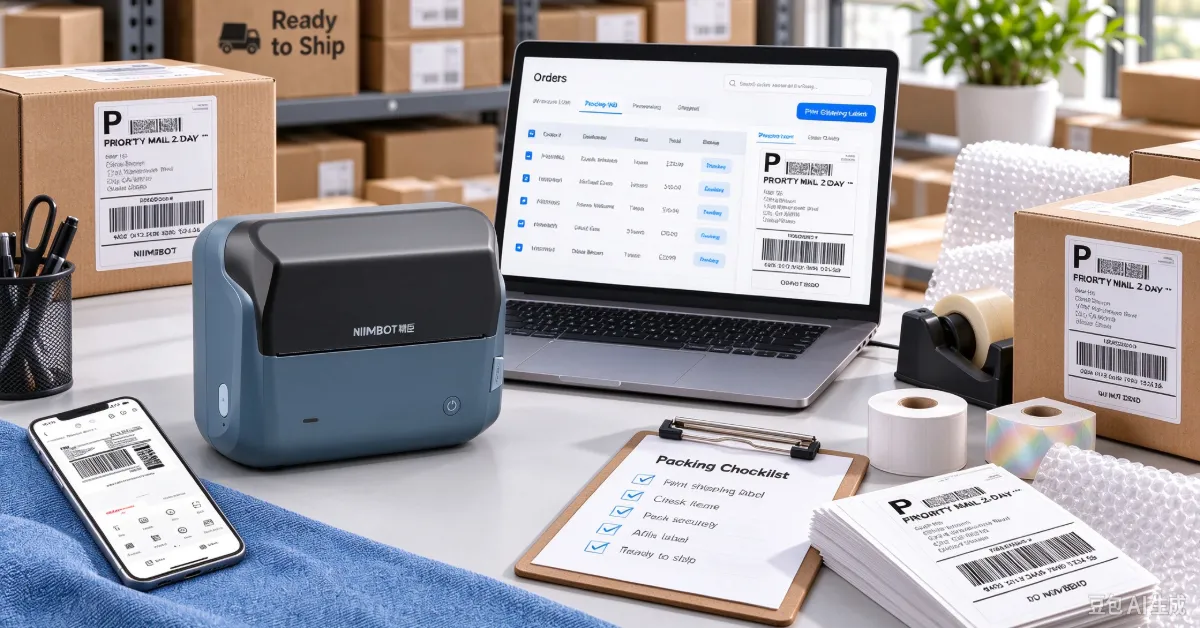
An organized shipping station helps keep daily order fulfillment on track.
2. Keep Your Warehouse Labels Organized, Too
Shipping labels aren't the only thing that matters when sending out orders. If products, packing materials, and outgoing packages are difficult to find, even a fast printer won't solve the problem.
A simple labeling system can make warehouse tasks easier to manage.
Label Shelves, Bins, and Storage Areas
Clear labels help employees identify where items are stored. For example:
| Location | Suggested Label |
|---|---|
| Product shelves | SHELF A1 / SHELF A2 |
| Small-item bins | BIN 01 / BIN 02 |
| Packing supplies | BOXES / MAILERS / TAPE |
| Outgoing orders | READY TO SHIP |
| Returns | RETURNS TO CHECK |
Keep the wording short and consistent. If you use location codes, make sure they match your inventory records so employees can find items without guessing.
Use Carton Labels for Bulk Shipments
Larger labels work well for identifying cartons, stock transfers, and warehouse inventory. Include information such as product names, quantities, SKU numbers, barcodes, or destination details.
When handling different product categories, consistent carton labels also make stock checks and restocking easier.
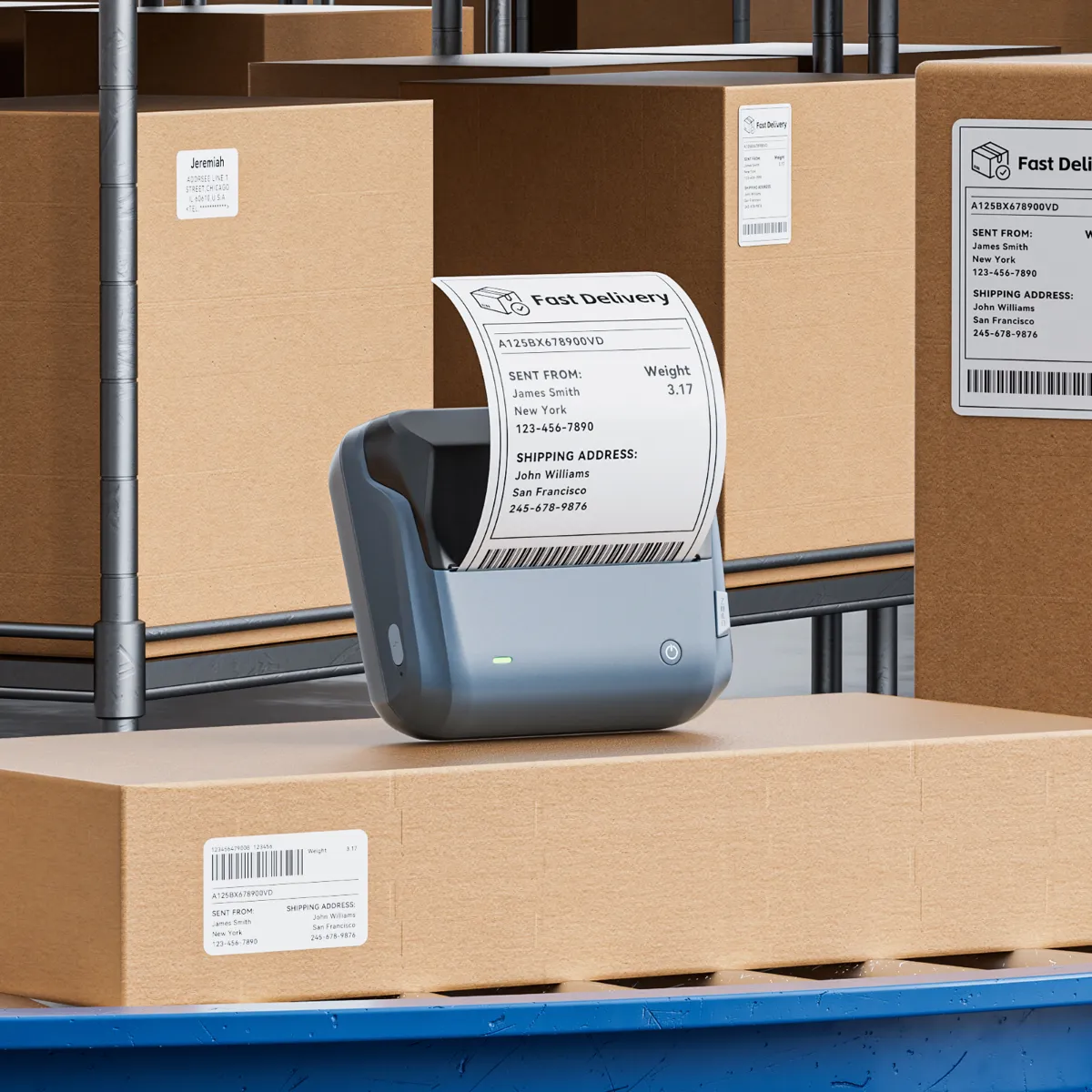
Clear shelf and bin labels make warehouse inventory easier to locate.
3. What to Look for in a Thermal Shipping Label Printer
A printer used for daily shipping should be easy to operate and able to handle the label sizes your business needs.
The NIIMBOT B4 4-Inch Thermal Label Printer is designed for shipping and warehouse labeling tasks. It uses direct thermal printing, so there's no need to replace ink cartridges or toner.
Here are some of its key features:
| Feature | NIIMBOT B4 |
|---|---|
| Printing technology | Direct thermal |
| Resolution | 203 DPI |
| Effective print width | 104 mm |
| Compatible label width | Approximately 20–110 mm |
| Connectivity | Bluetooth and USB |
| Printing tasks | Shipping, carton, barcode, and warehouse labels |
For everyday e-commerce fulfillment, the 4-inch format works well for standard 4 × 6-inch shipping labels. The B4 also supports batch printing, which is useful when preparing multiple orders at once.
Connect via Bluetooth or USB, depending on your setup. With the NIIMBOT app, you can also edit labels and save frequently used templates for repeat tasks.
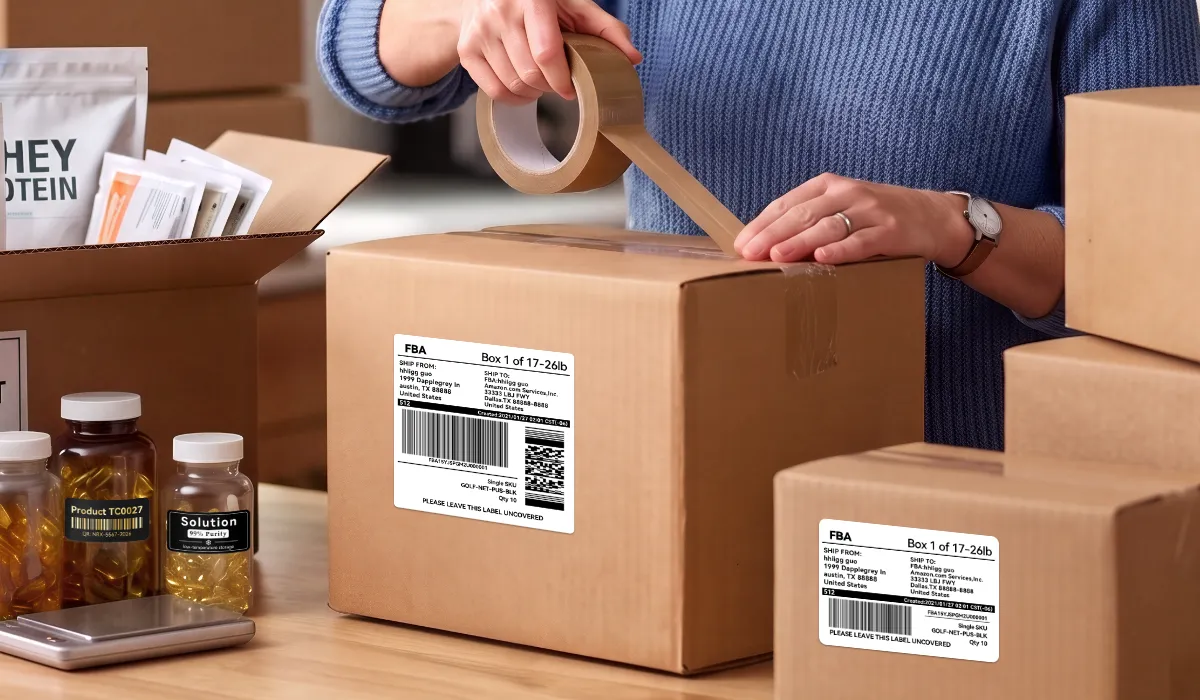
The NIIMBOT B4 prints shipping labels for everyday order fulfillment.
Make Daily Shipping Easier with NIIMBOT B4
Looking for a practical way to handle shipping and warehouse labels? Explore the NIIMBOT B4 4-Inch Thermal Label Printer.
Explore NIIMBOT B44. A Few Habits That Help Prevent Shipping Mistakes
Simple checks can save time when you handle orders every day.
| Common Problem | What to Do |
|---|---|
| Barcode is hard to scan | Check print quality and use a clear, compatible label. |
| Wrong label size | Make sure printer settings match the downloaded label format. |
| Label is attached unevenly | Attach it to a clean, flat surface. |
| Orders get mixed up | Print and pack orders in a consistent sequence. |
| Packages are hard to find | Use clear shelf and outgoing-order labels. |
You don't need a complex warehouse system to improve fulfillment. Start with accurate order information, properly formatted shipping labels, and clearly marked storage areas.
These small changes pay off as order volumes grow. With a reliable thermal shipping label printer and a consistent packing routine, you can keep orders moving smoothly, even on busy shipping days.