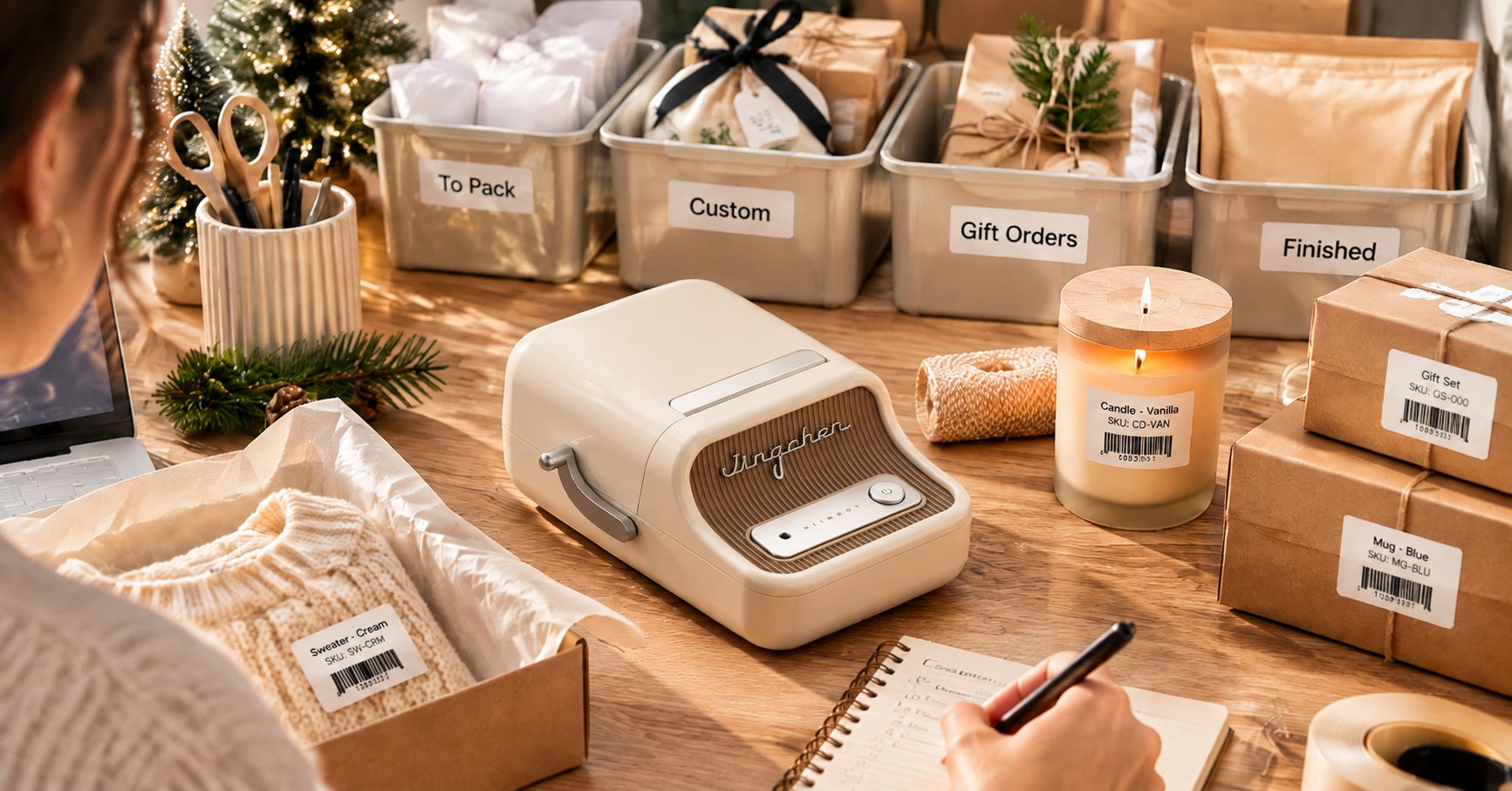
If you run a local supermarket or neighborhood grocery shop, you know how chaotic a normal shift can get. Stock rotations, last-minute promotions, and regular inventory checks never stop. A lot of stores still depend on clunky stationary printers in the back room or pre-ordered tags from suppliers. That setup quickly leads to mismatched prices, barcodes that won’t scan, and frustrated staff and shoppers alike. Small errors on price labels or a faulty product barcode sticker don’t just slow things down at checkout — they spark disputes, eat up staff time, and quietly cost you sales. Portable thermal label printers fix many of these everyday headaches, letting you print clean, usable labels right where you need them.
Explore the NIIMBOT B3S Label Printer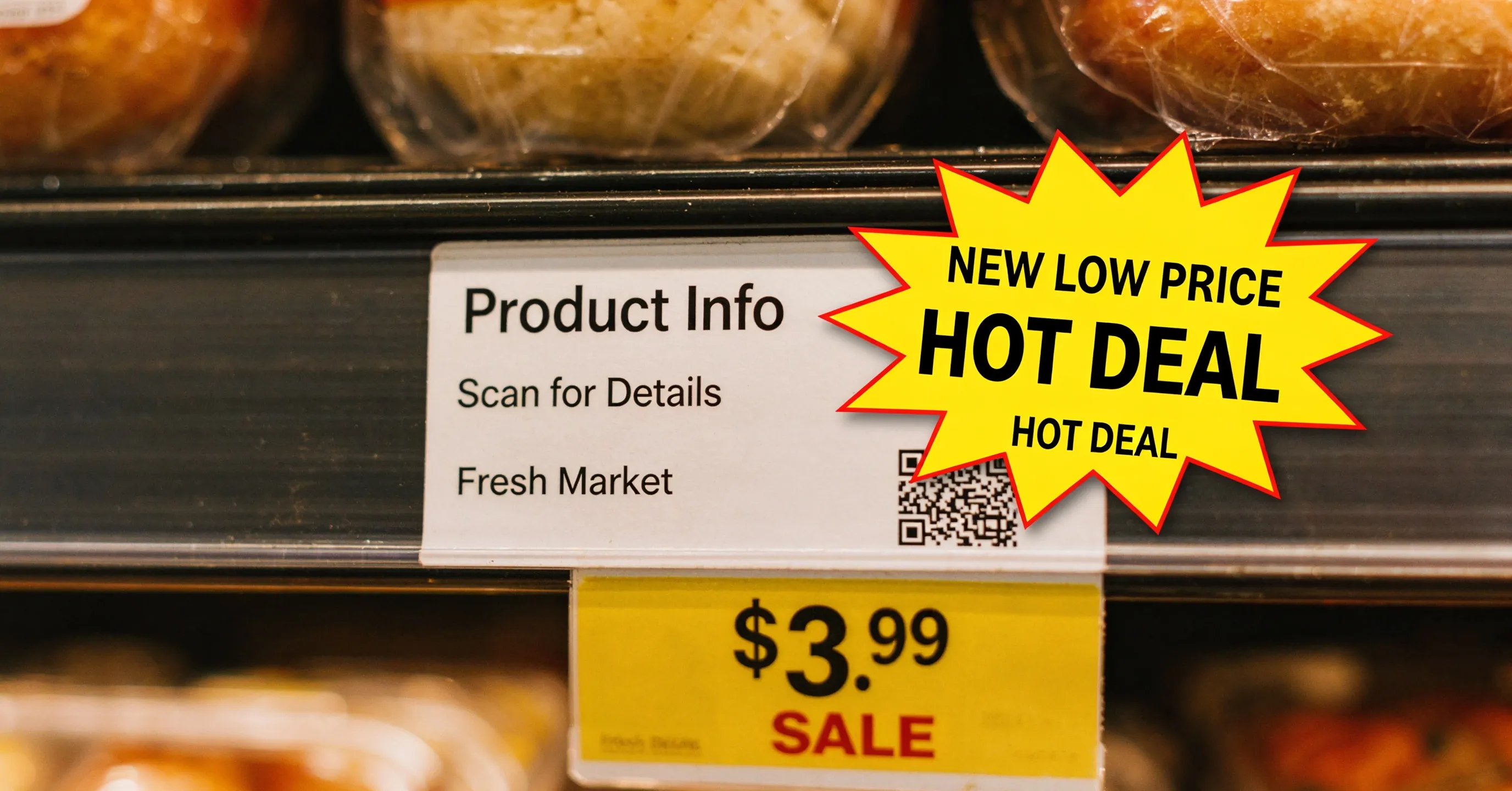
Common Supermarket Labeling Headaches With Traditional Workflows
Anyone who’s spent time on a grocery floor has run into labeling issues. These little problems add up fast, and most teams don’t realize how much time they sink over the course of a week.
Mismatched Price Labels Between Shelves and Checkout
Sales, clearance deals, and seasonal markdowns mean shelf prices change all the time. When labels all have to be printed back in the stockroom first, it’s easy to leave old tags behind. A customer sees one price on the shelf, only to get charged a different amount at the register. That leads to complaints, refunds, and extra cashier work. With hundreds of SKUs across the aisles, even careful staff miss spots during rushed updates.
Unreliable Product Barcode Sticker Quality
Blurry, smudged, or poorly sized barcodes are a checkout nightmare. When scanners can’t pick up the product barcode sticker, cashiers have to key in numbers manually, and lines back up fast during peak hours. Pre-printed vendor stickers also lack flexibility for new private-label items, bulk produce, or short-run promo goods that only stay in stock for a few days.
How On-Demand Thermal Printing Solves Grocery Label Demands
Thermal printers don’t use ink, toner, or ribbons. All you need is the right sticker roll to print sharp price labels and fully scannable product barcode sticker whenever you need them. Portable options like the NIIMBOT B3S connect over Bluetooth to phones, or USB to desktop computers. That means your staff can print labels while standing right in the aisle, instead of making repeated trips to a fixed printer.
This shifts labeling from a once-a-day batch job to printing only what you need, right when the change happens. When a new sale kicks off, a staff member opens the NIIMBOT app on their phone, pulls up the sale SKUs, prints the new price labels, and swaps out old shelf tags on the spot. Fresh-food teams can print custom product barcode sticker for pre-packed meat, baked goods and ready-to-eat produce without waiting on an outside vendor.
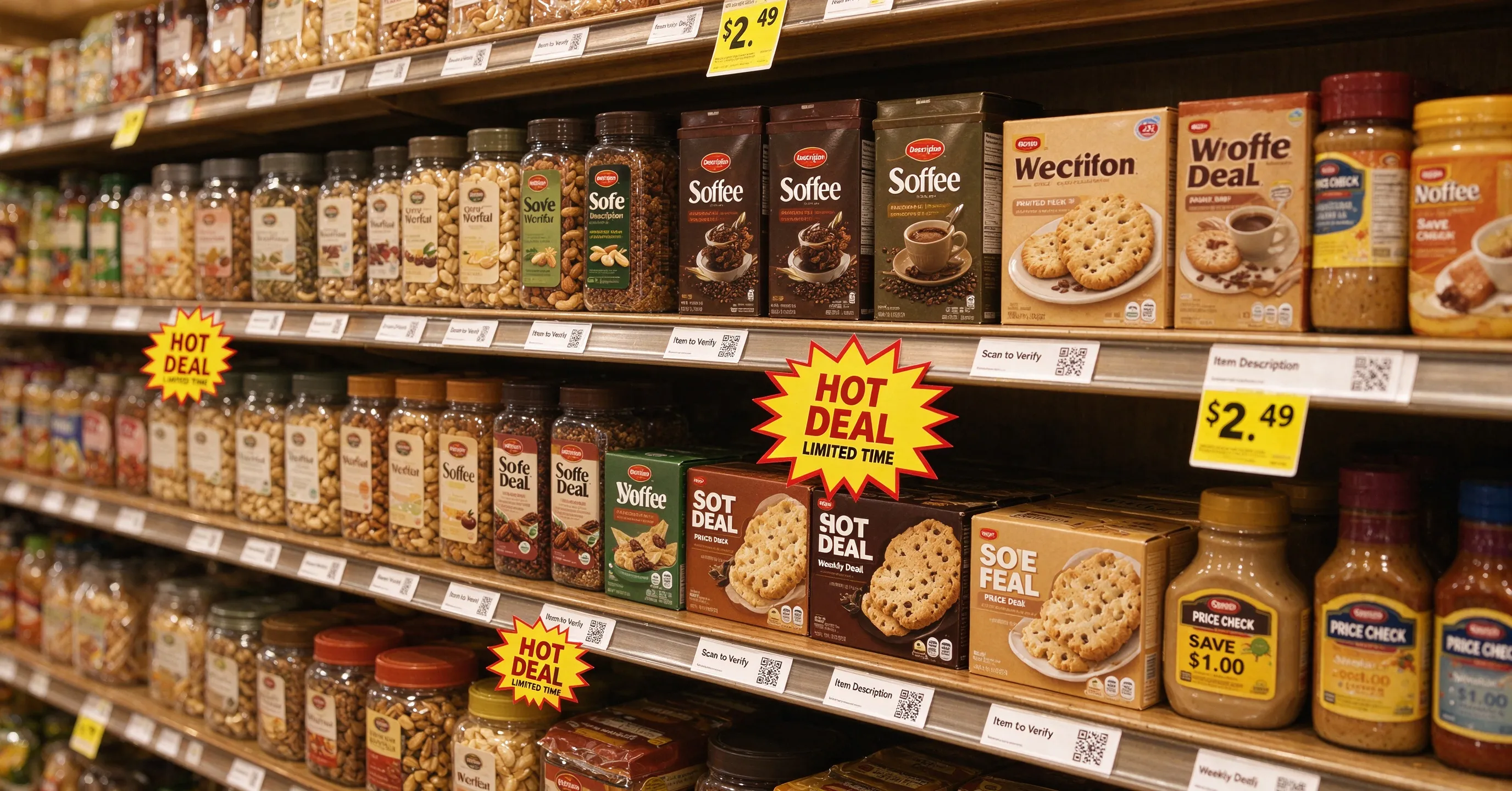
Built for grocery conditions
Water-resistant, tear-proof thermal stickers hold up in coolers and around spills, so shelf tags and deli labels stay legible through the shift.
Everything on one sticker
You can fit barcodes, QR codes, unit pricing, promo text and batch notes all on a single label — no more handwritten add-ons.
Fast bulk runs
Bulk import from Excel lets you generate dozens or hundreds of product barcode stickers in minutes when new stock arrives.
Practical Real-World Use Cases Inside Supermarket Aisles
Portable thermal printers fit into nearly every department of a grocery store. These are the most common ways teams use them for price labels and product barcode stickers day in and day out.
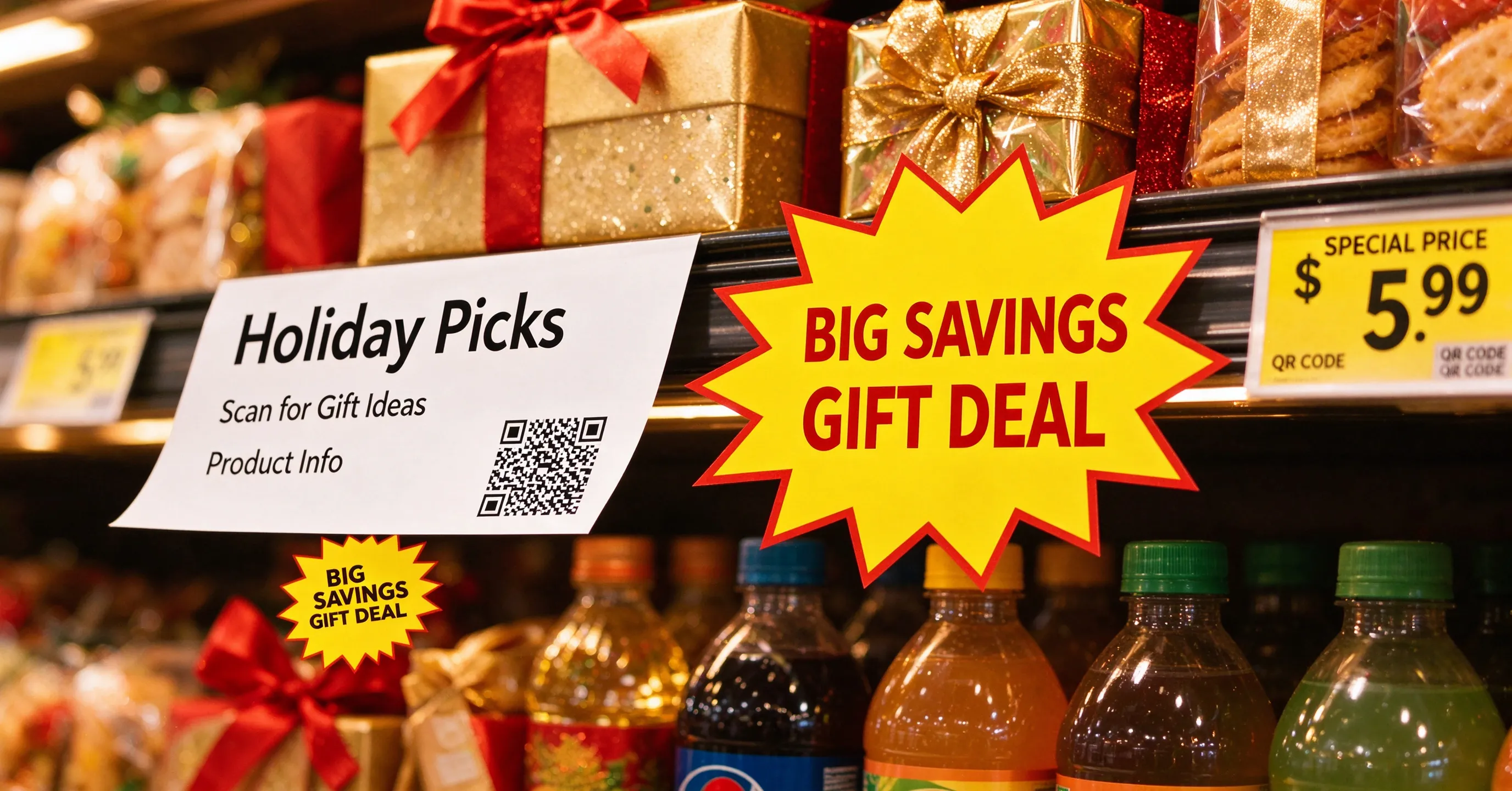
Shelf-Edge Price & Promotional Tags
Plain white labels handle everyday shelf pricing; bright accent stickers mark markdowns and limited-time offers to catch shoppers’ eyes. Instead of ordering expensive pre-printed promo signs, you can run small batches of sale price labels as soon as a discount starts. Built-in retail templates in the NIIMBOT app mean no design skills are needed for neat, readable shelf tags.
Fresh Food & Deli Department Labeling
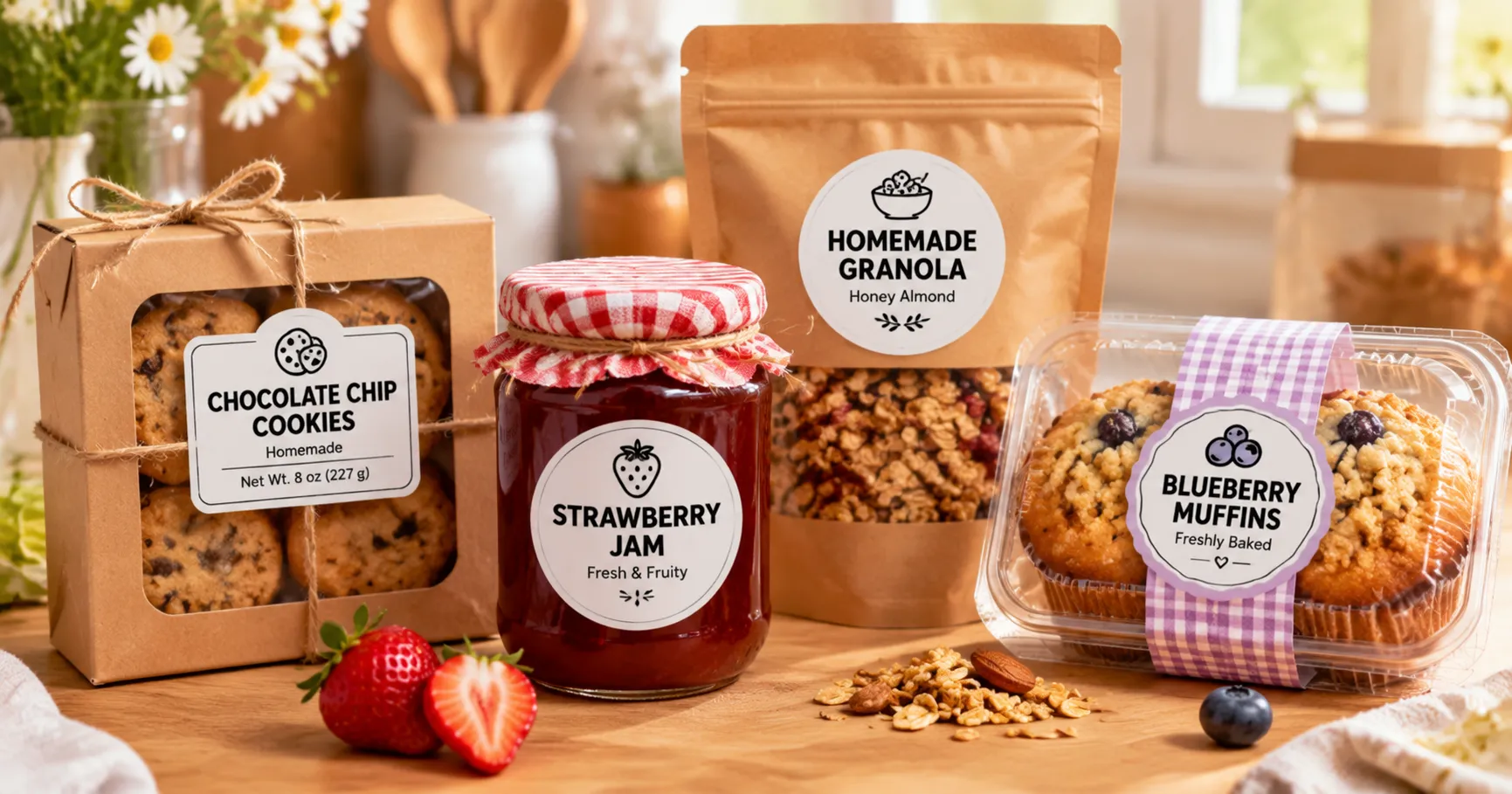
Pre-packaged salads, sliced cheese, bakery items and weighted produce need custom product barcode sticker showing batch codes, pack dates, expiry times and per-unit pricing. Many small shops used to write this information by hand, which looks messy and often fails to scan. Thermal stickers stay legible inside cold display cases and help you meet basic food traceability rules.
Back-of-House Inventory & Asset Tagging
Labeling isn’t only for customers. Use product barcode stickers on storage bins, cartons, cleaning supplies and store equipment such as weighing scales. Quick scans make stock counts much faster at the end of each month.
Tips for Better Price Labels and Product Barcode Sticker Results In-Store
Good hardware helps, but small setup choices make a huge difference for daily work. Use these simple tips to get cleaner labels and fewer scanning failures.
Leave empty quiet space around every barcode. Don’t pack text or borders too close to the edges of a product barcode sticker — this is the top reason scanners fail.
Pick label sizes based on use: 50×30 mm fits standard shelf price labels; wider rolls work for large clearance tags or fresh food packs.
Train staff to print on-location in aisles. Bluetooth printing cuts down on forgotten label swaps and price mismatch errors.
Use the spreadsheet batch import tool for new deliveries, instead of typing every SKU one by one.
Choose oil-resistant, BPA-free thermal sticker paper for deli and fresh aisles where spills are common.
For supermarkets of all sizes, clear price labels and reliable product barcode sticker aren’t trivial extras. They build customer trust and keep operations running smoothly. Old workflows built around pre-ordered tags and back-room batch printing waste labor and create avoidable friction. Portable thermal label printers like the NIIMBOT B3S give you speed and flexibility while keeping costs down. Switching to on-demand printing means fewer pricing mistakes, faster checkout, and more time for your team to help shoppers rather than chasing stacks of outdated paper tags.
View the NIIMBOT B3S Label Printer