A busy sales week sounds great until ten orders are waiting on your packing table. One customer wants a different color, another ordered a gift set, and someone else has requested a personalized item. Before long, it gets difficult to remember which product goes where.
If you run an Etsy shop, a home-based business, or a small online store, a little preparation can save quite a bit of back-and-forth. Here are a few ways to keep your products and packages in order before Cyber Week gets busy.
01.Start with the Orders Waiting on Your Desk
Don't start by printing a pile of labels. First, work out what each order actually needs. A regular product order, a personalized gift, and a multi-item bundle shouldn't all be sitting in the same pile.
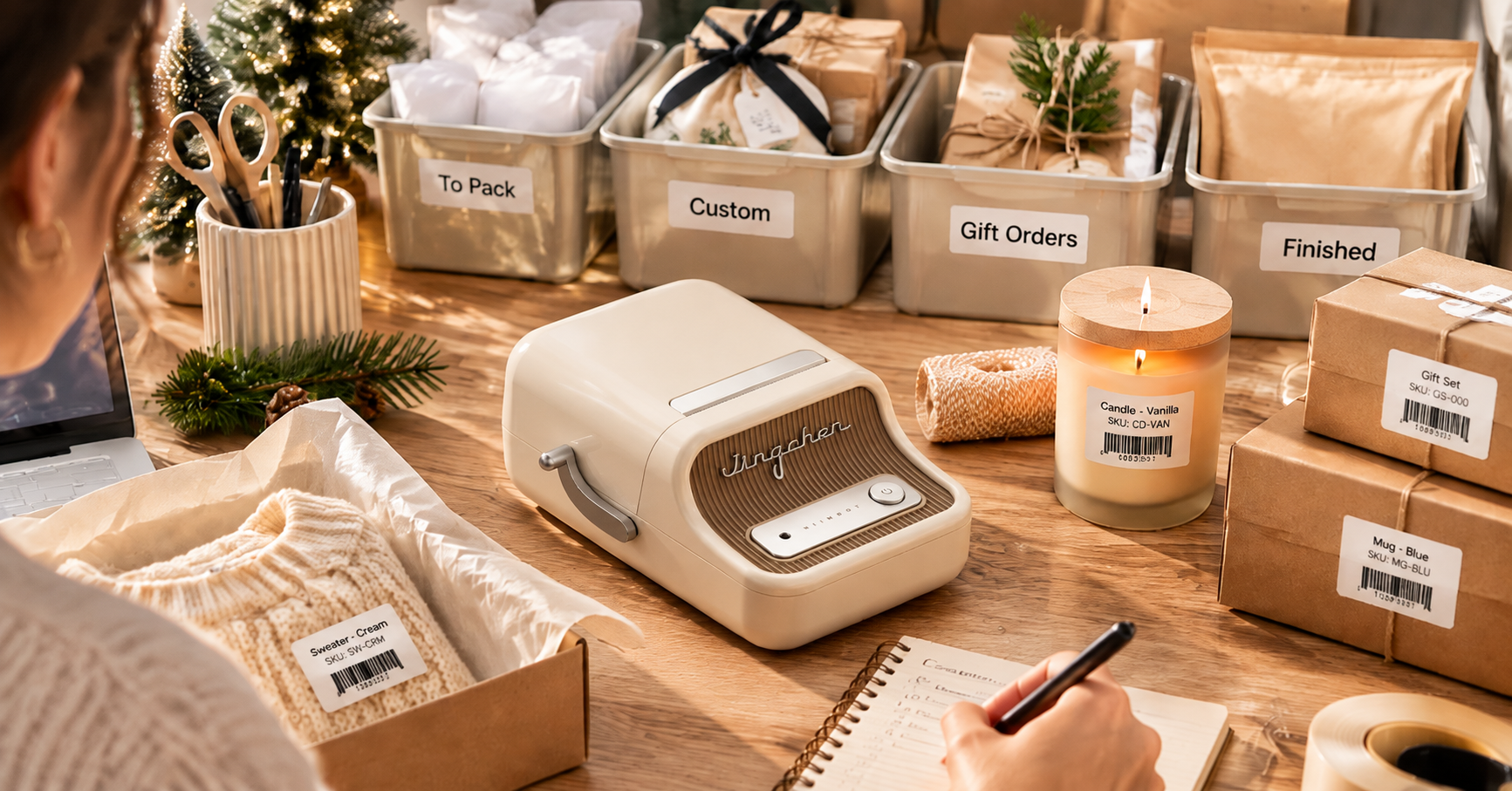
A few trays or storage bins are enough for most small shops. You could use these four groups:
| Group | What's Inside |
|---|---|
| To Pack | Regular orders ready for picking. |
| Custom | Items with special colors, names or instructions. |
| Gift Orders | Orders that need gift wrapping or an extra note. |
| Finished | Checked, packed and ready for carrier pickup. |
The labels on the bins don't need to be fancy. Even a handwritten heading works. What matters is that you and anyone helping you can tell where an order belongs.
Don't Rely on Product Names Alone
Imagine selling three versions of the same mug. They look almost identical, but one is blue, one is red, and one comes in a gift set. If the only information on the shelf is "Mug," somebody will eventually pick the wrong one.
A short SKU or variation label makes a difference:
| Product | Example |
|---|---|
| Classic T-Shirt | TEE-001 / BLACK / M |
| Holiday Mug | MUG-008 / RED |
| Gift Set | GIFT-012 / SET A |
02.Make Product Variations Easy to Spot
For shops with lots of similar items, this is where product labels earn their place. Put the details where you can actually see them: on a storage box, a product package, or the shelf where the item is kept.
Depending on what you sell, a label might show:
- SKU and product name
- Size, color or material
- Quantity in a bundle
- Price or product category
You don't need to print every detail. A candle seller might only need the scent and size. A clothing shop may need the color and size. Use the information that helps you pick the correct item.
Give Custom Orders Their Own Labels
Personalized orders are easy to overlook when several packages are being prepared at once. A name printed incorrectly or a gift set packed without one item can mean a replacement and another round of shipping.
A small label marked CUSTOM ORDER or CHECK DETAILS gives you a visible reminder before the box is closed. It is a simple extra check, especially when more than one person handles packing.
03.Make Gift Packages Feel Less Like Ordinary Orders
Some Cyber Week customers are shopping for themselves. Others are buying presents. The second group may appreciate a little extra attention when their order arrives.
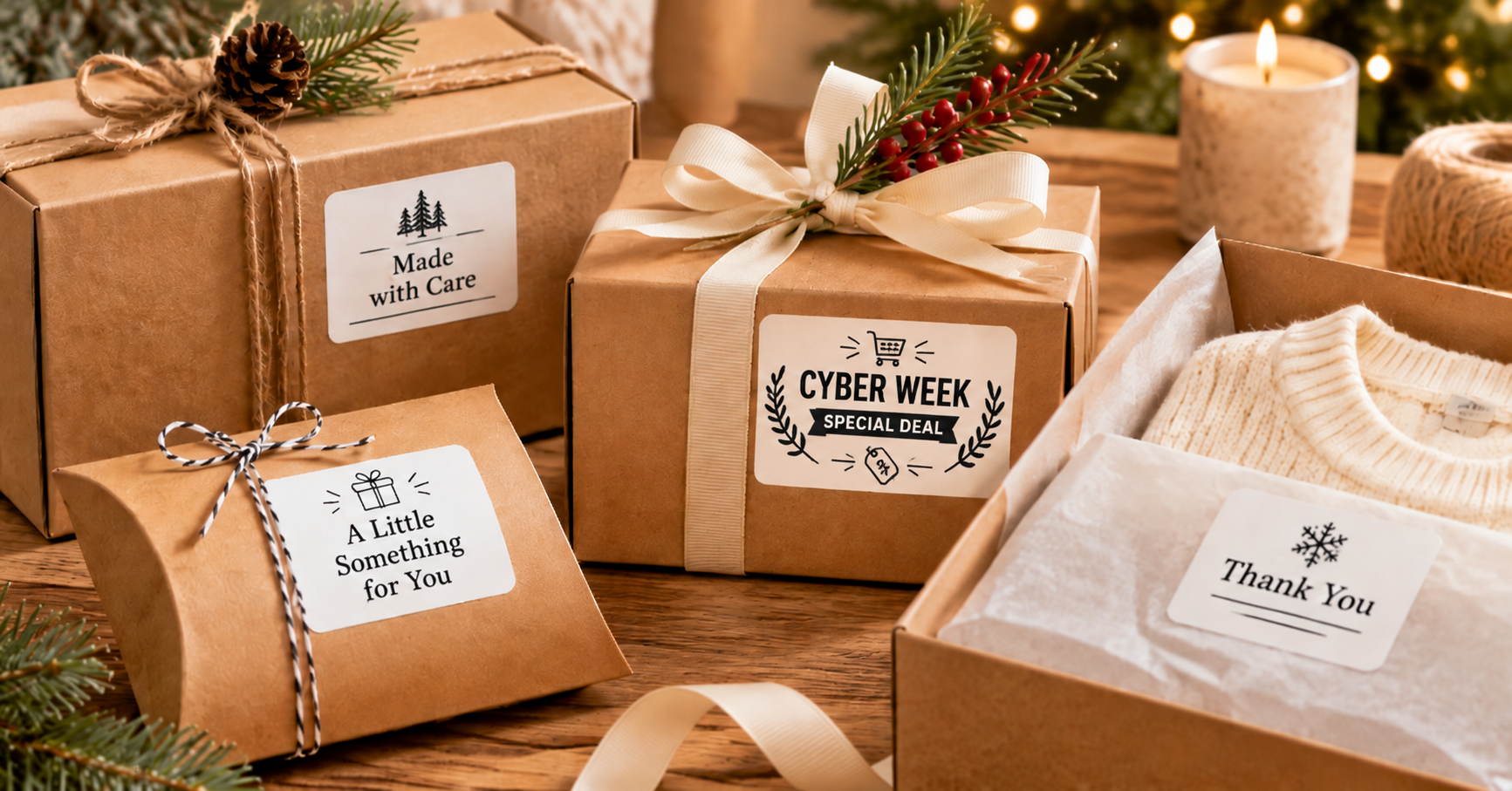
You don't have to redesign your packaging. A thank-you sticker, a small gift label, or a simple message on the box can be enough.
A Few Label Ideas Worth Preparing
- Thank You for Shopping Small – for everyday orders.
- Made with Care – for handmade products.
- To / From – for gift packages.
- A Little Something for You – for seasonal orders.
If you use the same packaging throughout the year, prepare a separate holiday design rather than changing every label. Keep your logo and layout, then add a seasonal message.
It also helps to save the designs you use often. There's little reason to recreate the same thank-you sticker every time a new order comes in.
04.Keep Frequently Used Labels Ready to Print
If you print the same product names, SKUs or packaging messages every week, creating each design again is unnecessary work.
With the NIIMBOT App, you can prepare commonly used label designs and reuse saved templates. For a small shop, that means less time spent setting up a label and more time getting the actual orders ready.
What Works Well on a B21?
The NIIMBOT B21 is a 203 dpi thermal label printer. It prints black text and simple black graphics, making it suitable for product names, SKUs, barcodes and everyday packaging information.
It isn't a full-color printer, and it isn't intended for standard 4 × 6-inch shipping labels. Its strength is smaller product and identification labels.
| Label Size | Example Application |
|---|---|
| 20 × 30 mm | Small product identification |
| 40 × 30 mm | SKU and product details |
| 50 × 30 mm | Packaging information |
| 50 × 50 mm | Square product stickers |
Choose a size that fits the item and the information you're printing. A short SKU doesn't need a large sticker, and a gift box may benefit from a little more room for its message.
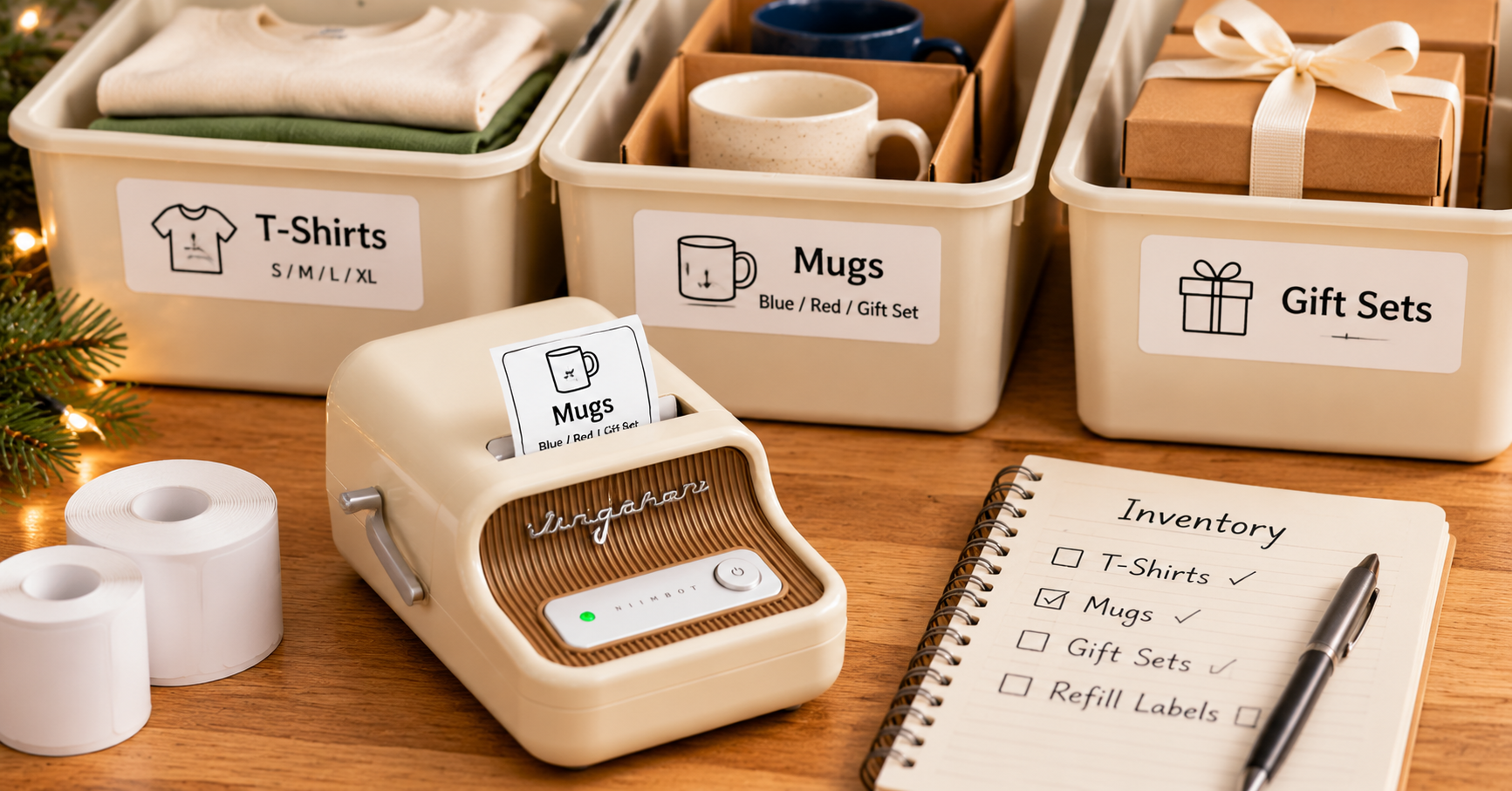
NIIMBOT B21 Label Printer
Need a compact printer for product identification and packaging labels? B21 handles everyday black-and-white labeling without ink cartridges.
- 203 dpi thermal printing
- Black text and simple black graphics
- Bluetooth connection with NIIMBOT App
- Compatible label widths of 20–50 mm
- Reusable saved label templates
05.A Quick Check Before the Orders Go Out
Before sealing a package, take a few seconds to check the details. It's much easier to catch a missing item at the packing table than after the customer receives the order.
- Check product variations and SKU information.
- Prepare labels for your most frequently sold items.
- Save common designs in the NIIMBOT App.
- Set aside gift packaging and thank-you stickers.
- Match the product to the order details.
- Check custom requests and gift notes.
- Make sure all items are inside the package.
- Confirm the shipping label before dispatch.
Get Your Packing Station Ready
You probably don't need a completely new packing system for Cyber Week. Start with the products that are easiest to mix up, prepare labels for those items, and keep your most-used packaging designs close by.
A little organization before the rush can save a surprising amount of time once the orders start coming in.
Make Everyday Product Labeling Easier with NIIMBOT B21
Print product names, SKU labels and packaging stickers right from your phone.
Explore NIIMBOT B21