For jewelry store owners, handmade artisans and boutique retailers, finding a reliable jewelry tag printer or small price tag printer is more complicated than most shoppers expect. Many general‑purpose label printers either produce blurry tiny text, cannot handle narrow necklace label maker‑style hang tags, or force you to pay for expensive pre‑printed tags that waste stock when prices change. The NIIMBOT B31 fills this exact niche, built for small‑format specialty labeling work for necklaces, earrings, bracelets and retail price displays. It is not designed for large shipping labels, but shines when you need clean, compact tags for high‑value small goods. This article breaks down its real‑world jewelry‑focused use‑cases, step‑by‑step price tag creation tutorial and complete consumable matching guide for store operators.
Why NIIMBOT B31 Works for Jewelry and Accessory Labeling
 Most entry‑level label printers struggle with jewelry work. They either cannot print narrow enough stock, lack flexible templates, or produce smudged prints that look unprofessional on delicate merchandise. The NIIMBOT B31 is a portable Bluetooth thermal printer supporting label widths 20‑75 mm, perfectly sized for almost all common jewelry hang‑tag dimensions. It runs on rechargeable battery, so you can print tags right at your display counter, pop‑up market booth or workshop bench without being tied to wall power.
Real‑world jewelry‑focused use scenarios
Jewelry shops deal with multiple tag styles for different types of accessories, and the B31 handles all of these daily tasks.
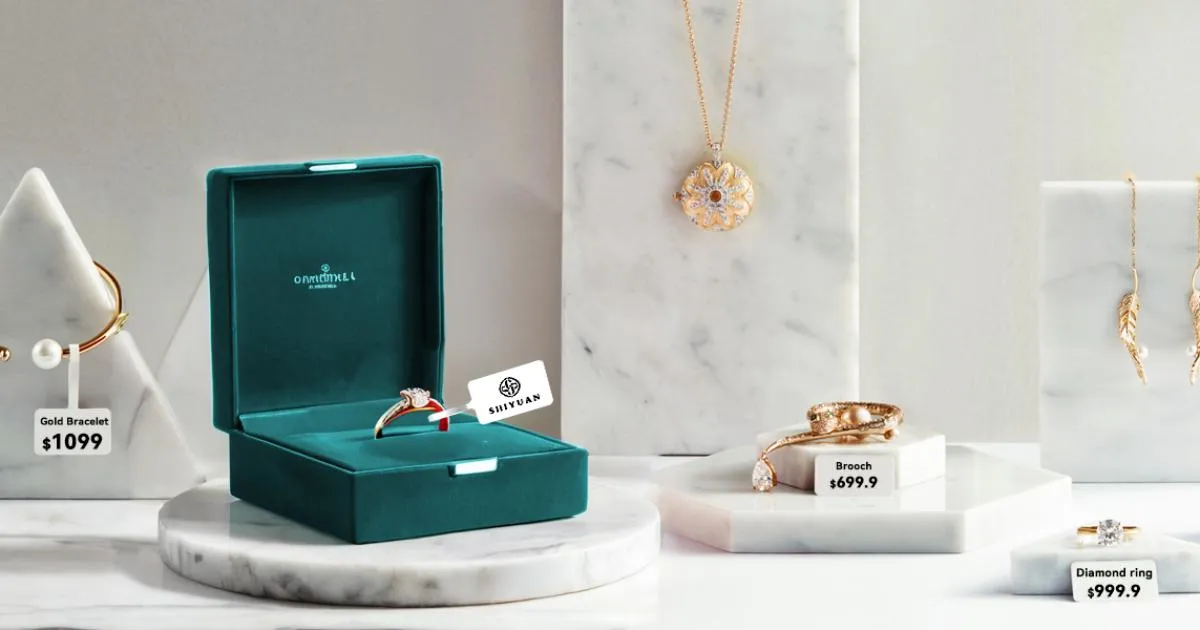
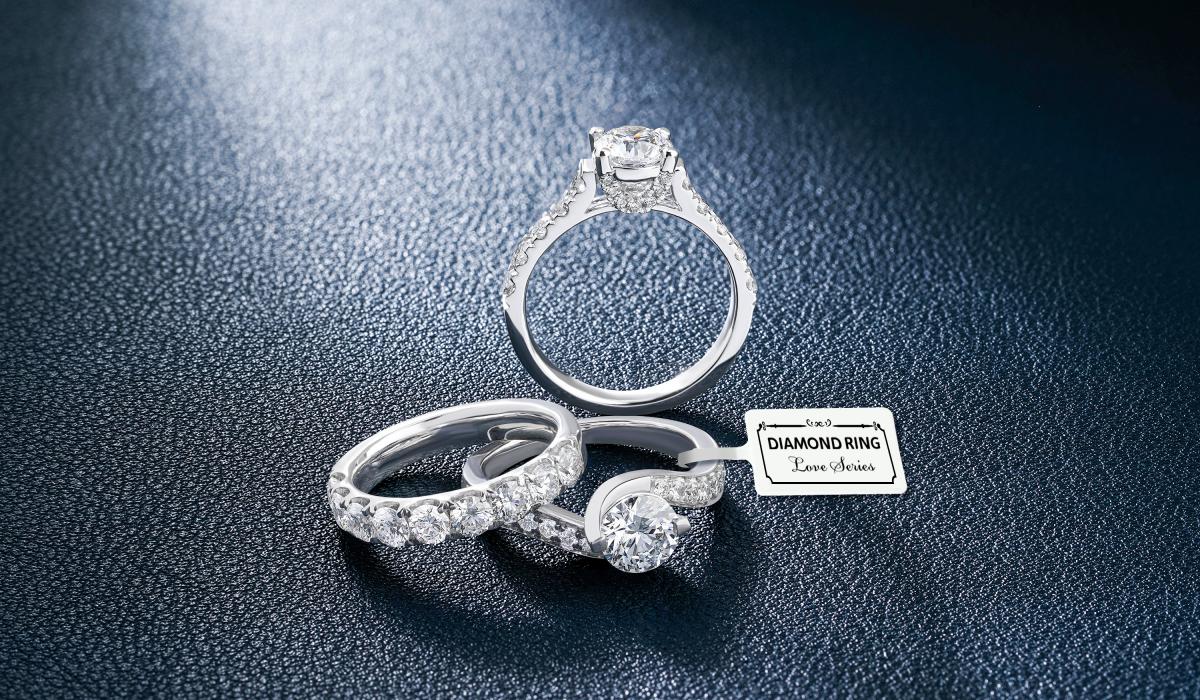
- Necklace and pendant tags: Slim hanging labels to mark material, SKU, retail price and metal quality information for chains and pendants, the core requirement for anyone looking for a necklace label maker.
- Earring & small stud tags: Compact small price tag printer output for tiny studs, hoop earrings where label real‑estate is extremely limited.
- Bracelet and ring inventory stickers: Self‑adhesive stickers for ring trays, bracelet display cards, adding barcodes for your POS scanning system.
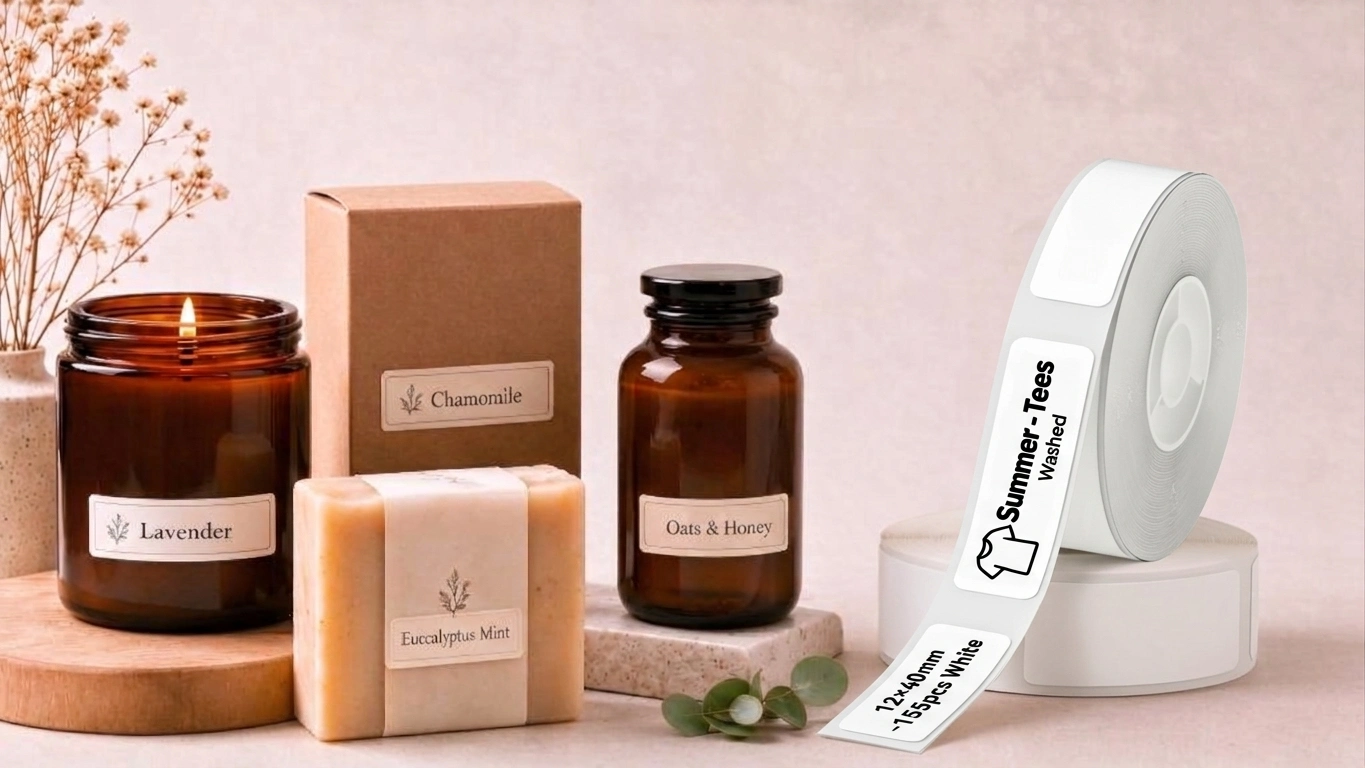
- Handmade craft and boutique goods: Custom tags for hand‑crafted jewelry sets, gift‑box seal stickers and limited‑edition marking tags.
What many boutique owners appreciate most is on‑demand printing. Instead of ordering hundreds of pre‑printed tags and throwing them away after price adjustments or new stock arrivals, you print exactly how many tags you need at that moment. The free NIIMBOT mobile app supports barcodes, QR‑codes, custom logos and multi‑language text, so your jewelry tags can hold SKU numbers, care instructions and pricing all on one small piece of thermal stock.
Key hardware advantages for jewelry retailers
203 DPI resolution delivers sharp small‑font output, which is critical for fitting multiple data points onto tiny jewelry tags without blurring characters. It connects over Bluetooth to iOS and Android phones, and also supports USB connection if you prefer working from a desktop computer. Multiple staff phones can pair with the same printer, which helps during busy sales periods at boutique counters. No ink or toner cartridges are needed; all prints rely on thermal paper, lowering your ongoing operating cost for day‑to‑day tag production.
Step‑by‑Step Tutorial: Making Jewelry Price Tags on NIIMBOT B31
You do not need graphic‑design experience to build professional‑looking jewelry tags. Below is a practical workflow you can follow inside the NIIMBOT app, whether you are printing a handful of one‑off tags or batch‑printing for dozens of new‑arrival jewelry pieces.
Pre‑setup before you start designing tags
Before opening any template, complete these quick checks to avoid misaligned or wasted label rolls.
- Power on your NIIMBOT B31, load your selected jewelry‑focus label roll, and confirm Bluetooth pairing between your smartphone and printer inside the NIIMBOT App.
- Allow the printer and app to auto‑detect your label dimension. This is critical for small jewelry tags: incorrect size detection causes text to get cut off at tag edges.
- Decide what information your jewelry tag must show: most shops include product name, retail price, SKU barcode, material notes such as “sterling silver” or “gold‑plated”.
Build and customize your jewelry tag template
You have two options: use pre‑built templates or build a blank template from scratch.
- Browse the built‑in template library, filter for jewelry, price‑tag and hang‑tag categories. Pick a starting layout close to your desired tag size. These ready‑to‑use layouts save you hours of manual alignment work.
- Replace placeholder sample text with your real product details. Adjust font size carefully: jewelry tags are small, avoid overly decorative script fonts that become hard for customers and staff to read. Keep price numbers large and prominent.
- Insert barcode or QR‑code elements for inventory tracking. If you use a shop POS system, double‑check barcode scanning works well by printing one sample and testing it with your scanner before batch printing.
- Add small business logos or short care notes if there is remaining available space on your label. Keep visual elements minimal to prevent cluttering your compact jewelry tag.
Batch print multiple jewelry tags efficiently
If you receive a large shipment of new jewelry inventory, typing every tag manually is slow. The NIIMBOT app supports Excel or CSV data import for batch generation, which is a huge time‑saver for boutique operators.
- Prepare your spreadsheet, with column headers such as Product Name, Price, SKU Code, Material.
- Upload your file inside the app “Data Source” menu. Map each spreadsheet column onto corresponding text or barcode fields on your jewelry‑tag template.
- Always print one test sample first. Inspect for clipped text, wrong scaling and verify barcode scan performance. Only run your full batch once the test output looks perfect.
Consumable & Label Paper Guide for NIIMBOT B31 Jewelry Applications
Picking the right label roll matters just as much as operating the printer itself. Using incorrect sizes or wrong material will lead to poor‑looking tags that do not fit your jewelry display cards. The B31 accepts label widths ranging 20 mm up to 75 mm, print height ranges 8‑350 mm, giving you plenty of flexibility for different jewelry‑tag shapes.
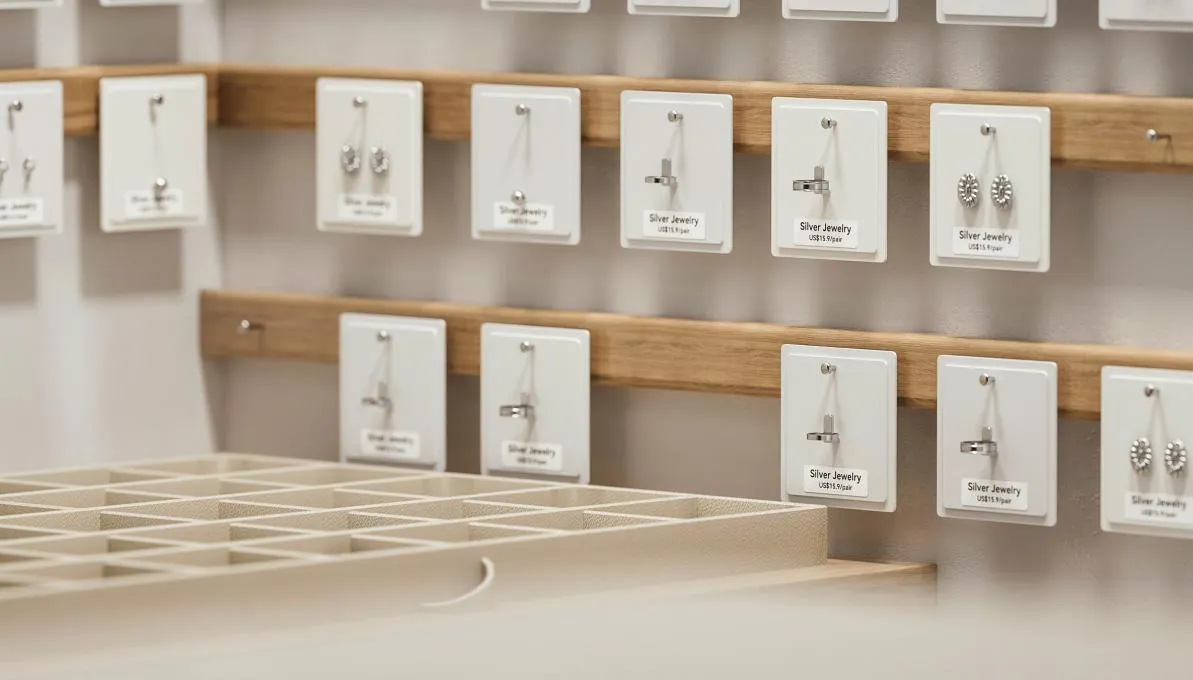
Recommended label sizes for jewelry labeling work
| Label Size | Type | Best Use Case | Notes |
|---|---|---|---|
| 50×30 mm | White thermal label | General price tags, bracelet stickers, medium hang tags | Default starter roll, versatile for most daily jewelry pricing |
| 40×20 mm | Clear transparent label | Low-profile price marking for earrings, studs | Semi-transparent, won’t distract from jewelry appearance |
| 50×50 mm | Round white label | Gift box seals, limited-edition marking | Great for packaging decoration and promotional stickers |
| 50×70 mm | Hang tag stock | Long necklace labels with care instructions | Extra vertical space for material info and maintenance tips |
Material tips for jewelry retail environment
Waterproof and tear‑resistant synthetic thermal paper is strongly suggested for jewelry shop use. Jewelry tags get frequently touched by customers during browsing; ordinary thin paper will smudge, tear or fade quickly with repeated handling. Avoid placing thermal printed tags under direct long‑term sunlight, as direct thermal prints will gradually fade under UV exposure, which is something to keep in mind for window‑display merchandise. If your jewelry sits in shop windows for weeks, consider rotating printed tags periodically.
Final Thoughts: Who Should Choose NIIMBOT B31 as Their Jewelry Tag Printer
The NIIMBOT B31 is not for every business. If your primary daily work is printing large 4×6 shipping packaging labels for e‑commerce parcels, you will be better served by a wider‑format printer. But for boutique jewelry stores, handmade jewelry creators, pop‑up market sellers searching for a capable small price tag printer or necklace label maker, the B31 delivers outstanding value.
Instead of waiting weeks for outsourced pre‑printed tags or throwing away unused stock when prices shift, you produce clean, consistent jewelry tags whenever new stock arrives. With simple mobile‑app editing, batch‑import capability and a wide range of matching consumable options, it solves most real‑world small‑format labeling pain‑points for jewelry‑focused small businesses.