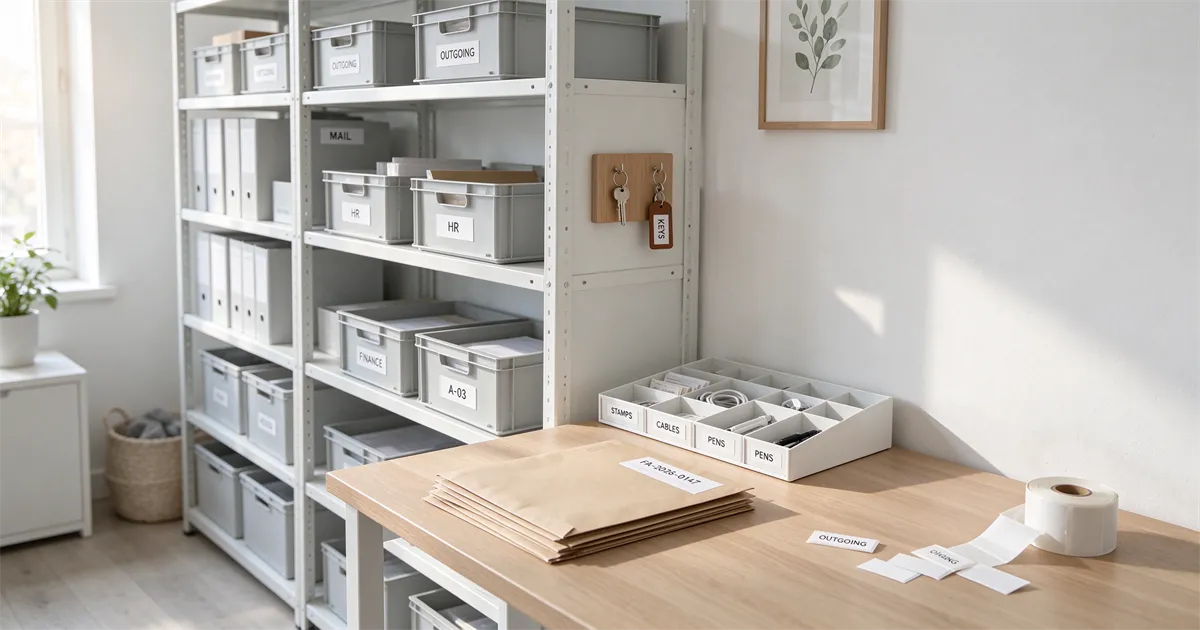
Running a small business usually means keeping track of more items than you first expect. You might sell the same product in various sizes, make handmade goods in a range of colors, or keep supplies in plain boxes that all look identical.
When stock starts building up, finding what you need can eat up extra time. Stock labels offer an easy way to mark your goods, arrange storage areas, and speed up your day-to-day inventory work.
Why Stock Labels Matter for Small Businesses
You don’t need a fancy, complicated inventory system for a small operation, but you do need a solid way to keep your products sorted. Without clear labels, similar items get mixed up easily. You might grab the wrong size when packing an order, or waste time opening box after box just to locate one single item.
With stock labels, you can instantly see what is stored and where. They give you a consistent way to identify items — especially as your product range grows and you add more variants.
Where Stock Labels Can Help Most
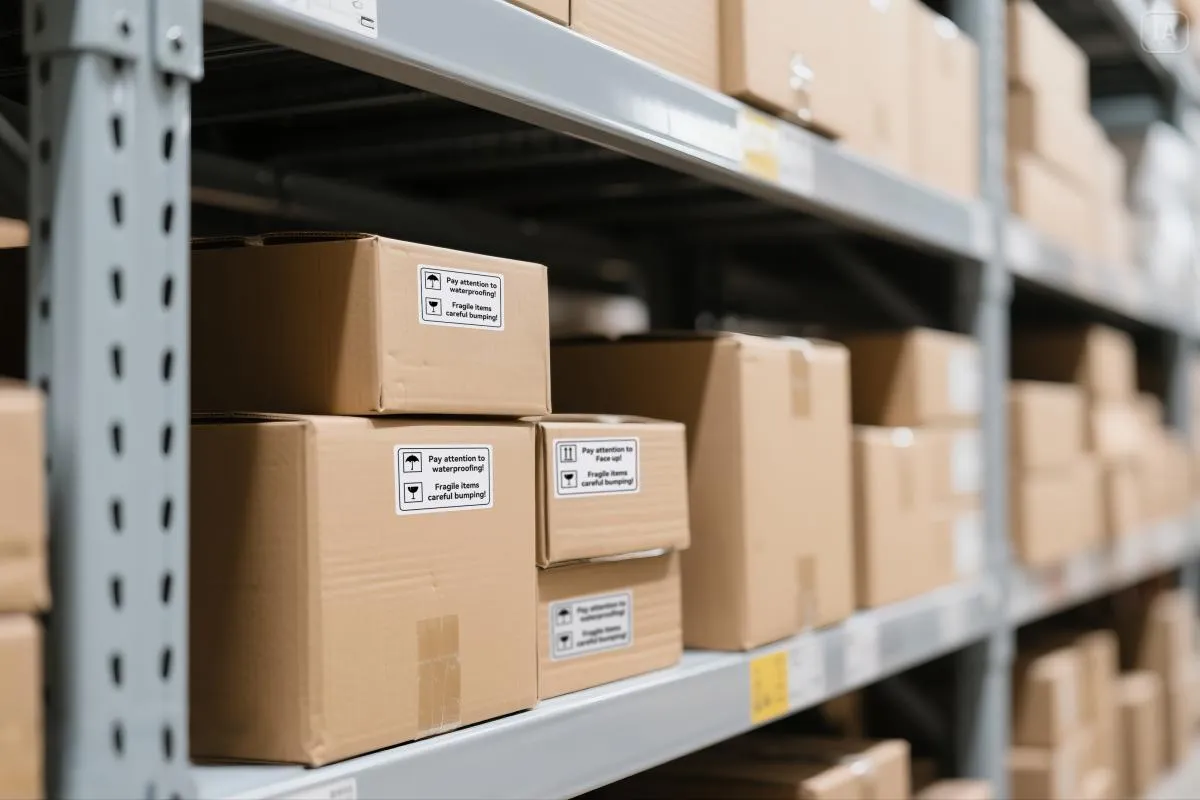
Stock labels work for more than just warehouse shelves. Here are four practical ways small businesses can put them to good use.
- Tell Similar Products Apart
If your items come in different sizes, colors or styles, they can be hard to distinguish at a quick glance.
For example, a handmade soap seller might offer lavender, citrus, and unscented versions of the same soap. A clothing business may keep several sizes of one design in stock.
A short label with the product name and variation can help you identify each item quickly. You can also use different label colors to separate product groups, making them easier to recognize when stored together. - Make Storage Boxes and Shelves Easier to Navigate
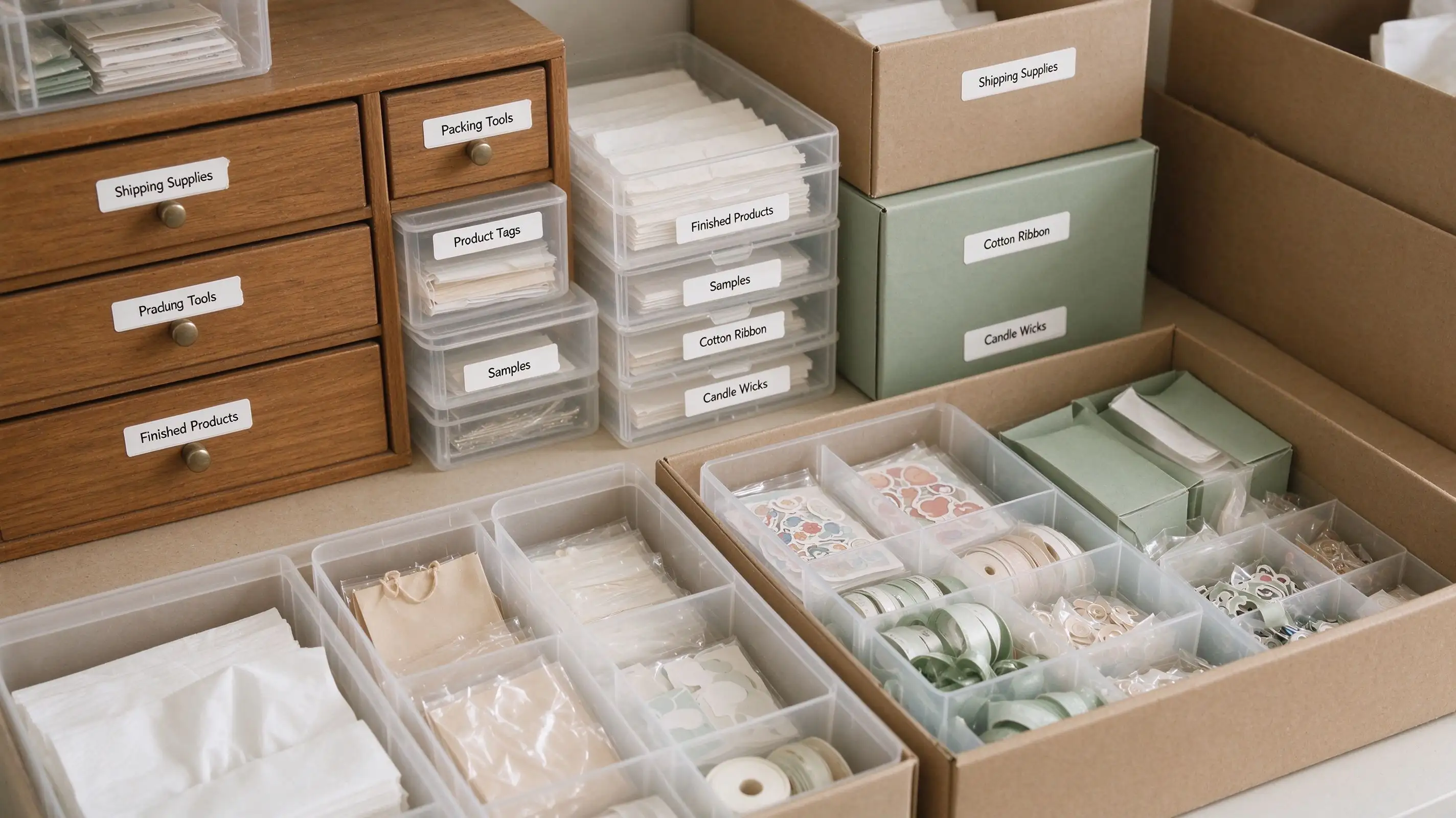
Supplies and finished products often end up in different boxes, drawers, or storage bins. If these containers are not labeled, finding something can become a process of checking one after another.
Add labels to the front or side of each container to show what is inside. You could use labels such as “Packaging Supplies,” “Small Candle Jars,” or “Ready-to-Ship Orders.”
For shelves with several product categories, simple category labels can make the whole area easier to navigate. This is especially helpful when you need to find items quickly during a busy workday. - Identify Products That Need Restocking
Running out of an important supply can interrupt your work, especially when you only notice it after starting an order.
Labels can help you identify products and supplies that need regular attention. For example, you could add a “Reorder” note to a storage bin or include a minimum stock reminder on a label.
These labels do not track quantities automatically, but they can make your own stock checks easier. When you review your shelves or storage boxes, you can quickly spot the items that need to be reordered. - Reduce Mix-Ups When Preparing Orders
Picking the right product is important when you have multiple orders to prepare. Similar packaging or product variations can make mistakes more likely, particularly when several items are stored close together.
Use clear labels to identify product types, sizes, or order categories. If you keep products in separate bins before packing, labeling each bin can also help you find the correct items without repeatedly checking their contents.
A little organization before packing can save time and reduce avoidable mistakes.
What Information Should Go on a Stock Label?
A stock label does not need to include every detail about a product. The goal is to make the item easy to recognize, so focus on information that helps you identify or locate it.
Depending on your business, a useful label might include:
- Product name: The name or type of item.
- Size or variation: Such as small, medium, large, or a specific color.
- Product code: A short code if you use one to distinguish products.
- Category: For example, packaging supplies, finished products, or raw materials.
- Storage location: A shelf, drawer, or bin reference when needed.
Keep the wording short and easy to read. If you need more information than can fit comfortably on one label, use a separate product list or inventory record instead of making the label too crowded.
How to Set Up a Simple Stock Labeling System
You do not need to label everything in one day. Start with the areas that cause the most confusion and build a system that is easy to maintain.
Step 1: Choose one area to organize
Start with a shelf, storage cabinet, or group of products that you often have trouble finding.
Step 2: Decide what information matters
Choose a consistent format for product names, sizes, colors, or storage locations. Only include details that help you identify the item.
Step 3: Keep similar labels consistent
Use the same wording and layout for products in the same category. You can also use different colors to separate groups, as long as the system stays easy to understand.
Step 4: Review and update labels when things change
When you add a new product variation or move supplies to another location, update the label. A simple system works best when the information stays accurate.
Make Stock Labels with the NIIMBOT B4
If you regularly organize products, supplies, or storage boxes, printing your own stock labels can make the process more convenient.
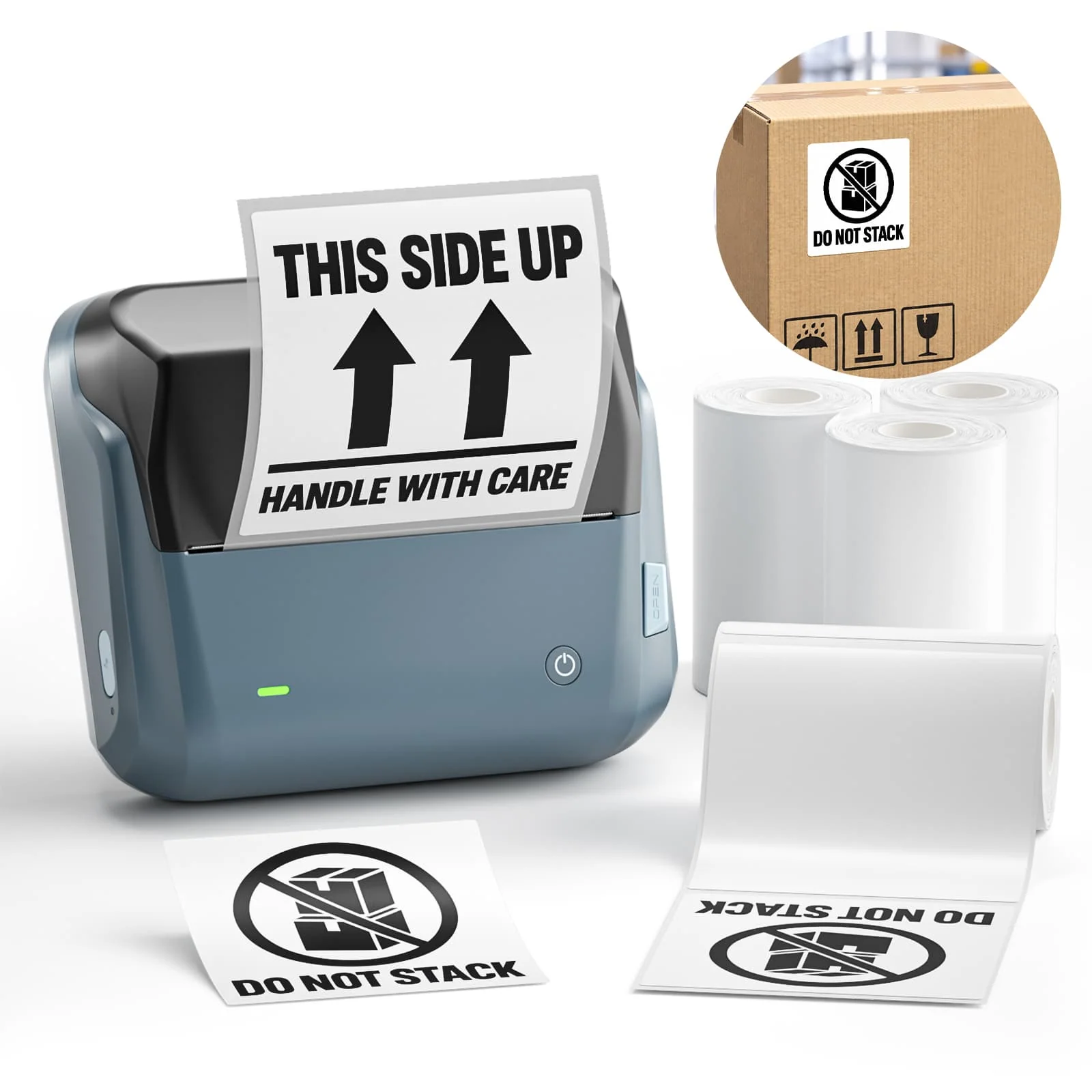
The NIIMBOT B4 label maker works with the NIIMBOT App, where you can add product names, sizes, colors, icons, and other short details. You can also adjust fonts, text sizes, and layouts to make labels easier to read.
Different label styles can serve different purposes. White labels work well for clear product information, while colorful labels can help separate categories. Transparent labels are another option when you prefer a more subtle look on suitable surfaces.
You can create labels for individual products, storage containers, or shelves without relying on handwritten notes. As your products and storage arrangements change, it is easy to make updated labels to match.
Frequently Asked Questions
What are stock labels used for?
Stock labels help businesses identify products, distinguish variations, organize storage areas, and find items more easily. They can also make routine stock checks and order preparation more convenient.
What should I include on a stock label?
Include the details that help you recognize an item, such as its product name, size, color, product code, or storage location. Keep the information short enough to read at a glance.
Can I print my own stock labels?
Yes. A compatible label maker lets you create labels with your own product names, codes, and other details. You can choose different layouts and label styles to suit your products and storage areas.