📸 Turn Your Favorite Moments into Cute Little Stickers!
Ever wished you could turn your favorite photos into cute little stickers? Whether it's a picture of your pet, your travel experience or a funny moment with your friends, photo stickers are simple to make. With a portable photo printer, you can transform everyday pictures into personalized decorations for your journal, scrapbook, phone case, and more. Let's see how to create them and have fun using them!
Why Make Your Own Photo Stickers?
Photo stickers are a great way to bring your favorite memories into real life. Instead of keeping all your pictures only on your mobile phone, you can easily turn them into unique stickers that you can stick, share, and show to others.
Keep Your Favorite Memories Close
Some photos are just too cute to keep in your phone. Consider a funny posture your pet slept in, a coffee date on the weekend, or a wonderful sunset from your last trip. Making stickers from these pictures is a simple way to keep your favorite memories somewhere visible. Place them in your journal, diary, or scrapbook to personalize and decorate everyday pages.
Make Ordinary Objects More Entertaining
Plain notebooks, laptop covers, storage boxes, or phone accessories can become truly unique with a few photo stickers. Print pictures of your loved ones, add small inscriptions, or create sticker collections devoted to your hobbies and interests. It's a simple DIY project that lets you express your personality without spending too much.
🎁 Create Thoughtful Little Gifts
Photo stickers are also a wonderful addition to birthday presents, special occasion gifts, or a little surprise for a friend. Print a few favorite memories, decorate a birthday card, or personalize a gift box with your pictures. These details don't need to be complicated. Sometimes, familiar photos and a handwritten note are more appreciated than expensive decorations.
How to Create Cute Photo Stickers Step-by-Step
Making your own photo stickers can be a simple and enjoyable craft activity. With the help of a portable photo printer and a little creativity, you can turn your favorite pictures on your phone into lovely stickers in just a few steps. Here are some tips to help you get started.
Pick the Right Photos
First, choose pictures that have a clear subject. Pet portraits, food photos, travel pictures, and close-up views are good starting choices. Try to avoid photos with too many details or busy backgrounds because these features may not be visible on small stickers. Pictures that are well-lit and have good contrast are usually better candidates for black-and-white printing.
Personalize Your Design
Before printing, take some time to adjust your images. Crop unnecessary background details, center the main object in the frame, and try different layouts. You can also add short captions, dates, simple borders, or decorative icons to make every sticker different. A little customization can make even a simple photo feel special.
Print, Peel, and Decorate
When your design is finalized, connect your device and print the stickers on compatible label sheets. Let the printing finish, peel the sticker off its backing, and stick it onto your desired surface. If the stickers are for a scrapbook, arrange them on the page before sticking them down. This makes it easier to create a balanced and attractive layout.
For small photo stickers, try choosing images with a clear subject and good contrast. A simple composition often looks better than a photo filled with too many tiny details.
Fun Ways to Use Your Photo Stickers
Now comes the fun part: printing stickers from your favorite photos and finding creative ways to use them! You don't have to be a scrapbooking enthusiast to enjoy decorating with printed pictures. Here are a few ideas to get you inspired.
Decorating Journals and Scrapbooks
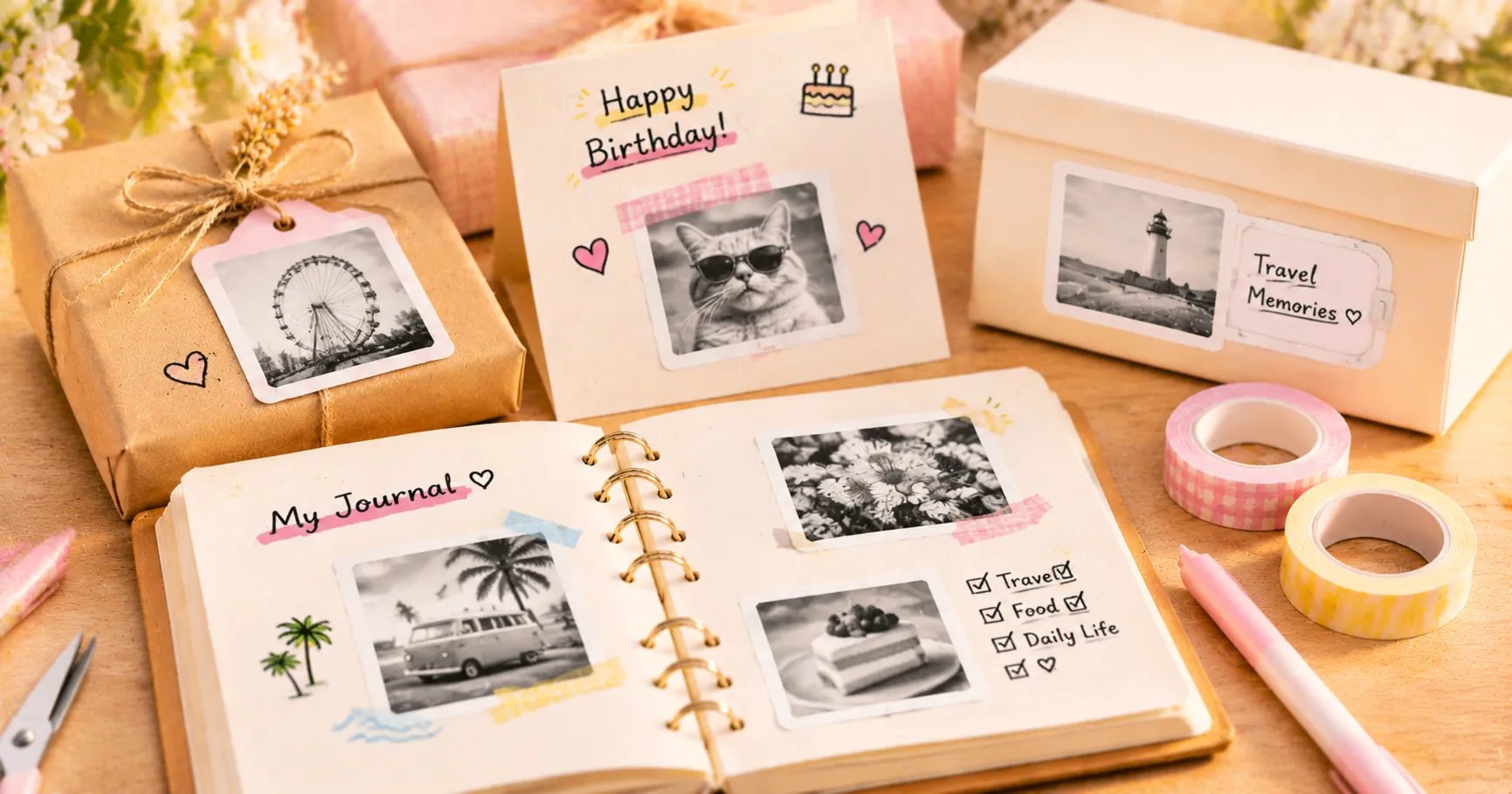
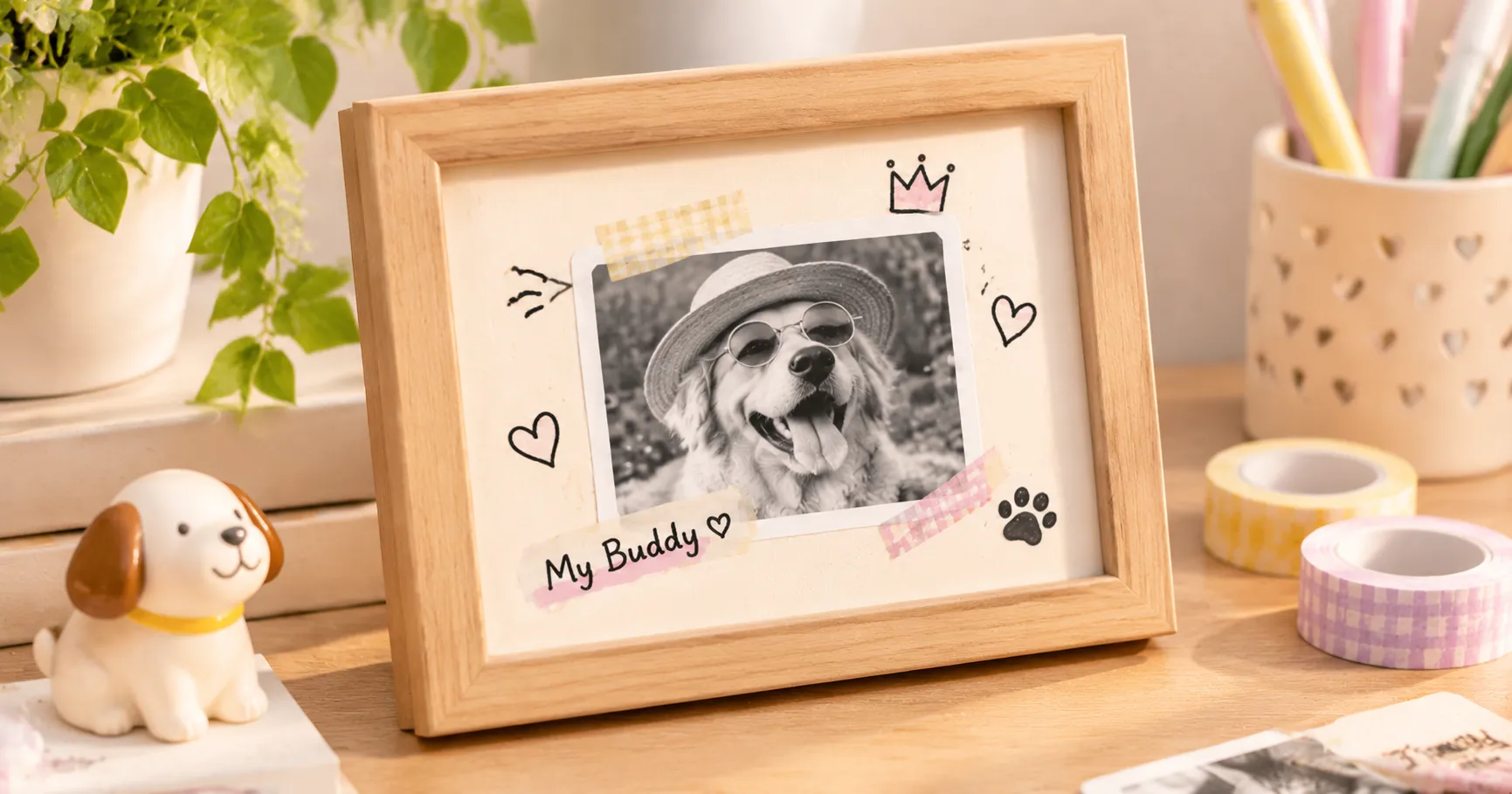
Personalized photo stickers are perfect for decorating journals and scrapbooks. Use travel pictures to document a weekend getaway, create a food journal with photos of your favorite meals, or make monthly memory pages with a few small snapshots. Add handwritten notes, washi tape, and little doodles to tell your story.
Making Personalized Gifts and Cards
Want to make a handmade gift special? Add your own photo stickers to greeting cards, gift boxes, or envelopes. For a birthday, print a few pictures of the person you're celebrating. For holidays, create a collection of seasonal photos. Even the simplest package can feel more thoughtful with a personal touch.
Create Nice Labels for Household Items
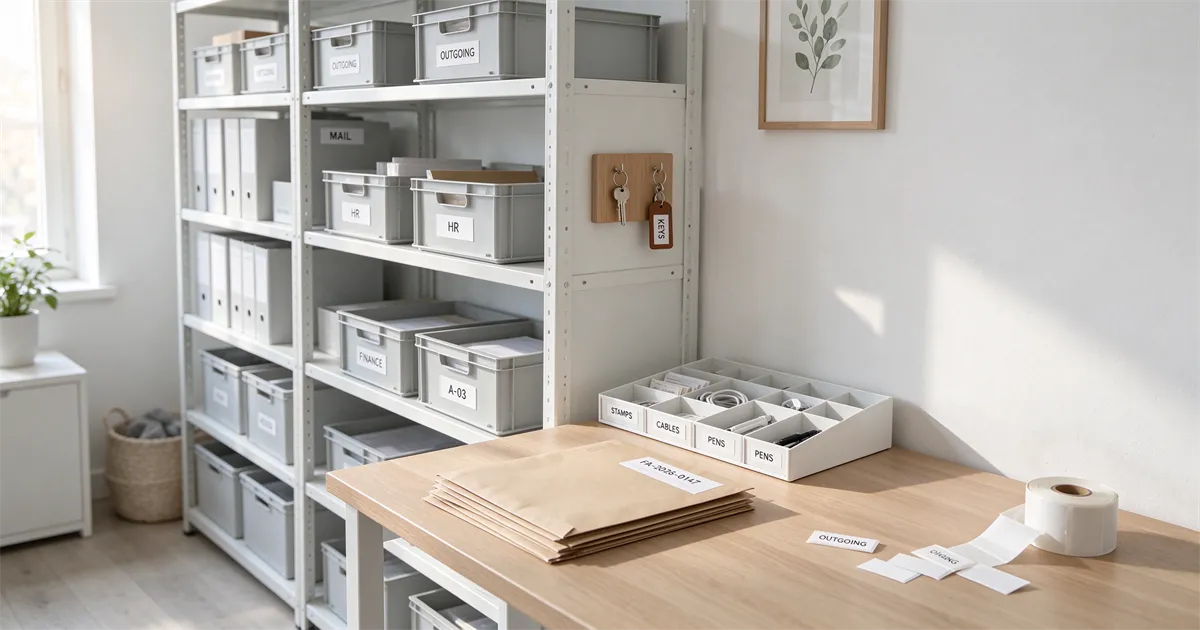
Your printed photos can also serve as labels for your belongings. Add a tiny picture to your storage boxes, office supply organizers, travel items, or keepsake boxes. Combine a photograph with a few words, such as a name or date. It's a simple, creative, and practical way to personalize your everyday organization.
🌷 Small Prints, Big Memories
From your favorite pet photos to unforgettable travel moments, a little printed picture can turn an ordinary item into something personal.
Making the Creation of Photo Stickers Easier
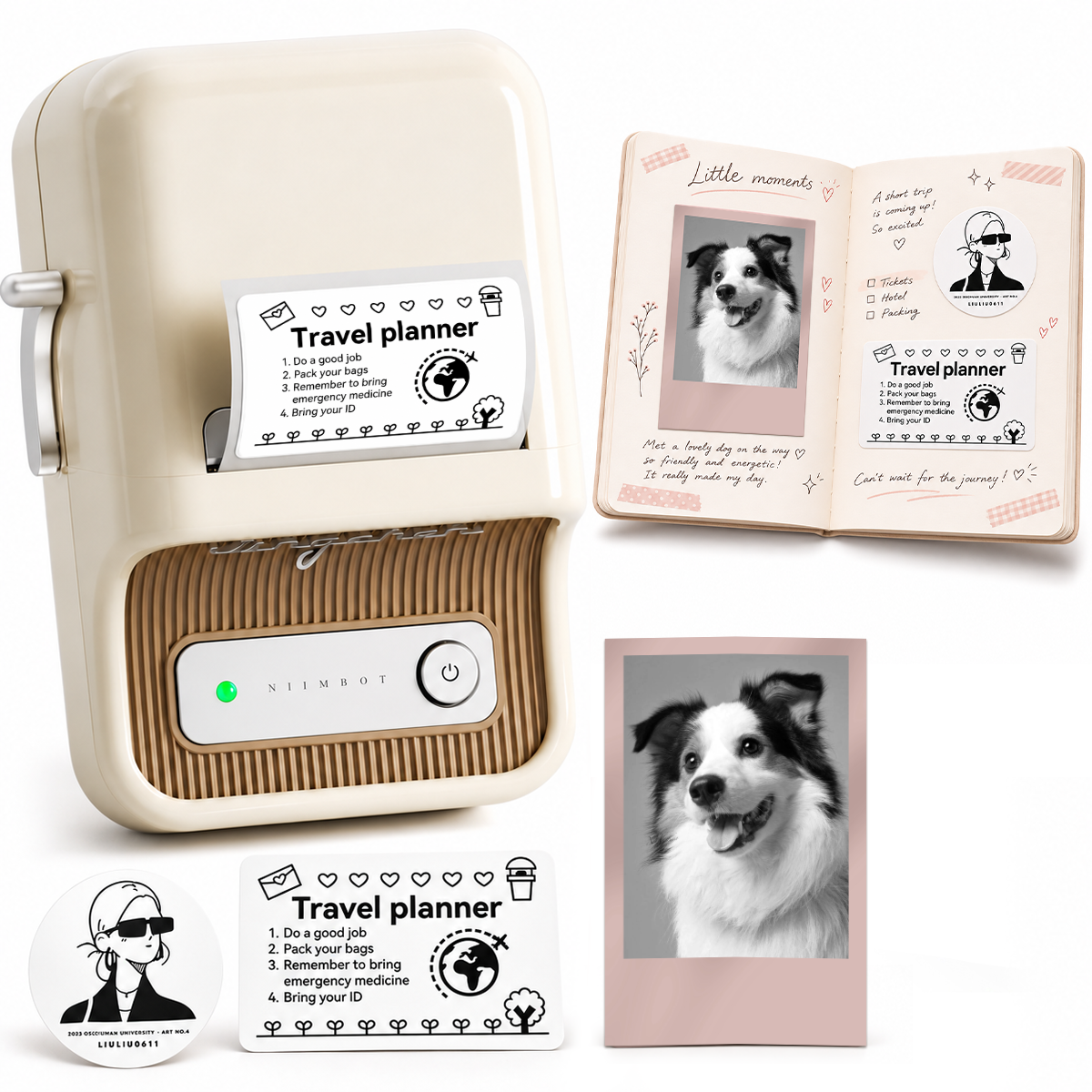
If you enjoy making stickers for yourself and others, it's helpful to have a printer that fits naturally into your creative routine. The NIIMBOT B21 Pro is a good choice for people who enjoy journaling, scrapbooking, DIY projects, and custom stickers. It's portable and prints in monochrome, making it suitable for creating black-and-white stickers from personal pictures.
NIIMBOT B21 Pro
A Portable Printer for Journaling, Scrapbooking & DIY Crafts
✨ Compact Design
The NIIMBOT B21 Pro printer boasts a compact design that fits well in any home crafting space or at your work desk. You can always have this printer nearby when you get inspired to decorate your scrapbook or prepare a personalized gift. Additionally, the printer uses a rechargeable 1500mAh battery and connects via Bluetooth, so it can print labels without being connected to a computer.
🖤 Creating High-Contrast Monochrome Photos
The B21 Pro offers thermal printing with a 300 dpi resolution, allowing you to print images, graphics, and text with great detail. It works well with photos that are well-lit and contain clear subjects and good contrast. You can choose a picture in the NIIMBOT app, crop it, edit brightness and contrast, and add text or decorations before printing.
🎨 More Ways to Make Stickers Special
Apart from printing photos on stickers, the NIIMBOT app lets you customize your designs by adding fonts, icons, borders, dates, and templates. You can combine photos with text to create stickers that match your preferences. The NIIMBOT B21 Pro supports compatible sticker widths between 20 and 50 mm, giving you flexibility for photo stickers, memory labels, study notes, and scrapbook decorations.
A handy creative companion for turning your favorite digital pictures into physical keepsakes.
Ready to Make Something Personal? 💛
Discover NIIMBOT printers and find the right creative companion for your everyday projects.
Explore NIIMBOT →Frequently Asked Questions
1. Can I make photo stickers from pictures saved on my phone?
Yes! You can select pictures stored on your smartphone and customize them in a compatible printing app before printing. This makes it easy to turn everyday snapshots into personalized stickers without needing a separate camera.
2. What types of photos are best for small photo stickers?
Photos with one main subject, clear outlines, and good lighting are usually the best choices. Close-up pet pictures, portraits, simple food photos, and travel details tend to remain recognizable when printed in a smaller format.
3. Can I use photo stickers on items that I handle every day?
You can use compatible stickers on many everyday surfaces, such as notebooks, organizers, and storage boxes. For frequently handled items or surfaces exposed to moisture, check the label material's compatibility and durability before applying your stickers.