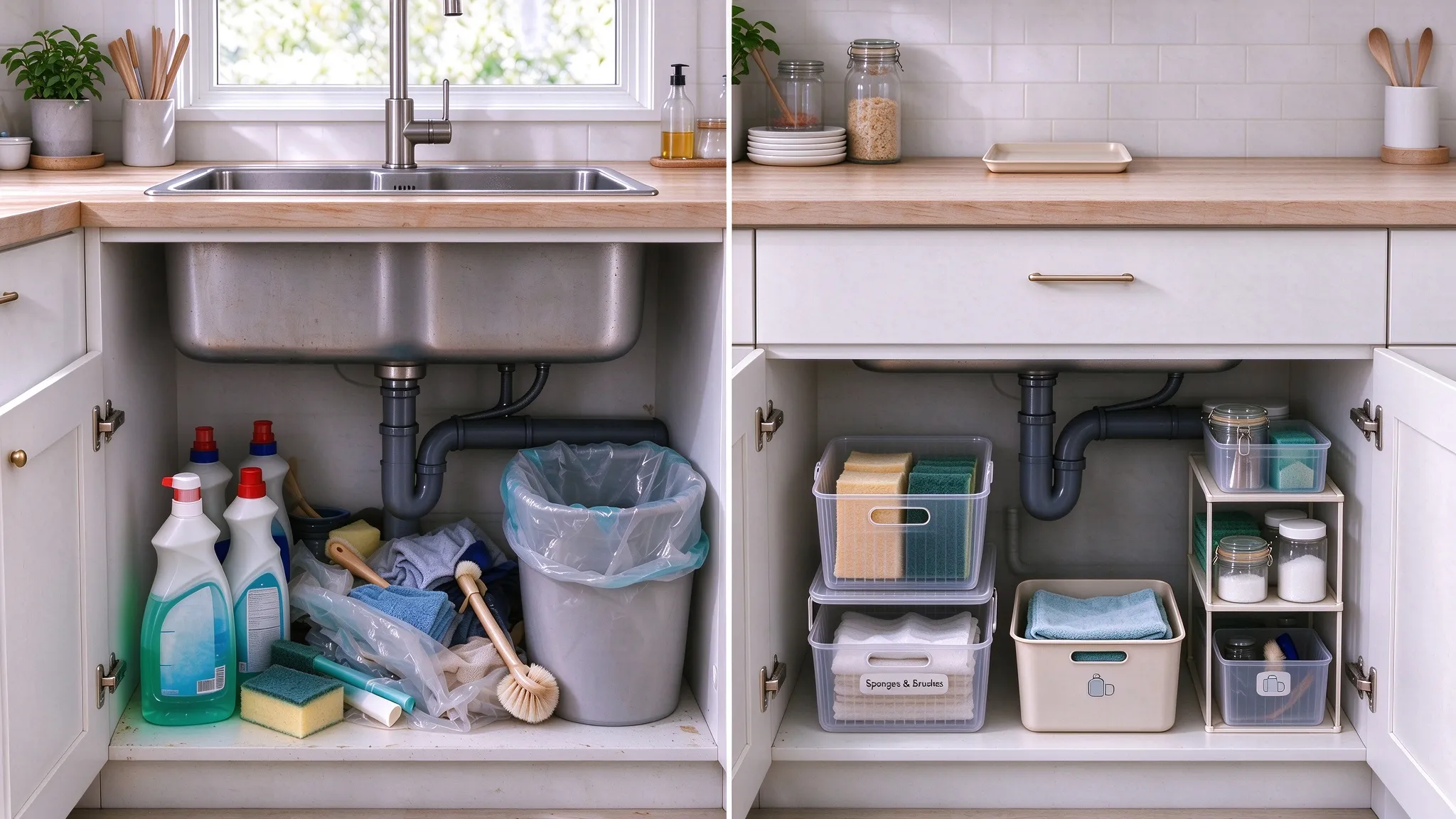
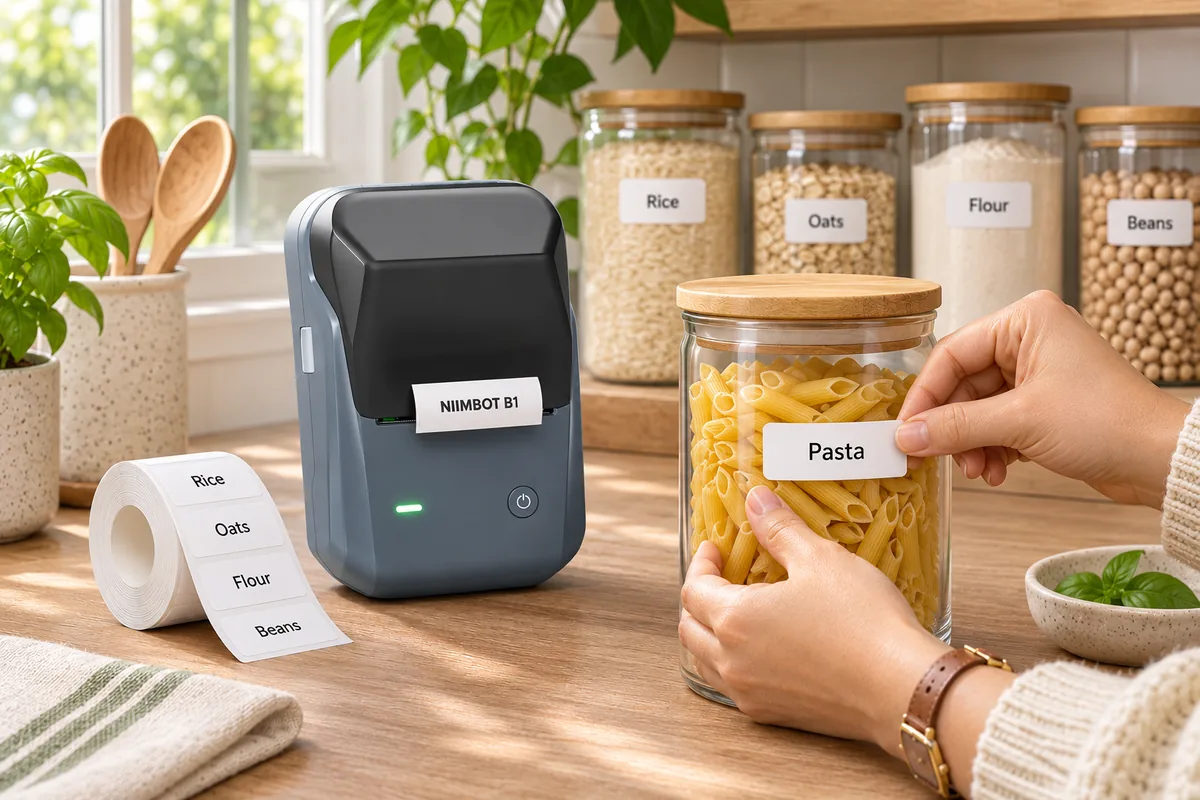
💡 Ever flipped the wrong switch because two buttons looked almost identical?
Whether you're labeling light switches at home, organizing electrical panels, or identifying controls in a workshop, Custom Switch Labels can make everyday tasks a lot easier. With the right label printer app, you can create clear, personalized labels that fit your switches and make it easier to identify what each one controls.
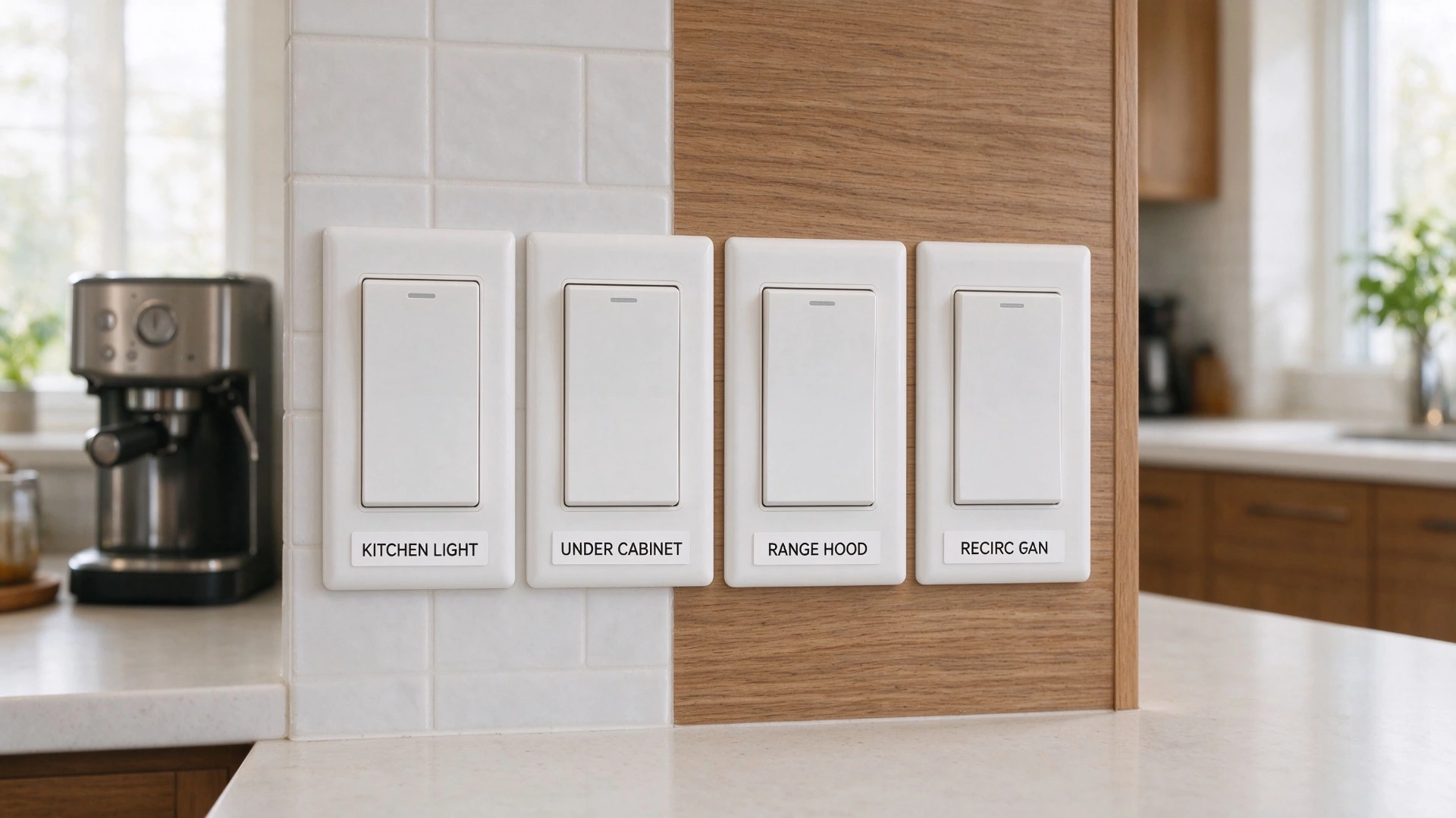
✏️ Easy-to-Use Design Tools for Creating Custom Switch Labels
A good switch label needs to be clear at a glance. But if you want it to look good, you can't just type and print—it takes a little planning.
When picking a label printer app, look for easy-to-use design tools that allow you to:
- Customize your wording to fit the switch exactly.
- Adjust the font size so that it can be read from the other side of the room.
- Grab a pre-made template to save time and maintain a tidy appearance for your area.
A good app can arrange a messy wall of switches into a neat, simple system.
🔤 Custom Text and Font Options for Clear Switch Identification
When labeling switches, simple and easy-to-read text is the best choice. A good app should let you easily customize your wording, fonts, and layouts.
When labeling switches, keep the wording short and easy to read. A good label printer app should let you change the text, font, and layout to suit each switch.
A few ideas for daily use follow here:
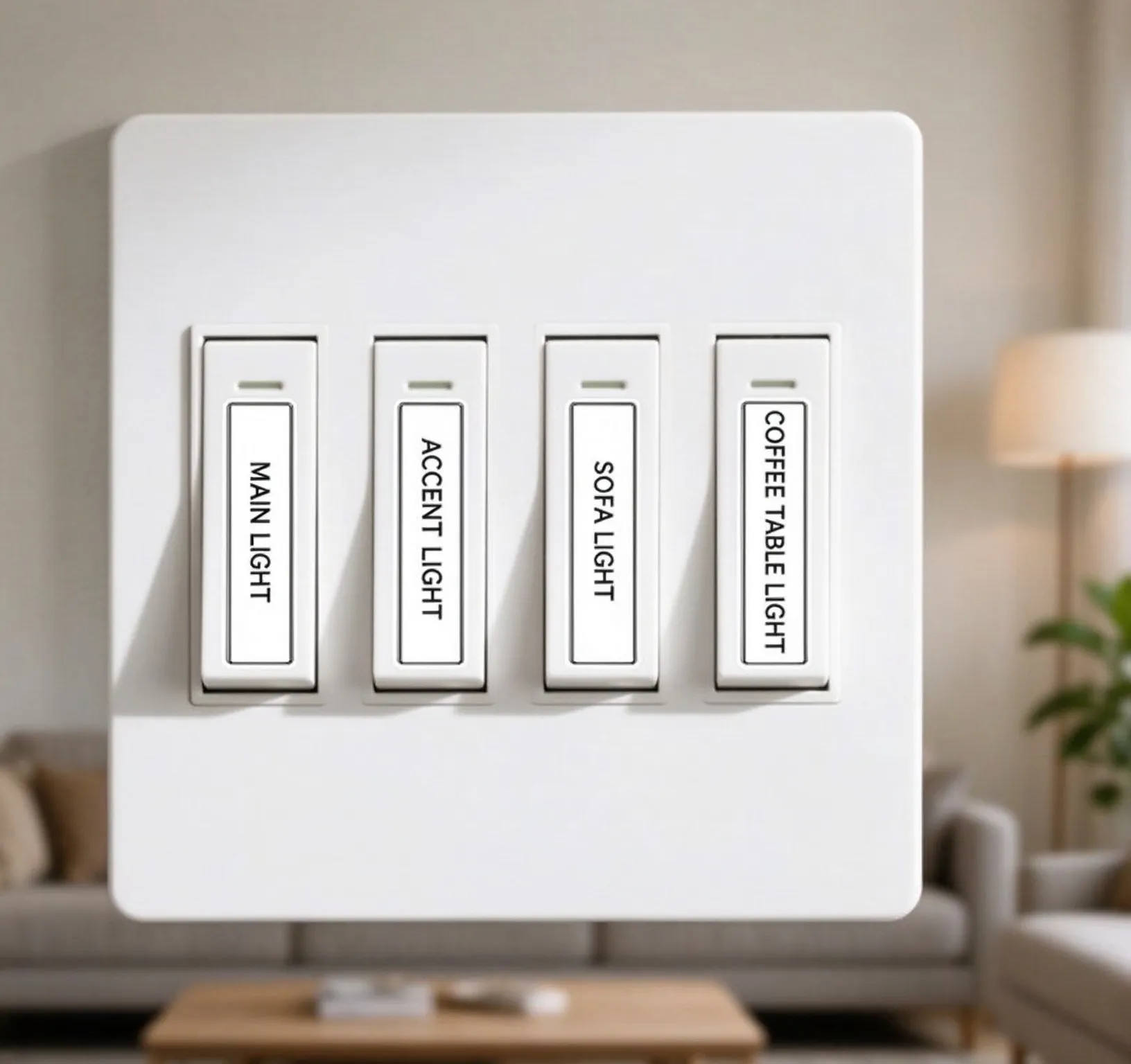
💡 Household Light Switches: To distinguish between like-looking switches in your living room, use labels such as MAIN LIGHT, ACCENT LIGHT, SOFA LIGHT, or COFFEE TABLE LIGHT.
⚡ Electrical Control Panels: Give several workshop or home utility panel controls names such as MAIN POWER, HEATING SYSTEM, or COOLING FAN. This helps one to locate the proper switch while modifying apparatus.
.webp)
🎛️ Equipment Buttons: Use labels like POWER, RESET, AUTO, or MANUAL on devices such as air compressors, ventilation systems, and workshop machines, so each button's function is clear at a glance.
.webp)
With the right wording, custom text labels for electrical switches don't need to be complicated. You can also create personalized switch identification labels with a consistent look across different rooms and work spaces.
📑 Ready-Made Templates and Symbols for Different Switch Types
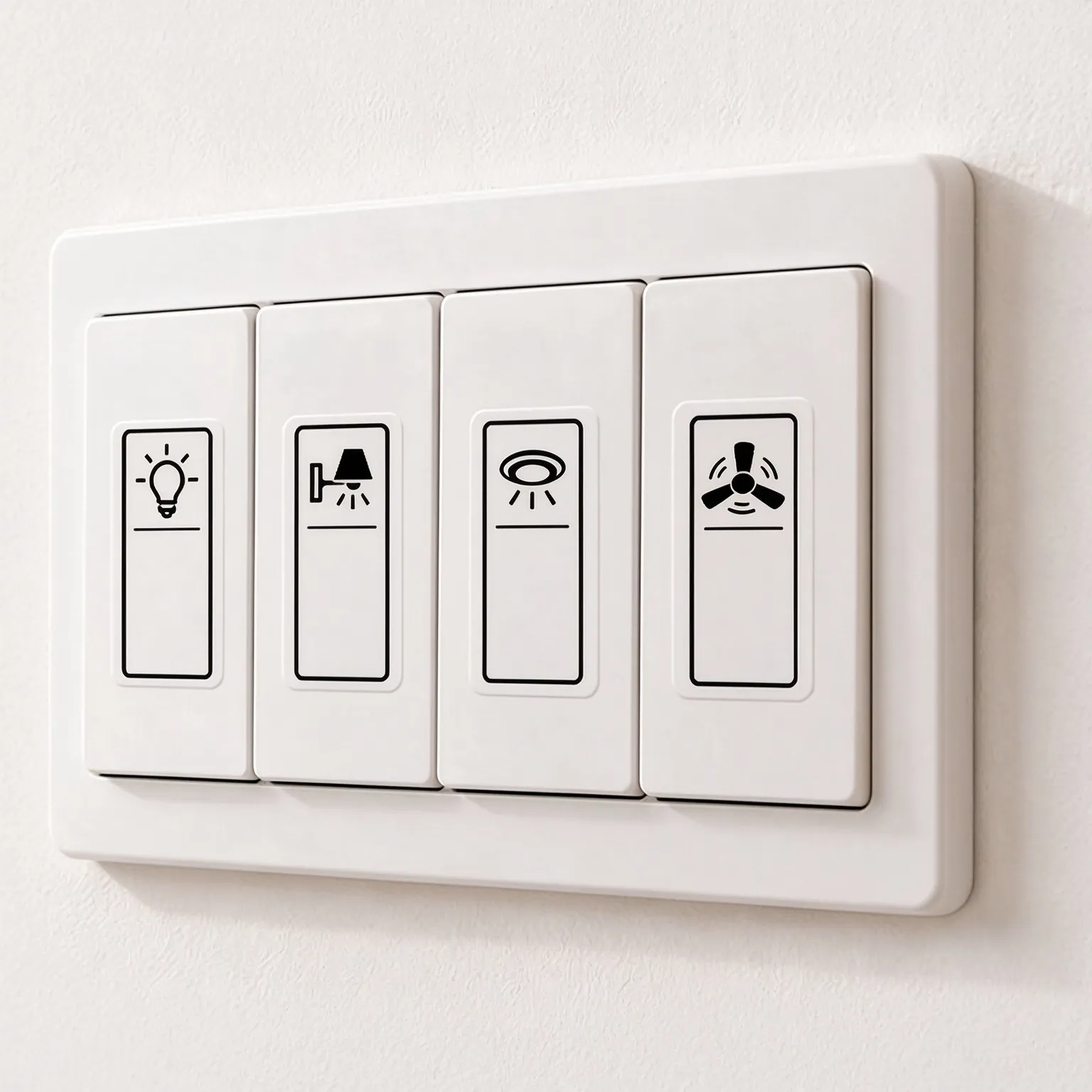
Not every switch needs text. A simple icon often makes its purpose easier to recognize—especially when you have a whole row of identical switches.
The best label apps offer ready-made templates and symbol libraries.For example:
🎨 Flexible Label Customization for Different Switch Labeling Needs
Not all switches are the same, and neither are the spaces available for labeling them. A label that works well on a large control panel might look way too bulky on a small wall switch or button.
That's why a great label printer app gives you the flexibility to adjust label sizes and layouts to suit different needs—keeping every panel looking clean and professional.
📏 Adjustable Label Sizes for Small Switches and Control Panels
Not every switch has enough room for a large label. Whether it's a small wall switch, an equipment button, or a row of controls on an electrical panel, you need to work with a narrow space.
That's why the right label size matters just as much as the right wording. Look for a label printer app that lets you adjust text and layout to create small labels for electrical switches without making them look crowded.
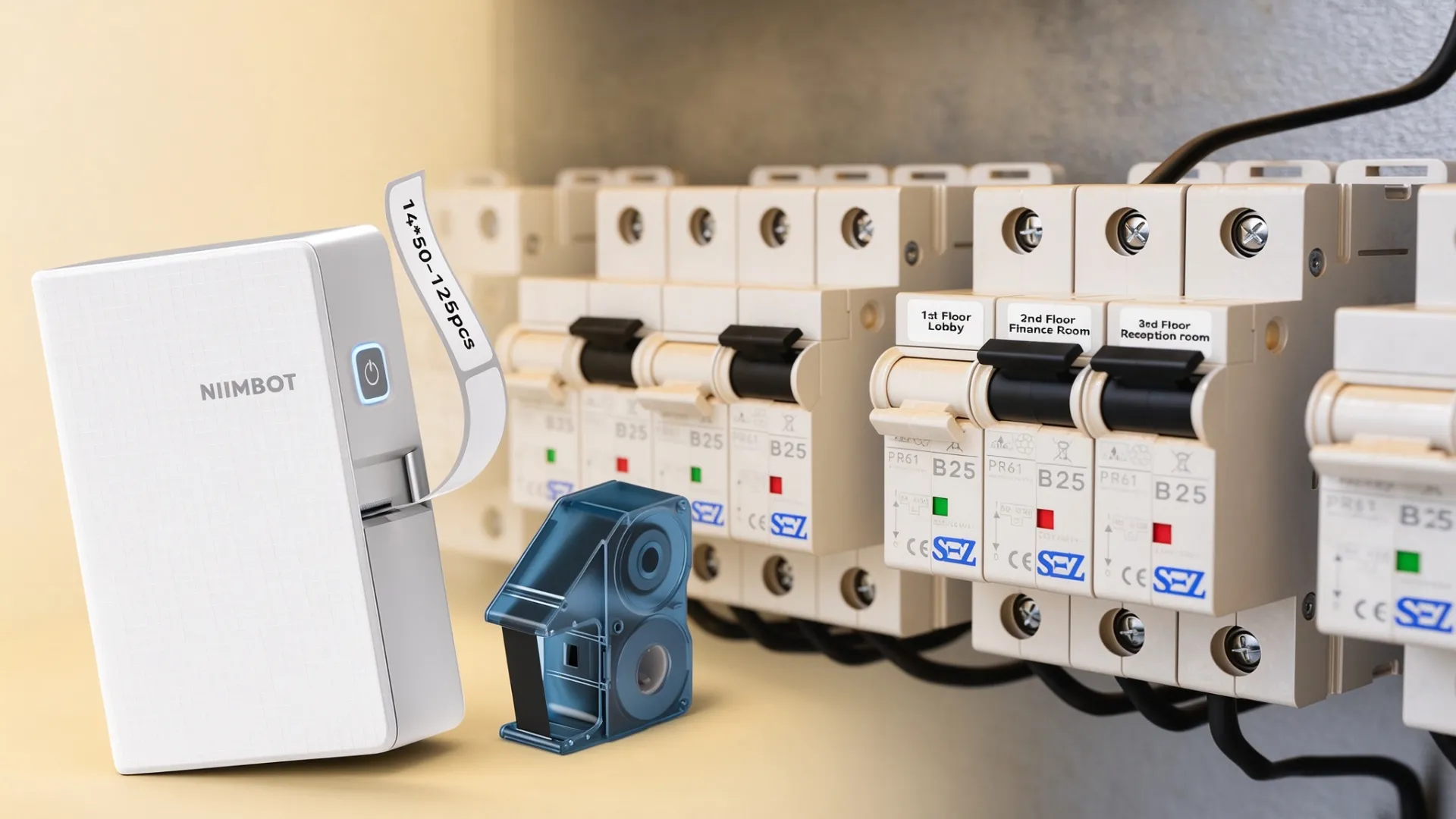
🏷️ Narrow switch identification labels really pull their weight:
✅ Neat & Tidy — They wrap snugly around small buttons and switches for a clean, finished look.
✅ Easy to Read — Names and functions stay legible without eating up valuable space.
✅ Highly Flexible — Perfect for compact switch labels and custom panel tags.
The Right Tool for the Job: The NIIMBOT N1 mini label maker supports label rolls from 8 mm to 14 mm in width—making it the practical choice for tight spaces and detailed control panels.
👀 Preview and Edit Labels Before Printing
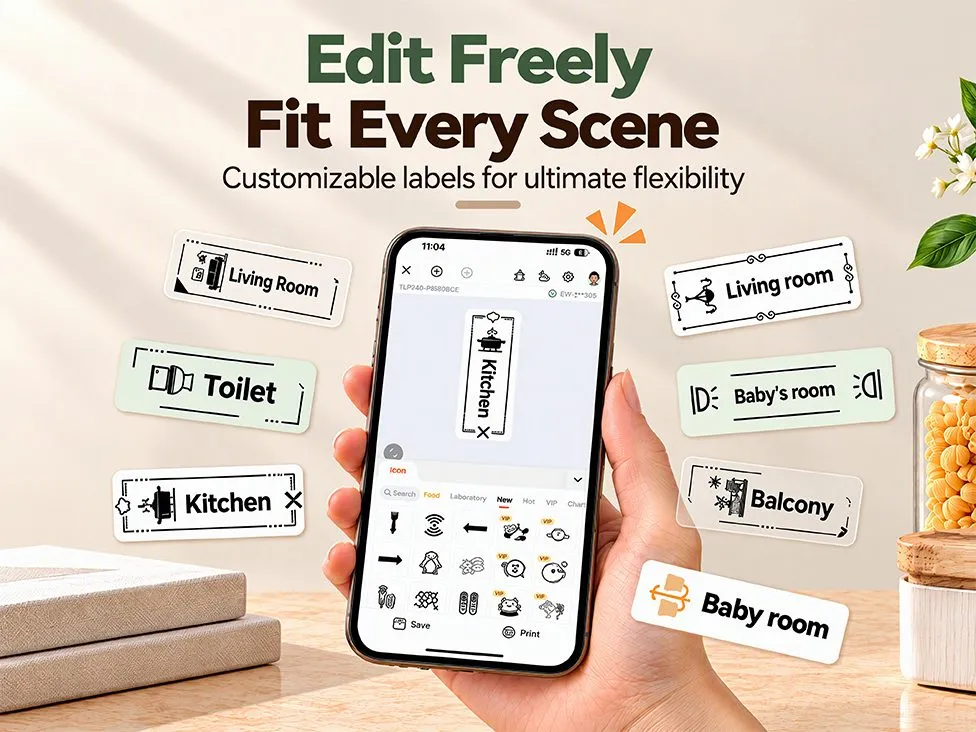
Before hitting print, take a moment to check your design on screen. A good app lets you preview, move text, and adjust font sizes. This helps you catch common layout issues like:
❌ Cramped text: Letters squished together.
❌ Wordy labels: Text that is too long.
❌ Bad fit: Layouts that don't match the switch size.
Keep It Short & Simple
✅ Use KITCHEN LIGHTS instead of a long description.
✅ Keep labels like GARAGE and FAN simple and easy to scan.
With a little planning,you can print neat switch labels that make organizing your home a breeze.
🖨️ Convenient Printing and Label Management for Everyday Use
Once you are satisfied with the labels you create, printing them will be an easy and efficient process. You will need to buy a label printer application that will support wireless printing and save your designs. This application will help you print many of your designs whenever it's needed. Bluetooth label makers make it simple to label many items in your household, office, and workplace.
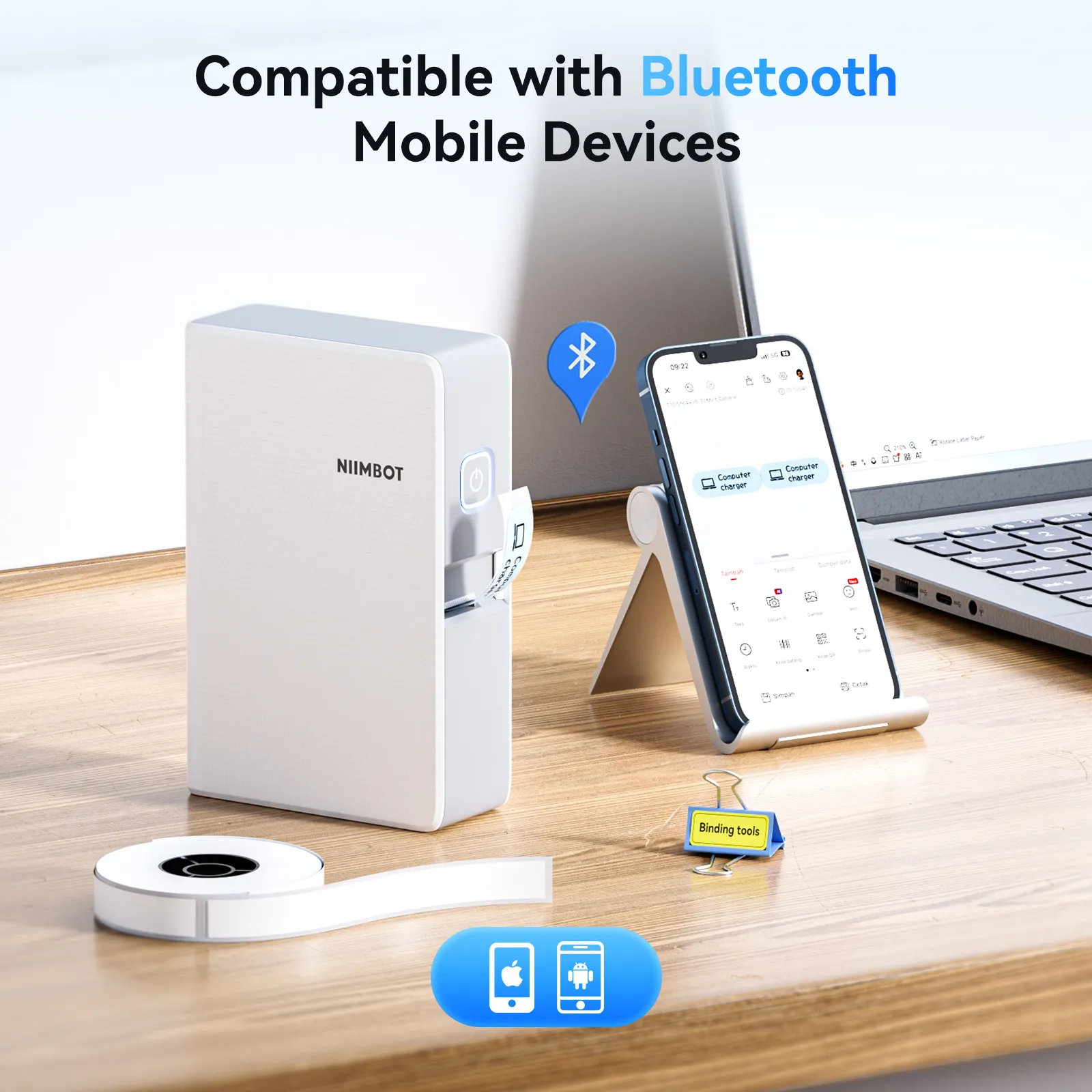
📶 Wireless Printing for Quick and Convenient Switch Labeling
When you're labeling multiple switches or organizing workshop equipment, having to connect to a computer can slow things down.
A Bluetooth-enabled label maker lets you design and print directly from your phone. No complicated setup—just print labels for garage switches, office power controls, or workshop gear whenever you need them.
Are you looking for a wireless printer?
💾 Save and Reuse Custom Switch Label Designs
Having to design each label separately can become quite laborious especially if you need to label a lot of switches. Using a label printing app where you can save your frequent designs helps greatly in this case.
You can use saved designs to:
- Reuse layouts: Apply the same label design to other rooms and equipment.
- Update wording:Edit the wording whenever changes to features or labels occur.
- Replace old labels: Quickly reprint labels when existing ones become worn or damaged.
- Keep labels consistent: Ensure uniformity of your labels for switches, office equipment, etc.
With the NIIMBOT App and NIIMBOT N1 label maker, you can design on your phone and print instantly via Bluetooth. Whether it's a few light switches or a whole workshop panel, custom labeling doesn't have to be complicated.
Ready to make your own switch labels?
Explore the NIIMBOT N1 Label Maker and simplify your everyday labeling today.
View NIIMBOT N1 Label Maker