If you manage a small-to-mid-size warehouse or fulfillment space, you already know how messy things get without solid labeling. Many teams start out with hand-written sticky notes or basic office printers for shelf labels. What feels like a quick workaround slowly creates bigger headaches: pickers hunting wrong bins, unreadable barcodes, mismatched inventory records, and lost working hours. Poor warehouse organization doesn’t always come down to bad rack layout. A lot of pain points trace back to low-quality, outdated, or missing shelf and bin labels. A dedicated desktop thermal label printer can fix many of these day-to-day frustrations. Learn more about the NIIMBOT K3 here.
Explore the NIIMBOT K3 Label Maker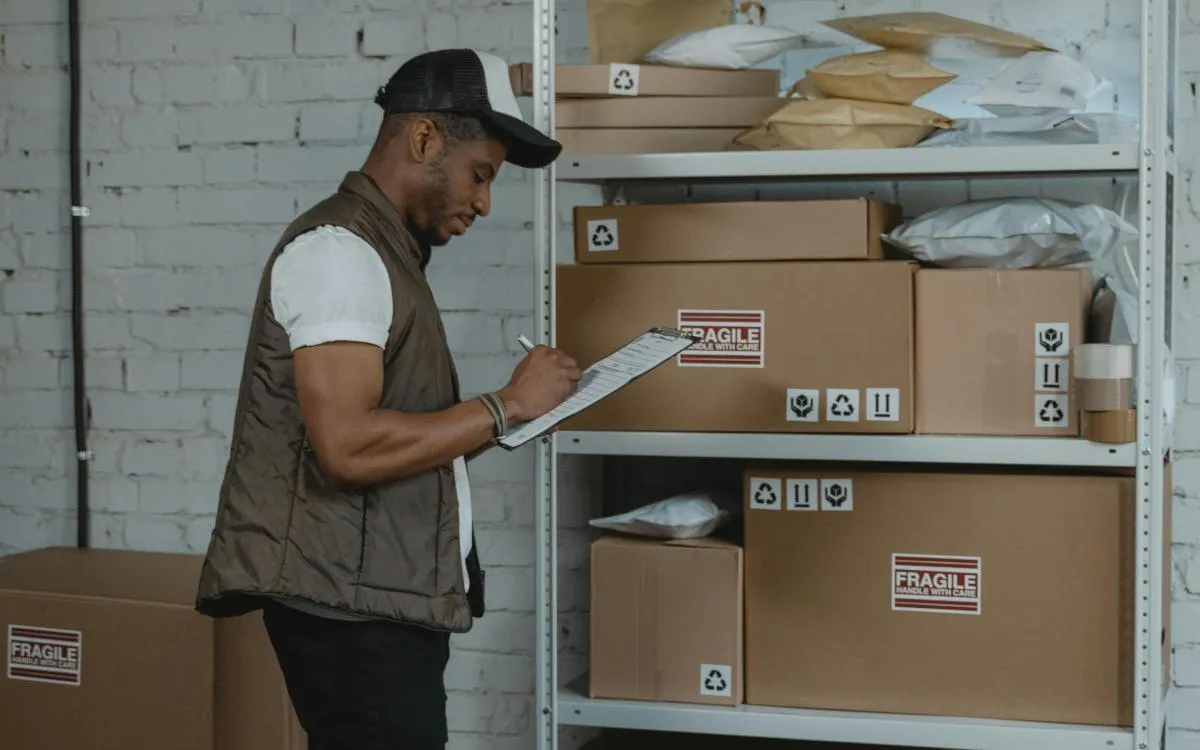
Common Labeling Pain Points That Slow Down Warehouse Organization
Warehouse staff deal with small labeling frustrations every single shift. These little issues add up and eat into order-picking speed and inventory accuracy.
Hand-Written and Home-Printed Shelf Labels Fall Short
Hand-scrawled bin tags are tempting for fast fixes. But ink smudges, torn paper, inconsistent handwriting and fading make them unreliable in busy storage areas. Standard home or office inkjet printers produce shelf labels that don’t stand up to dust, minor scrapes, or occasional moisture in warehouse environments. When labels peel off or become unreadable, pickers waste minutes double-checking stock locations. Multiply those small delays across a full team, and you lose significant labor each week.
Bottlenecks When You Need Large Batches of Updated Labels
Warehouse layouts shift all the time. You re-slot fast-moving goods, add new storage bins, or remove old SKUs. Every layout change means reprinting dozens or hundreds of new shelf labels. Slow printers create a backlog. Teams end up sticking old labels over new ones or delaying updates entirely. That creates conflicting location codes and inventory mismatches between your spreadsheets or WMS and what you actually see on racks.
How Desktop Thermal Printing Improves Day-to-Day Warehouse Workflows
Direct thermal printers skip ink, toner and ribbons. You only need quality thermal sticker rolls to churn out crisp, scannable shelf labels, bin tags and asset stickers. The NIIMBOT K3 desktop thermal printer brings high-speed performance built for commercial environments. It prints up to 180 mm/s, so you can crank out large batches of shelf labels whenever your warehouse layout changes.
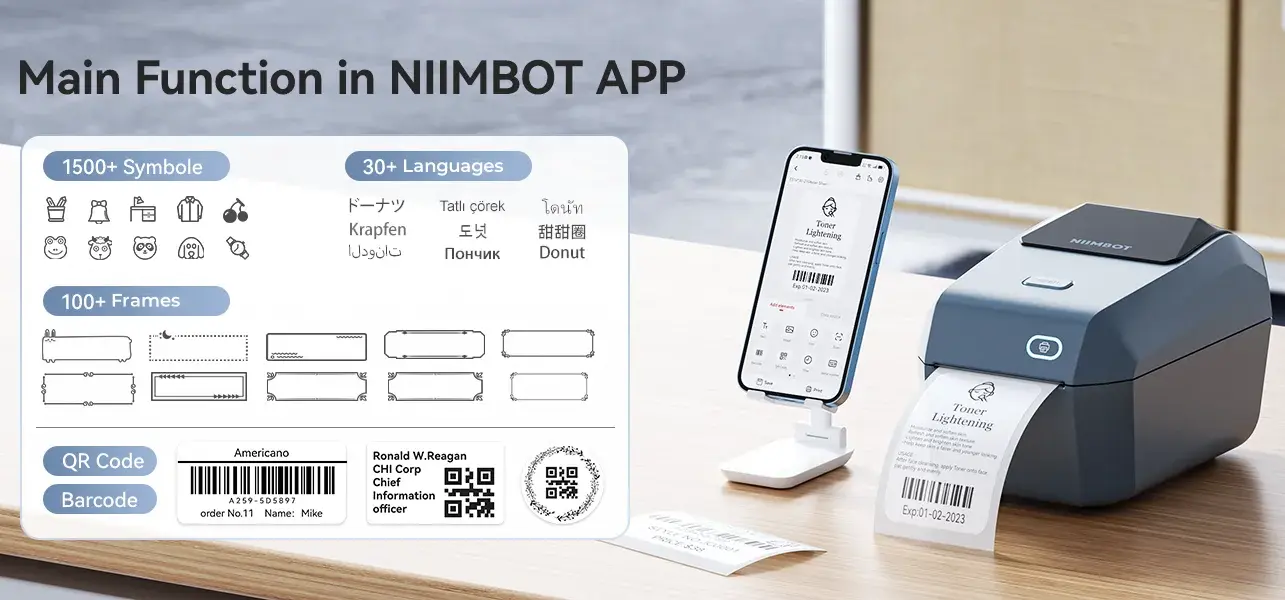
This unit accepts label widths between 20–80 mm, supporting everything from small bin QR tags to larger rack location stickers. You can connect via Bluetooth for mobile phone editing, or USB cable to your Windows PC. That flexibility matters for warehouse teams: office staff can prepare label templates on desktop, while receiving-floor workers edit and print right from a smartphone. Its shaft-less large paper bin fits big label rolls or fan-fold labels, cutting down how often you need to swap paper stock.
All the info on one label
Barcodes, QR codes, location IDs and descriptive text all fit on a single shelf label, so pickers have everything they need in one glance.
Made for dusty storage zones
Works with water-resistant, tear-proof thermal sticker stock that holds up against dust, minor spills and everyday knocks in high-traffic aisles.
Fast bulk batch runs
Excel import generates hundreds of bin or asset labels in one go, and you can switch between PC and mobile for template sharing and quick edits.
Practical Warehouse Use-Cases for Shelf Labels & Asset Tags
Solid labeling touches nearly every zone inside your warehouse. Below are real-world jobs where the K3 helps keep warehouse organization consistent.
Rack & Bin Location Shelf Labels
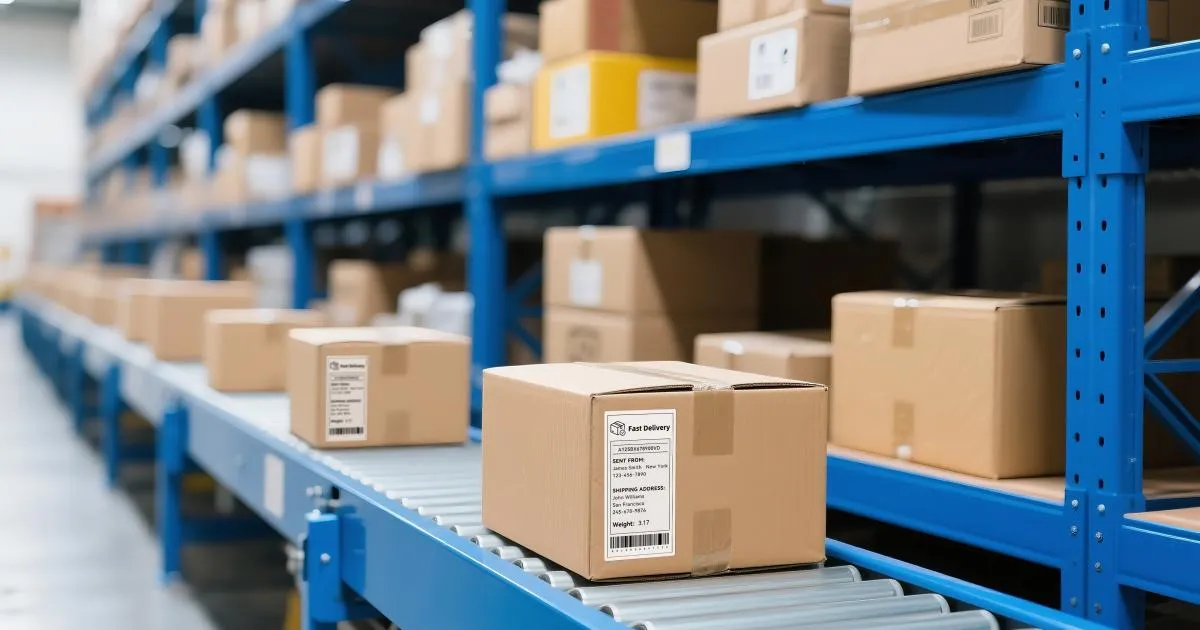
Every rack, shelf and storage bin needs a clear, unique identifier. Many warehouses print location codes plus QR or barcodes so pickers can scan instead of manually reading text. When you reorganize racks or add new bins, you can print updated shelf labels in-batch and swap old tags immediately. The app has ready-to-use templates, so your team doesn’t need graphic-design experience.
Receiving & New Inventory Tagging
When new shipments roll in, you need to tag pallets and bins right away. Instead of waiting for pre-ordered tags from suppliers, print custom labels showing SKU numbers, batch codes, quantities and storage zone information. Clear tags reduce the risk of putting incoming stock into the wrong shelf position.
Fixed-Asset & Equipment Labeling
Warehouse organization goes beyond product stock. Print durable asset labels for hand trucks, scales, packing stations, file folders and storage containers. Each tag can carry QR codes for easy lookup during quarterly asset audits. This makes cycle counts and equipment tracking far less time-consuming.
Simple Best-Practices to Get the Most Out of Your Warehouse Labels
Even with good hardware, small setup choices make a big difference for long-term results. Follow these straightforward tips for cleaner shelf labels and stronger warehouse organization.
Leave blank quiet space around every barcode or QR code. Too much crowded text near the edges will cause scanner mis-reads.
Match your label roll material to your working space. Pick tear-resistant synthetic stock for dusty, high-traffic rack aisles.
Use the spreadsheet batch-import feature when you update large groups of shelf locations; avoid typing each bin ID one-by-one.
Standardize your label template. Keep font sizes large enough to read from a few feet away, and stick to one format for all your rack tags.
Schedule quick label checks every few months. Replace torn, peeling or faded shelf labels before they create picking mistakes.
FAQ
Can the NIIMBOT K3 print shelf labels in bulk for a full warehouse reorganisation?
Absolutely. The spreadsheet import function is built for this exact scenario. You can upload your list of bin codes, location names and SKU data, then generate hundreds of shelf labels in one print run. Its fast print speed helps you finish the job in hours instead of stretching it across multiple shifts.
Are thermal shelf labels durable enough for dusty, cold or damp warehouse areas?
It depends on the label material you choose. Standard paper thermal labels work fine for dry, protected zones like packing offices. For rack aisles, loading bays or cooler storage, pair the printer with synthetic, water-resistant thermal labels. These hold up much better against dust, minor spills and everyday knocks.
Does the K3 work with both Windows computers and mobile phones?
Yes. You can design and print shelf labels from a Windows PC over USB, or connect via Bluetooth to phones and tablets. This setup works well for teams: admin staff lock in standard templates on desktop, while staff on the warehouse floor can print replacement tags without heading back to the office.
Will barcodes and QR codes printed by this machine scan reliably?
As long as you leave enough blank margin around the code and use good quality label stock, scanning performance is stable. Avoid shrinking codes too small or overloading the label with extra text. Most standard warehouse barcode scanners work with labels printed on the NIIMBOT K3.
Good warehouse organization stands or falls on reliable, easy-to-read shelf labels. Hand-written notes and slow consumer printers create avoidable errors and wasted labor for fulfillment teams. The NIIMBOT K3 desktop thermal label maker delivers speed, flexibility and durability built for commercial storage spaces, so your physical layout stays in sync with your inventory records.
View the NIIMBOT K3 Label Maker