✨ Want to turn your favourite pictures into something tangible? A mini photo printer makes it possible to print small photos, cute stickers and designs directly from your mobile phone. Use it for decorating your journal, creating thoughtful gifts or just saving the memories from your life.
Small printer, endless creative possibilities!
1. Why Use a Mini Photo Printer?
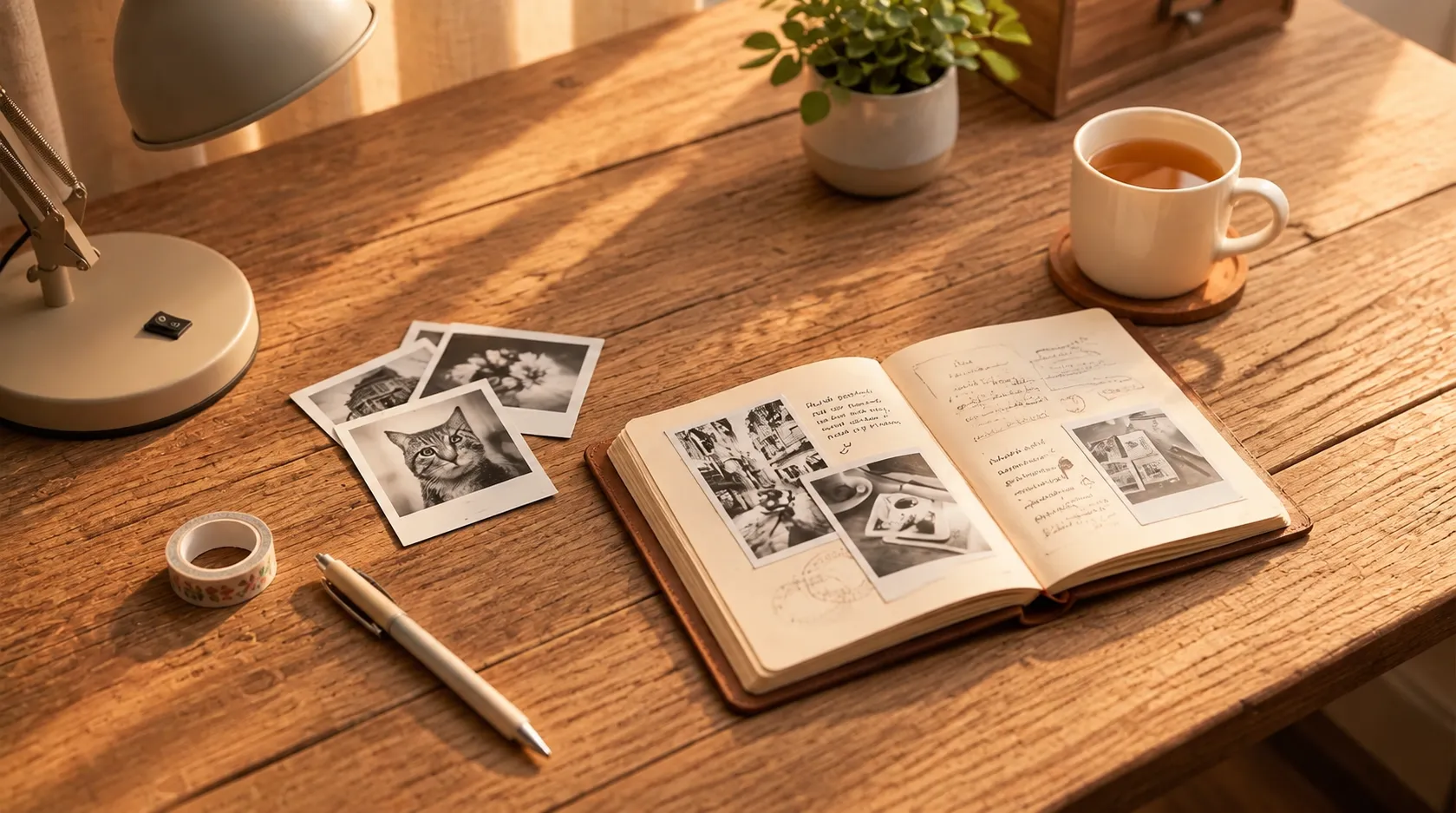
With the help of a mini photo printer, you can bring all the photos you love into the real world. This portable device is convenient for making different creative projects. Before you buy one, think about portability, print quality, compatible paper types and design options.
📸 Compact and Portable
The most significant advantage of a mini photo printer is its size. Its compact design makes it easy to keep in a drawer or pack in your suitcase when travelling. Imagine making custom souvenirs during your journey or putting your travel memories into a scrapbook at a coffee shop. A portable Photo Printer can easily become your creative companion wherever you go.
📱 Easy Phone Printing
You don't need design skills or complicated software. Many mini printers connect to your smartphone via Bluetooth, allowing you to edit and print photos through a companion app. Crop images, add text and choose templates to create prints that feel completely your own.
🎨 Beyond the Lens
A mini photo printer can be used for much more than photos. Depending on compatible printing materials, you can create picture stickers, text designs, small labels and scrapbook elements. Use one device for decorating planners, organizing storage boxes and personalizing notebooks.
2. Some Creative Ways to Use Printed Stickers and Photos
What can you do with your printed images? Small prints are surprisingly versatile. You can use them to decorate your belongings, preserve special memories, and make gifts or handmade projects. A few printed pictures, some stationery and a little imagination are often enough to create something lovely.
📔 Decorate Your Journal
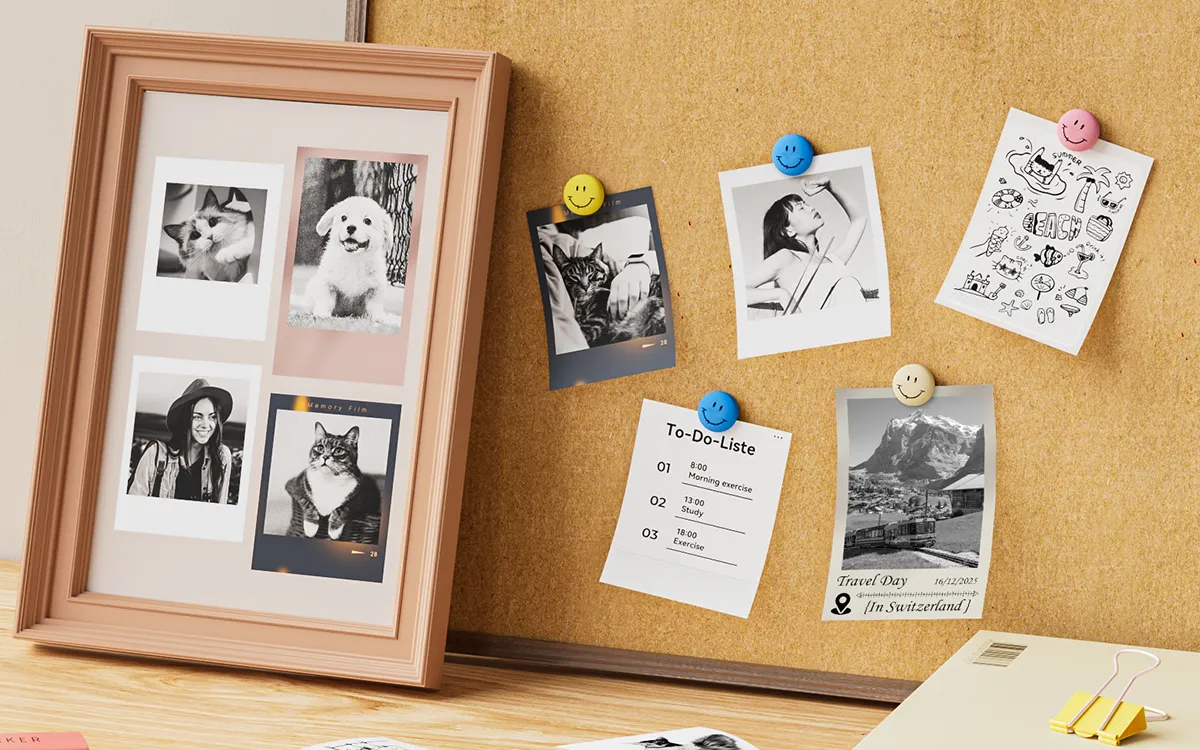
Fill your journal with printed photos, handwritten notes and little decorations. Print pictures from your favourite trips, coffee dates or everyday moments, then arrange them with dates and short captions. Add a few sketches or decorative words to complete the page. Your journal doesn't have to be perfect; the most important thing is that it reflects your own personality and memories.
💜 Make Custom Stickers
Why settle for ordinary sticker designs when you can make your own? Use pictures of your pets, favourite foods, holiday memories and more to create DIY stickers. Add small frames, little texts and symbols to make each design unique. They're perfect for decorating your planner, notebook, gift wrapping and many other creative projects.
🎁 Make It Personalized
Add printed details to your gifts to make them unique. You can print a favourite photo, the recipient's name or a special message. You can also create themed designs for different occasions and holidays. These little details don't require expensive materials, but they show how much thought you've put into preparing your gift.
✨ A Little Creative Tip
Try combining printed photos, short captions and decorative elements in one project. Even a simple notebook can become something special when you add a few personal touches!
3. Introducing NIIMBOT B2 Pro and B21 Pro
If you're searching for a printer that can be used for both everyday labeling and creative printing, NIIMBOT B2 Pro and B21 Pro are two options worth exploring. Both printers offer 300 DPI thermal printing and support compatible printing materials for different creative projects.
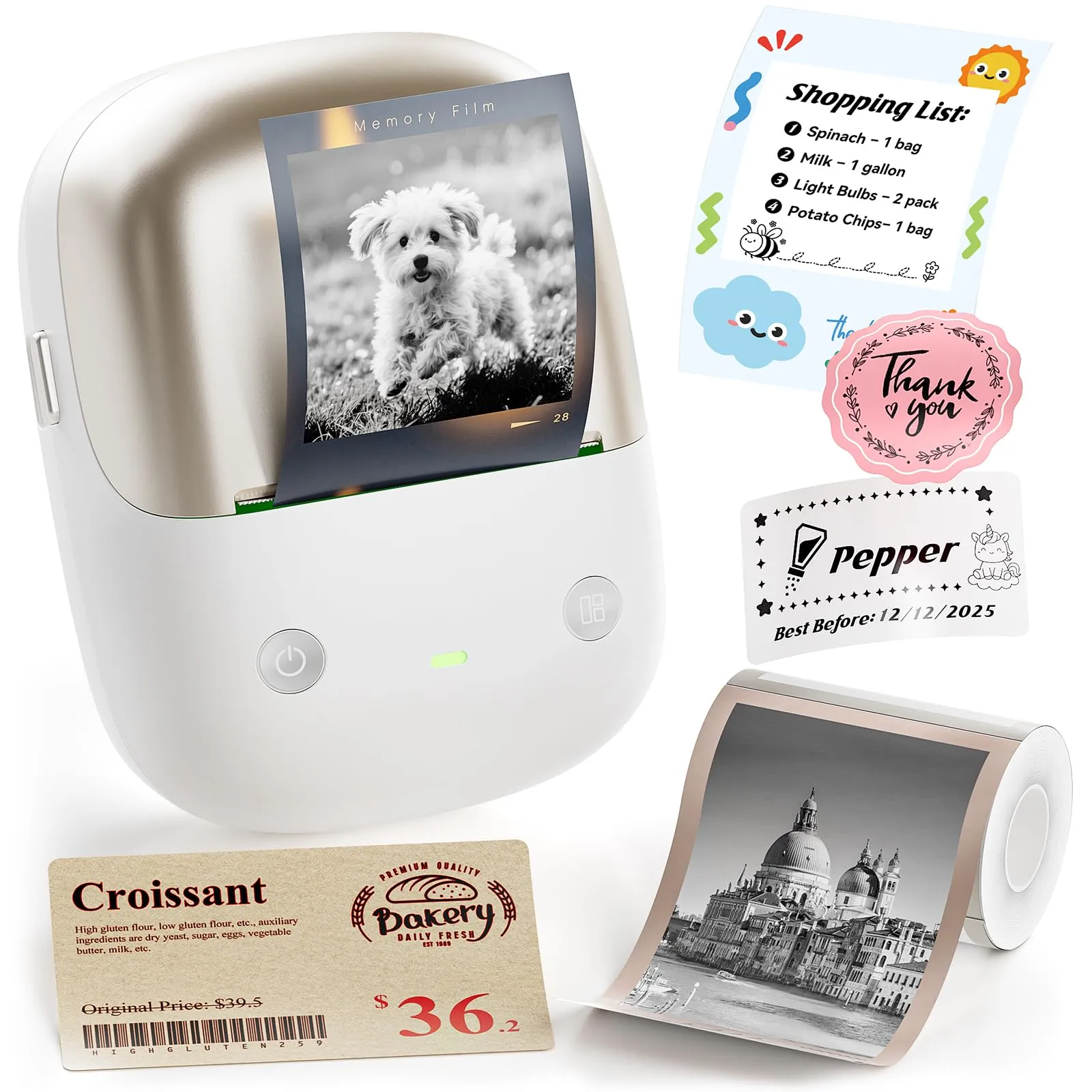
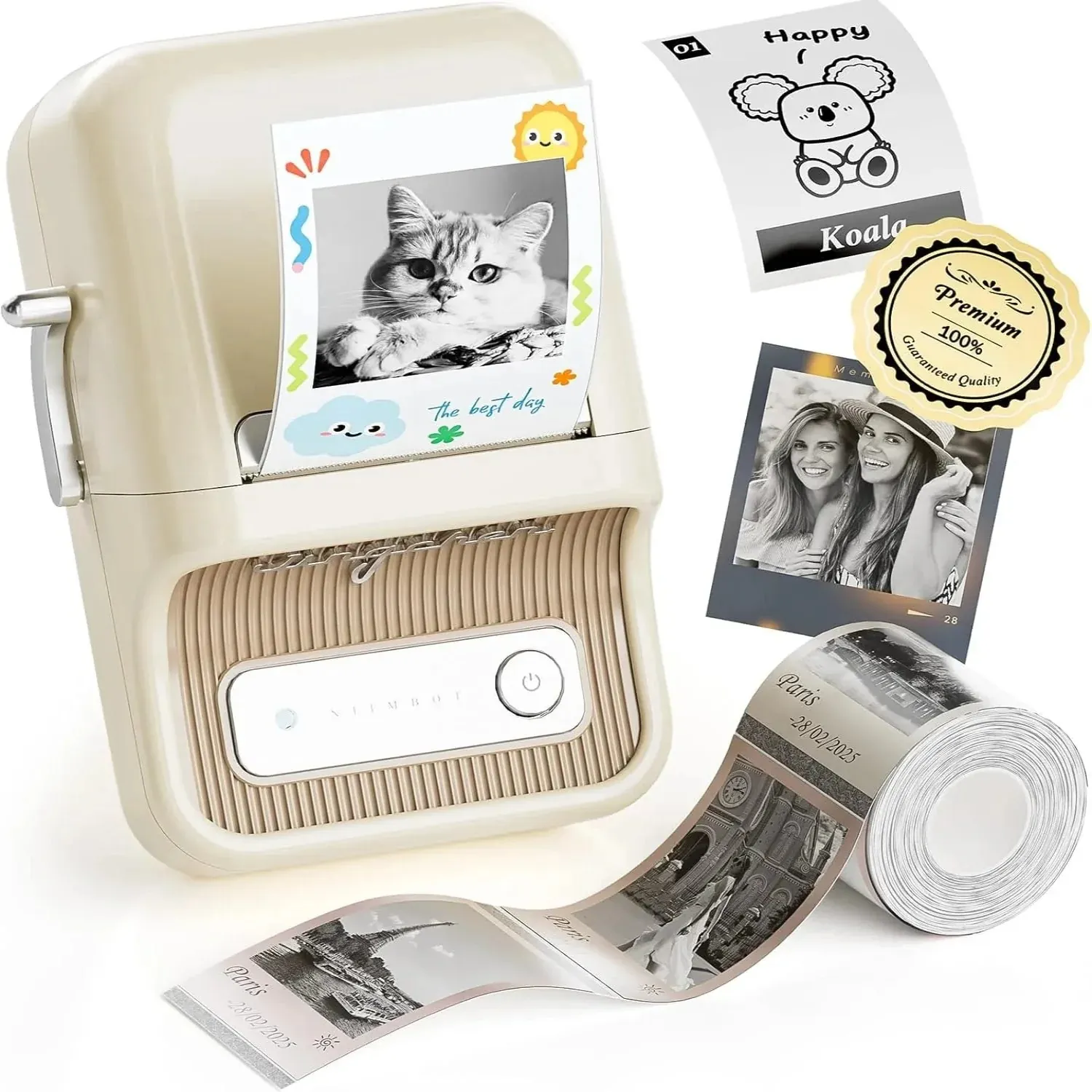
🤔 Which One Should You Choose?
Since both models support creative printing and everyday labeling, your decision can come down to personal preference and intended use. Consider the printer's appearance, your working environment and the compatible printing materials you plan to use. Either model can be a useful addition to your creative workspace.
4. Print Cute Stickers and Black-and-White Photos
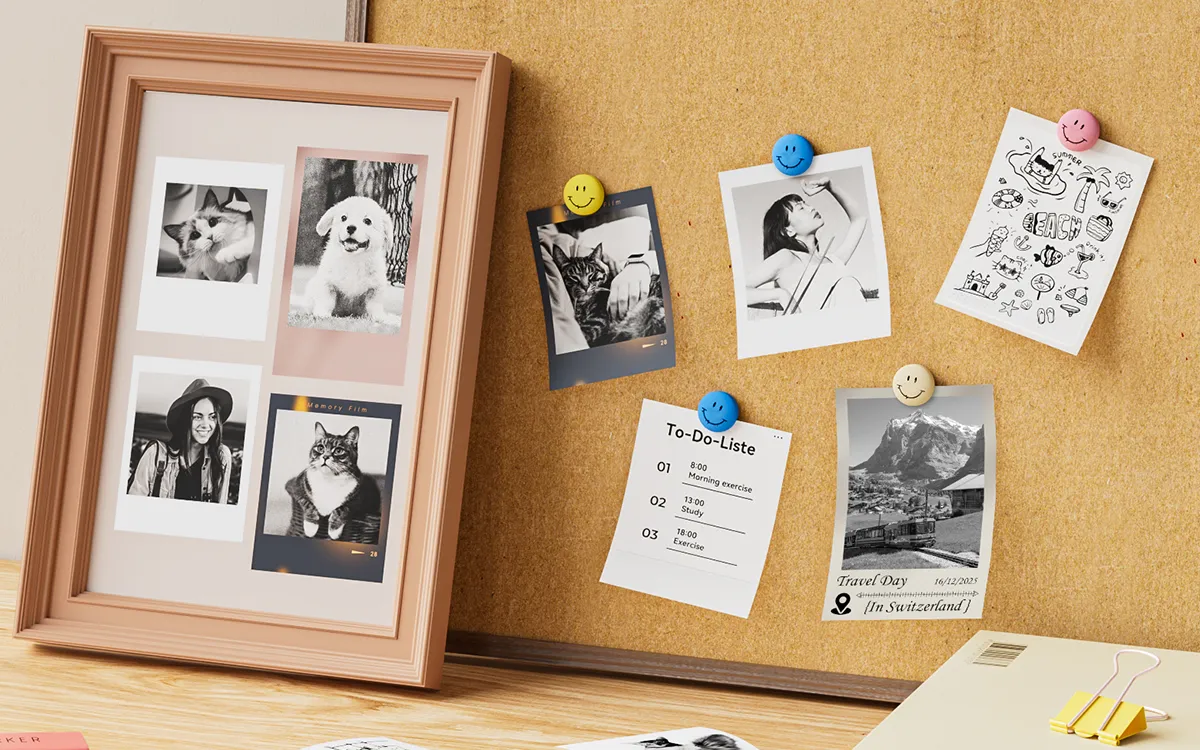
One of the most exciting features of a mini photo printer is seeing your digital designs become physical prints. Using compatible thermal paper and templates, you can make pictures, add text and decorations, and explore different creative ideas. Mini photo printers let you create everything from cute stickers to black-and-white photos.
🐾 Cute Picture Stickers
Turn photos of your pets, favourite dishes, trips or everyday objects into cool decorative prints. Choose pictures with clear subjects, then add borders, captions or small graphic symbols. Pet photos can become a sticker collection for your planner, while food photos can decorate your recipe book. They're also lovely for gift wrapping and personal notebooks.
🖤 Black-and-White Photos
Black-and-white photographs add a timeless charm to your memories. Choose clear pictures with good contrast and adjust brightness before printing. You can put several prints together in a scrapbook or add handwritten titles and dates. Remember that thermal printing produces grayscale pictures rather than full-color photographs.
✍️ Creative Text Stickers
Another fun thing to print is a text message or quote. Phrases like "Make Today Count" or "Good Vibes Only" can look lovely on stickers when paired with simple designs or small pictures. You can also create information stickers featuring dates, headings or category names.
Keep your quotes short and choose simple, legible fonts to make every design neat and clear.
✨ Ready to Create Something Special?
Explore more NIIMBOT printers and discover tools to make your everyday organization and creative projects easier.
Explore NIIMBOT Home →Frequently Asked Questions
1. Do I need ink or toner for a thermal mini printer?
No. Thermal printers use heat to create images on compatible thermal printing materials, so they don't require traditional ink cartridges or toner. Make sure you choose the correct paper or label material for your printer.
2. How can I make small photo prints look clearer?
Start with a high-quality original image and make sure the main subject is easy to recognize. Before printing, crop unnecessary background details and adjust brightness and contrast. Simple images often work better at smaller print sizes.
3. Can I use different types of printing paper with my mini printer?
It depends on the printer model. Different printing materials may vary in width, surface finish and intended use. Always check the printer's compatibility requirements before purchasing paper or sticker rolls to ensure the best printing experience.
💛 Make Every Little Memory Special
From cute stickers to meaningful photo prints, a mini printer gives you more ways to enjoy your creativity. Pick your favourite idea and start making something uniquely yours!